


Warning: Potential Security Risk Ahead
I have an website which I prior to this error message have visited many times on Firefox and had no problems. Recently though around two days ago I noticed that I couldn't get in and was met with the following message "Warning: Potential Security Risk Ahead". I can't bypass it apparently and I really need to be able to access this site as it's a University site.
I can access the site on other browsers such as Chrome and Edge but I use Firefox as my default browser and I'd like to keep it that way. I'd appreciate any help I can get.
Said link: https://canvas.gu.se/

Soluție aleasă
I think I'm gonna try contacting the organization and figure something out, worst case scenario I can just switch browser not the end of world. Thank you all for your help (:
Citește răspunsul în context 👍 1Toate răspunsurile (11)
Looking at your screenshot, clicking the Advance option should let you go forward.
Hello
Troubleshoot security error codes on secure websites. https://support.mozilla.org/en-US/kb/error-codes-secure-websites
If the error occurs on one site only, test it using SSL Labs https://www.ssllabs.com/ssltest
https://www.ssllabs.com/ssltest/analyze.html?d=canvas.gu.se Overall Rating F https://www.ssllabs.com/ssltest/analyze.html?d=canvas.gu.se&s=34.247.249.244 https://www.ssllabs.com/ssltest/analyze.html?d=canvas.gu.se&s=54.154.44.207 https://www.ssllabs.com/ssltest/analyze.html?d=canvas.gu.se&s=52.19.231.164
Website scanner for URLs https://urlscan.io, you can scan.
https://urlscan.io/result/019af731-db4f-759e-b903-f5331383e758/#redirects Try the fourth link, Page URL.
What happened with the Advance option in your screenshot? Are you running any security software besides MS Defender?
Copied fourth link, pasted link, works.
Have you tried clear your browser's cache.
For information. Given that canvas.gu.se not secure, i used, for a moment, configure trusted addresses. https://support.kaspersky.com/help/Kaspersky/Win21.23/en-US/201001.htm https://support.kaspersky.com/help/Kaspersky/Win21.23/fr-FR/201001.htm For illustration. https://www.youtube.com/watch?v=WRIwWMtA7ow
Jonzn4SUSE i am not using any other security softwares. Clicking advanced shows me another "go back" message and says "Error code: SEC_ERROR_REVOKED_CERTIFICATE" Then I can also view said certificate
Soluție aleasă
I think I'm gonna try contacting the organization and figure something out, worst case scenario I can just switch browser not the end of world. Thank you all for your help (:
Interesting... Change network by using your phone's hotspot and try again. Yes, I see the issue in Firefox, but it works in Waterfox. see screenshots


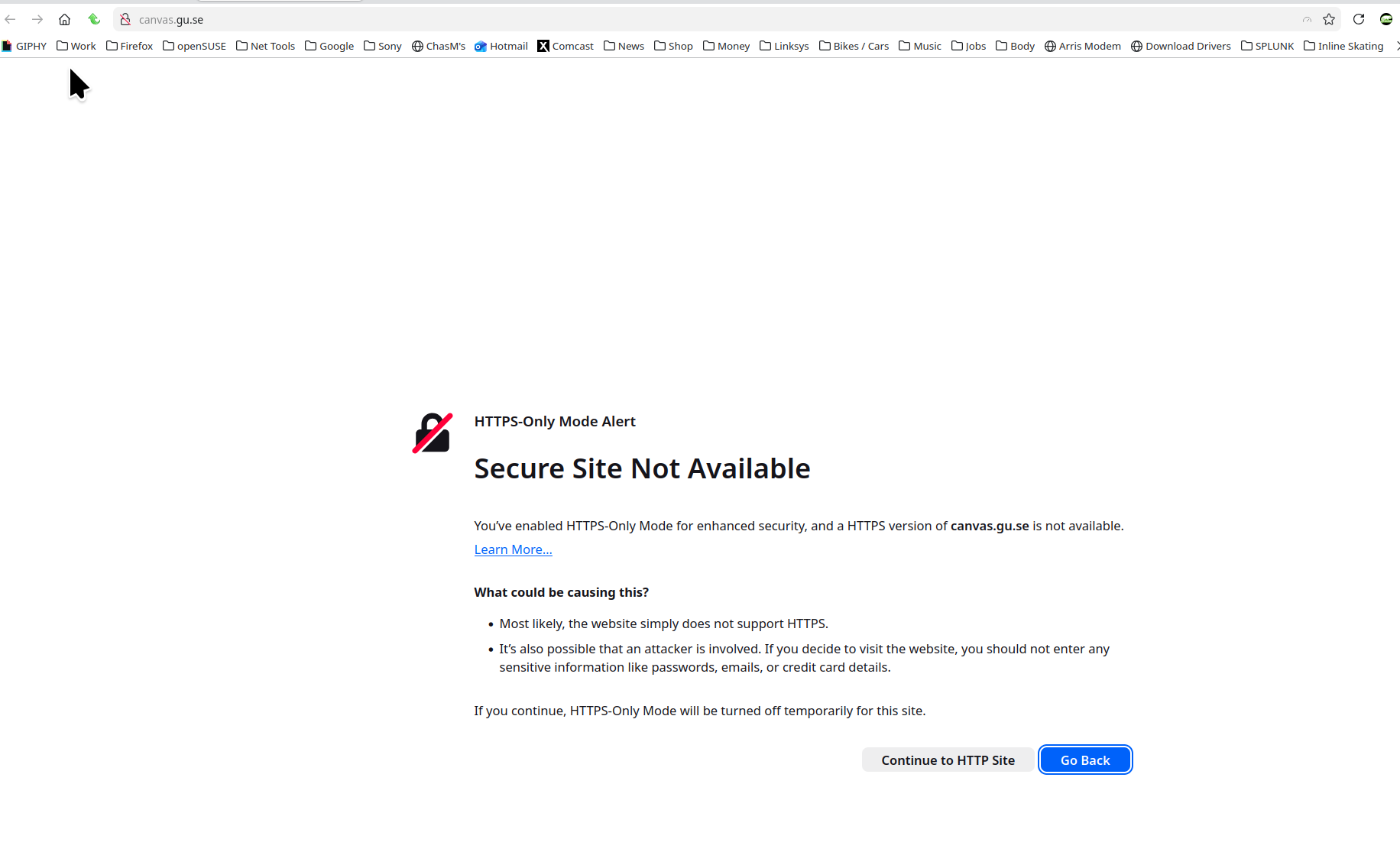
niknosrati said
I think I'm gonna try contacting the organization and figure something out, worst case scenario I can just switch browser not the end of world. Thank you all for your help (:
Have a nice day.

For information purposes, Firefox 140.5.0 at the right, take a look at.
Interroger le répondeur OCSP pour confirmer la validité de vos certificats.
Hello
On SSL Labs https://www.ssllabs.com/ssltest, you can do a new analysis of, https://canvas.gu.se