


Windows 10 reached EOS (end of support) on October 14, 2025. If you are on Windows 10, see this article.

Caută ajutor

Atenție la excrocheriile de asistență. Noi nu îți vom cere niciodată să suni sau să trimiți vreun SMS la vreun număr de telefon sau să dai informații personale. Te rugăm să raportezi activitățile suspecte folosind opțiunea „Raportează un abuz”.

Află mai multe
Arhivate

Accessing pinned favorites issue re-occurring

Erik Jones răspuns
msengel32

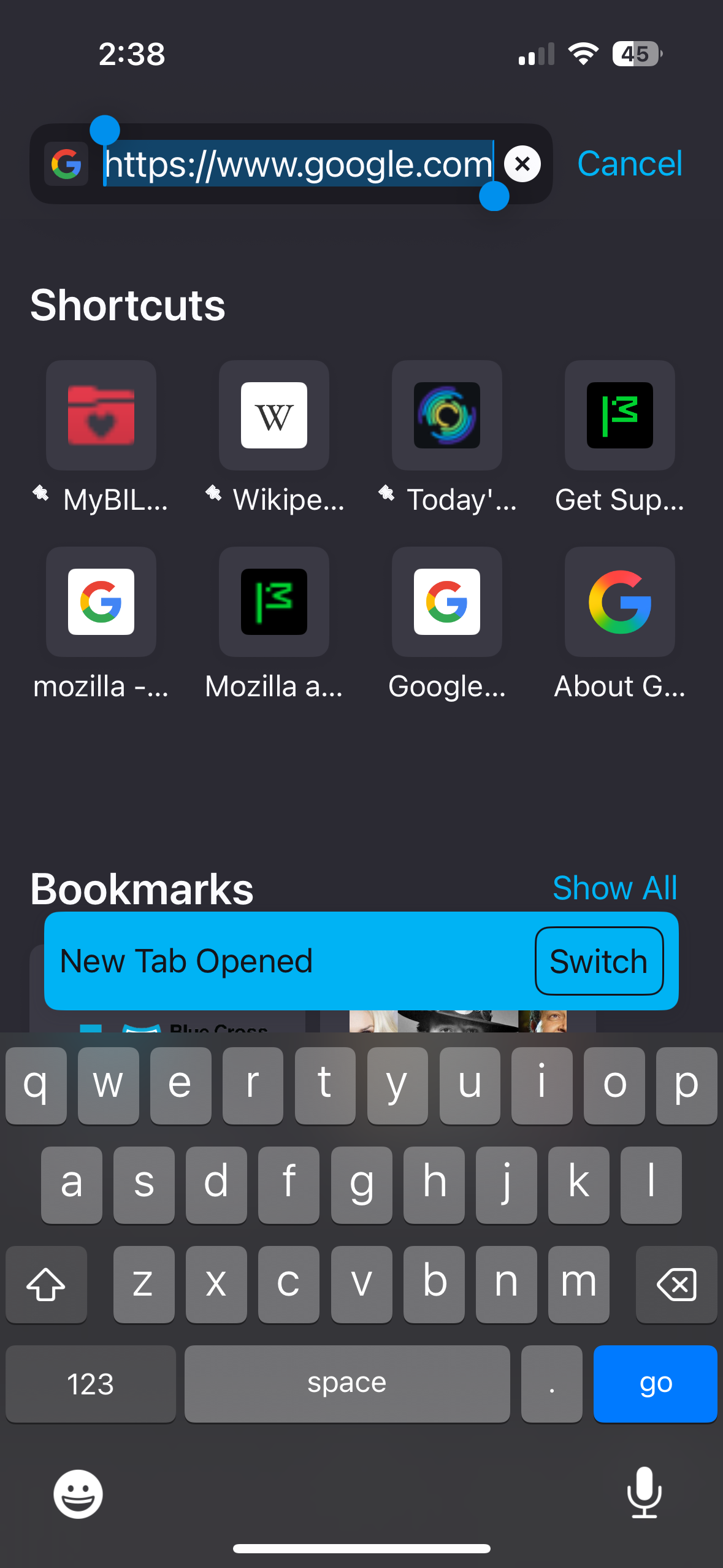
When I launch Firefox iOS for mobile and press on any of my pinned favorites, nothing happens. To actually access the pinned favorites or recently accessed browser pages it is now a 3-step process instead of 1. The first step is to press AND hold the favorite you want to access. When depressed, a menu of options appears which gives the user the option to choose “Open in new tab.” When the “Open in New Tab” option is chosen a blue banner appears below that reads “Open in new tab” at which point the favorite or recently visited site opens up. This had been going on for months until about a week ago but is back again and it is annoying!!!
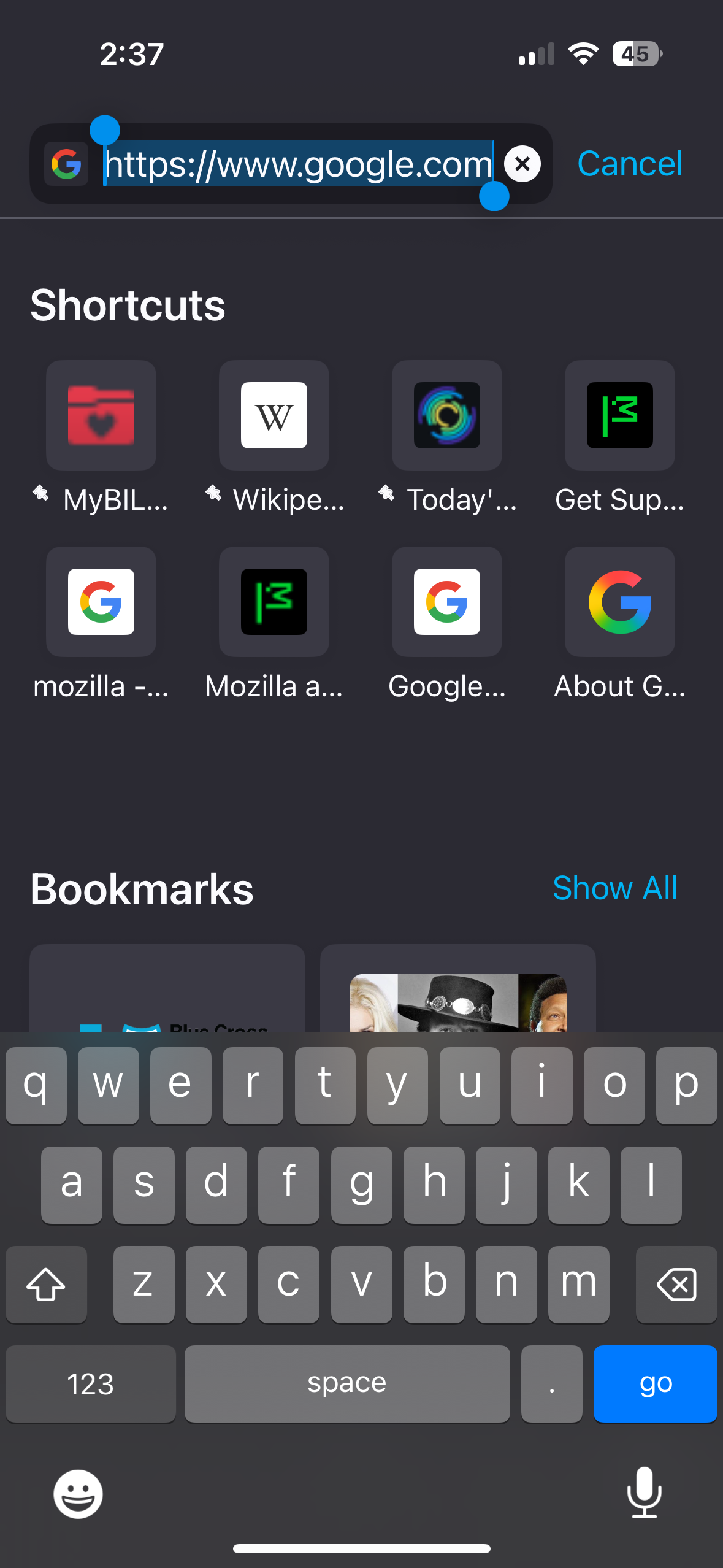
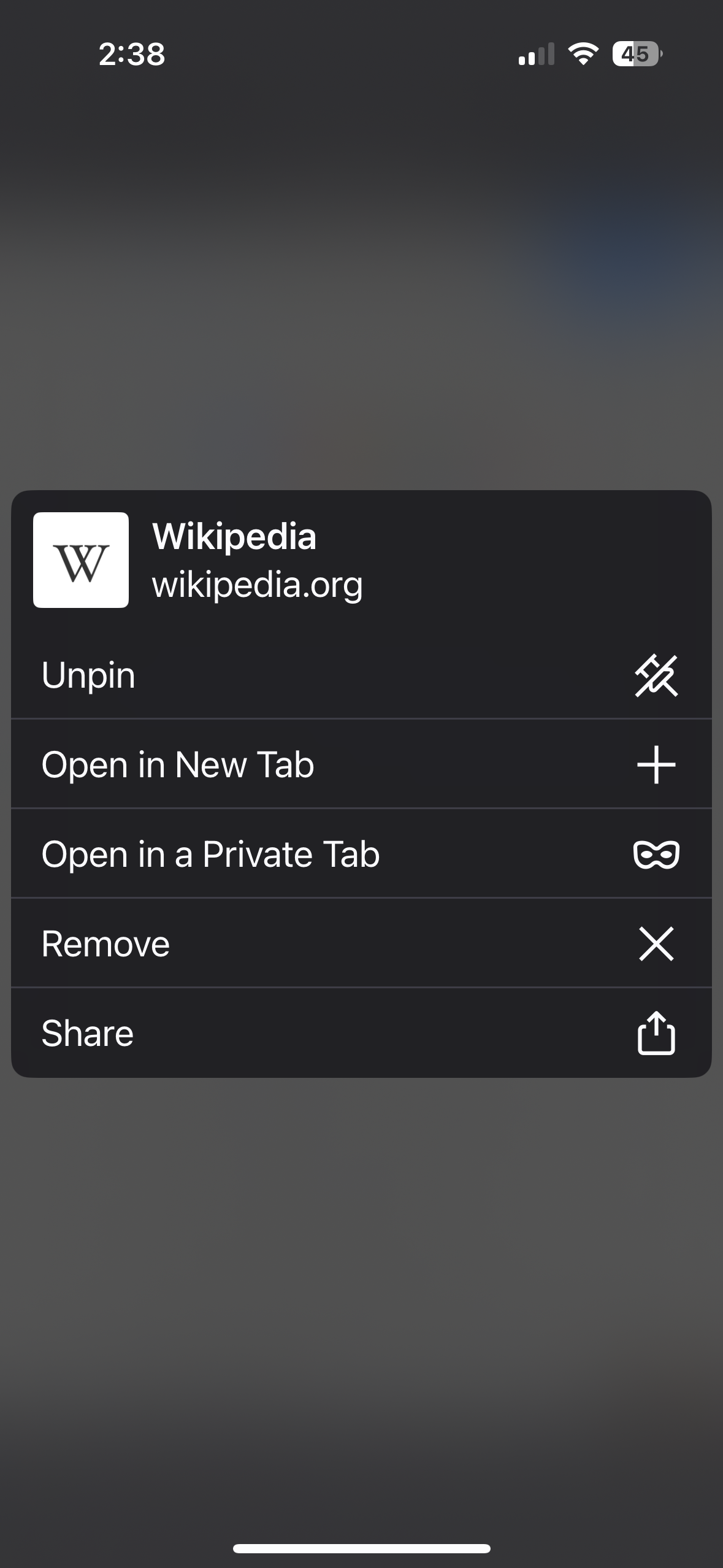
When I launch Firefox iOS for mobile and press on any of my pinned favorites, nothing happens. To actually access the pinned favorites or recently accessed browser pages it is now a 3-step process instead of 1. The first step is to press AND hold the favorite you want to access. When depressed, a menu of options appears which gives the user the option to choose “Open in new tab.” When the “Open in New Tab” option is chosen a blue banner appears below that reads “Open in new tab” at which point the favorite or recently visited site opens up. This had been going on for months until about a week ago but is back again and it is annoying!!!
Capturi de ecran atașate

Toate răspunsurile (1)

Same here. Only difference is I did not have this problem over the last few weeks like you seem to have, but it started with the last update and it's really annoying because I cannot click on any of my favorites.