the sync or account button does not appear

Hello, after installing a new hard drive (the old one died and I couldn't recover the data), I reinstalled everything on my PC, except that a friend recommended installing Arium (Windows 10.8 LTS). It works fine, except that now I have no way of connecting my Mozilla account to Firefox to recover my passwords and other saved tabs.
I've searched a lot, tried several installations, and even installed a previous version of Firefox, but nothing works...
Do you know why? Is it because of Arium?
Thanks
Toate răspunsurile (6)
Just go to the settings page and you will see the sync section. What security software are you running besides MS Defender? What version of Firefox?
Sync info... FYI... Firefox Sync IS NOT A DATA BACKUP SERVICE https://support.mozilla.org/en-US/kb/how-do-i-set-sync-my-computer https://support.mozilla.org/en-US/kb/how-do-i-choose-what-information-sync-firefox https://www.mozilla.org/en-US/firefox/features/sync/ https://hacks.mozilla.org/2018/11/firefox-sync-privacy/ Sync is not a backup tool but it is a good sync/transfer/move tool https://support.mozilla.org/en-US/forums/contributors/707681
Hello, and thank you.
I have Firefox 138.0.1.
I don't have any security software yet.
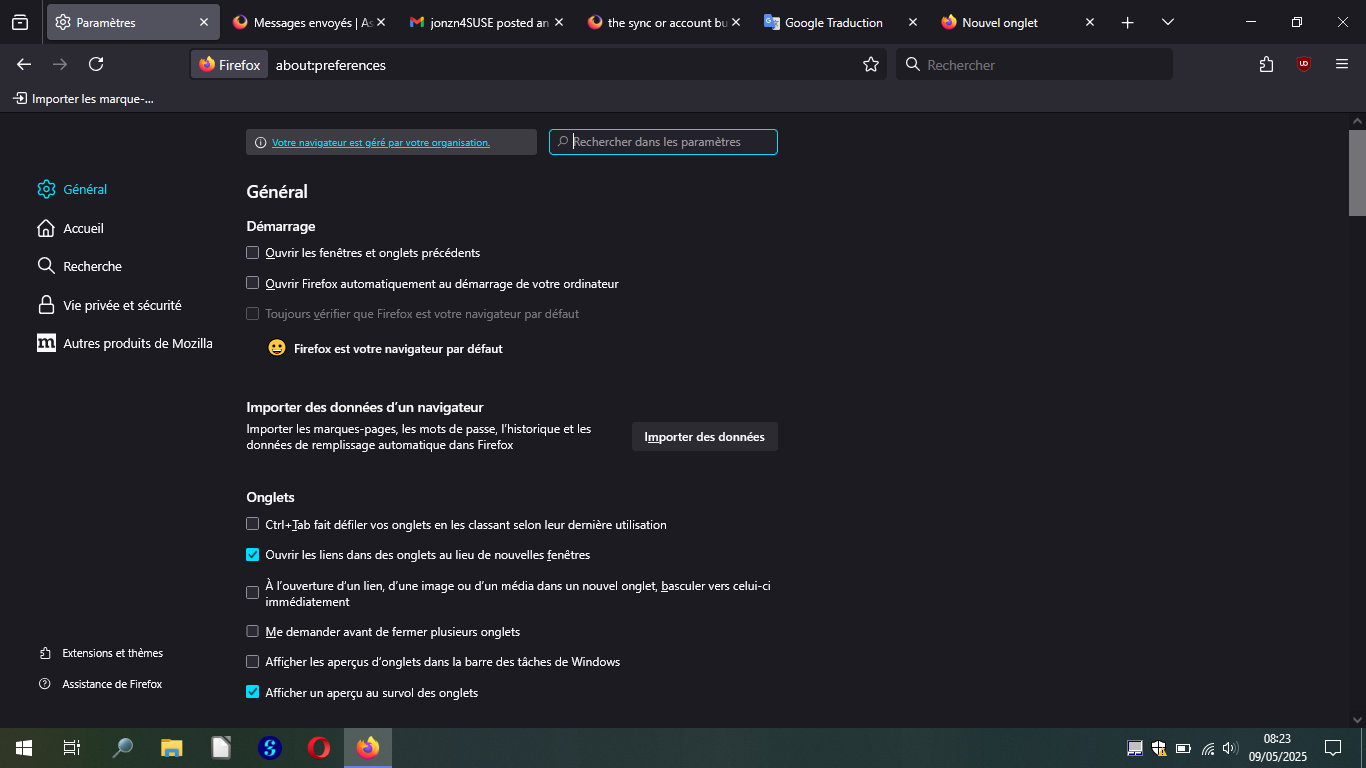
Finally, on the Firefox "Settings" page, I don't see a "Sync" section.
I can't send you images of the entire Settings menu, but there's no "Sync" or reference to a possible Firefox/Mozilla account...
Thank you.
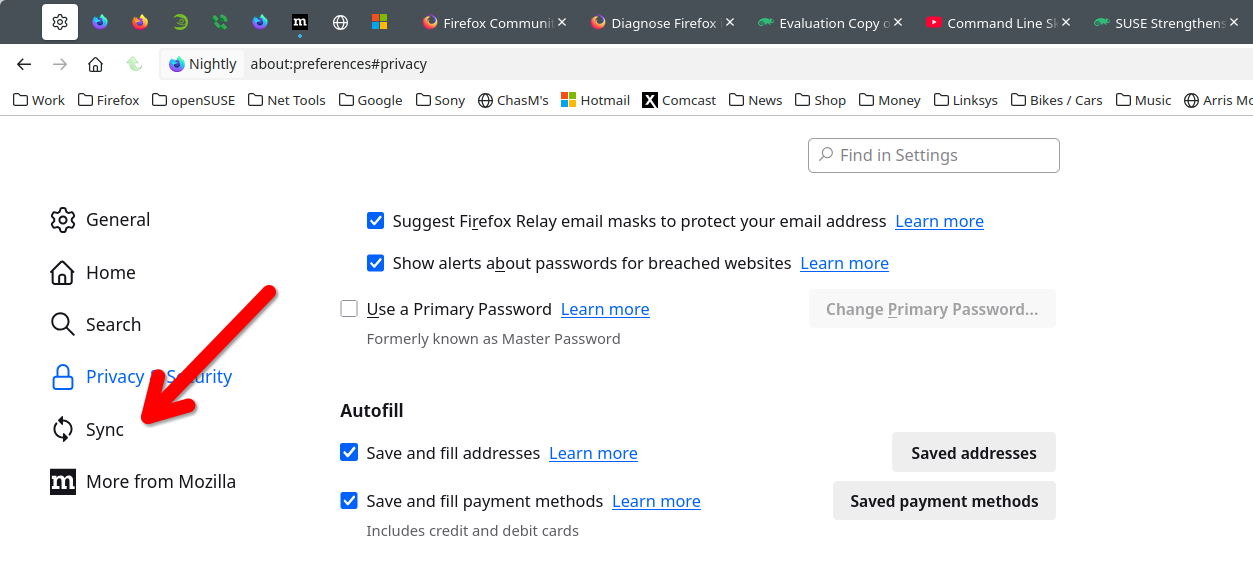
Use the snipping tool to make a screenshot. Would be helpful if we could see what you're seeing. Where did you get Firefox from? You are not seeing this? see screenshot What OS?
Hello. I'm sorry, I forgot to include the screenshot. Here are a few.
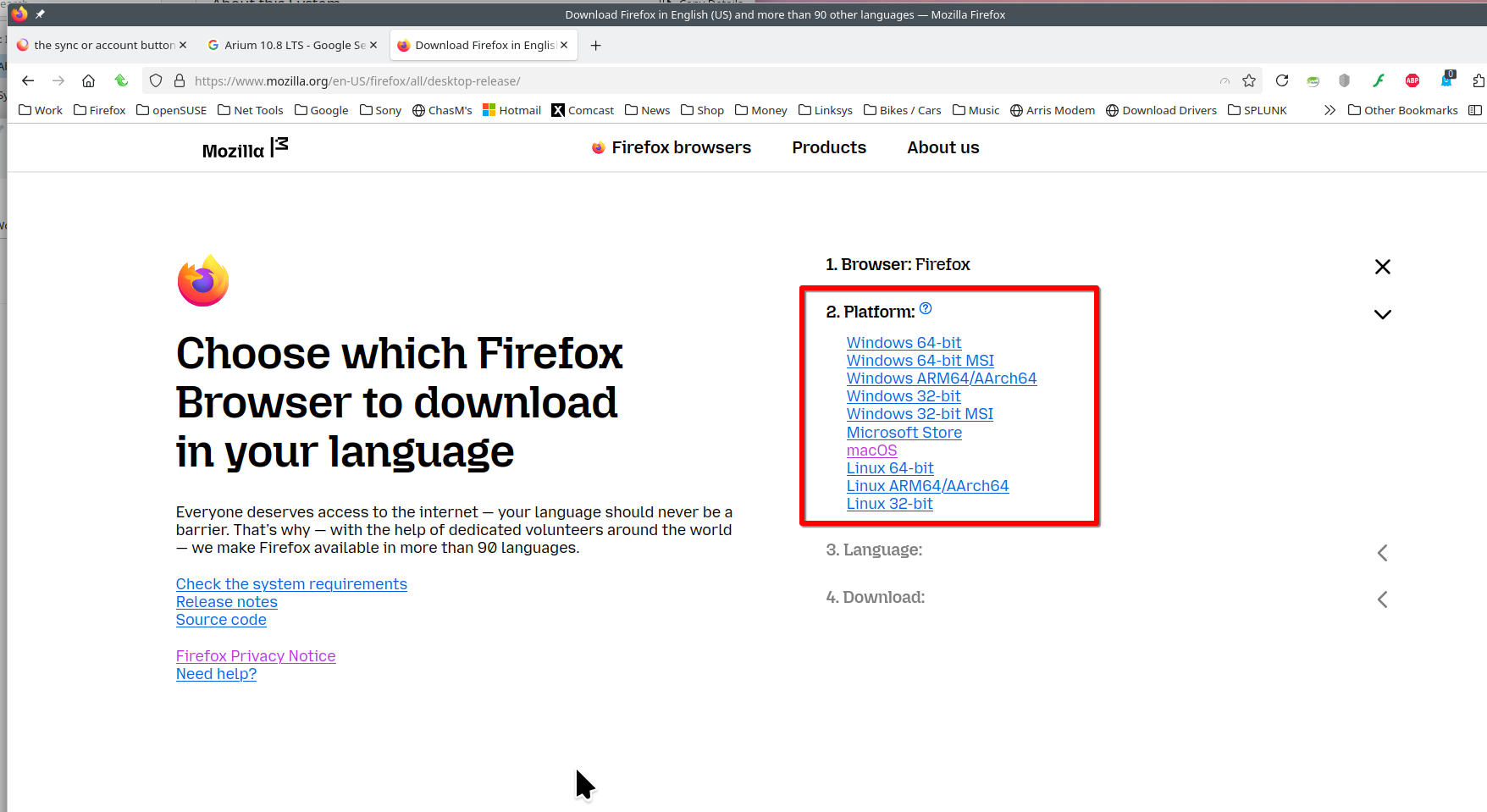
I downloaded Firefox from several sources to find a solution: -from the mozilla site -from softs'ium
my operating system is Arium 10.8 LTS (64 bit)

No wonder you're having issues. Someone from Dev will have to chime in because that's not on the support OS list.