


"open message as conversation" and searching don't work

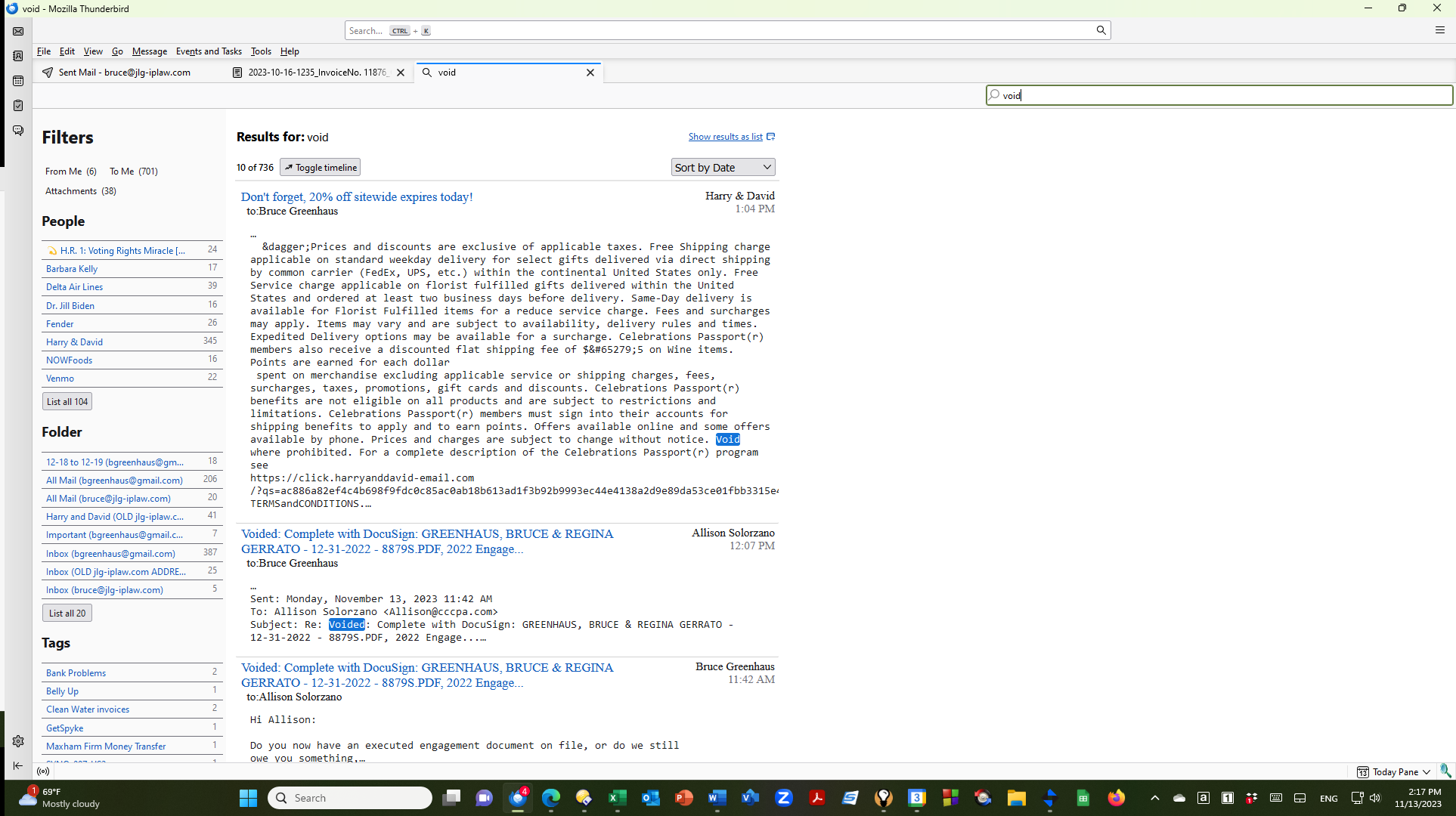
One of the most useful features is "open message as conversation" to find related e-mails in a string that are in other folders. When I try to use this feature (see attached images), I get a blank page returned. The same blank page is returned when I try to open a message in a search result.
One of the most useful features is "open message as conversation" to find related e-mails in a string that are in other folders. When I try to use this feature (see attached images), I get a blank page returned. The same blank page is returned when I try to open a message in a search result.

Toate răspunsurile (1)
I'm replying to my own question. The problem was an add-on for "Expression Search - NG". Once I disabled that, everything works fine. I'm assuming that there is an incompatibility in this add-on with the new version of Thunderbird.
I found this solution based on another person saying that they disabled the add-on cardbook. Thanks!!!!