


HTTPS-Only Mode Exception List isn't saved between browser restart
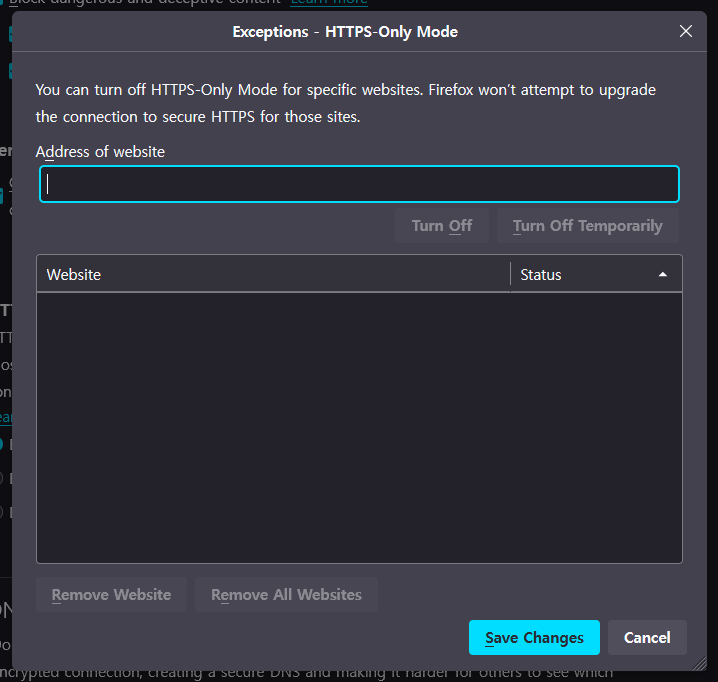
If I add sites to 'Exceptions - HTTPS-Only Mode' list, I expect that sites are preserved after browser close and restart. But after I close and restart Firefox, the list become empty.
I don't know why this happens. I even deleted every profiles and created new profile. The problem still exists.
Is there any way to manually add HTTPS-Only exception list by editing files in profile directory like 'prefs.js' as a workaround? If Firefox can't save the data, I will manually edit that file and mark it as read-only.
Toate răspunsurile (2)
Make sure to keep the "Site settings".
- clearing "Site settings" clears exceptions for cookies, images, pop-up windows, and software installation and exceptions for passwords and other website specific data
- Settings -> Privacy & Security
Firefox will: "Use custom settings for history":
[X] "Clear history when Firefox closes" -> Settings
cor-el said
Make sure to keep the "Site settings".
- clearing "Site settings" clears exceptions for cookies, images, pop-up windows, and software installation and exceptions for passwords and other website specific data
- Settings -> Privacy & Security
Firefox will: "Use custom settings for history":
[X] "Clear history when Firefox closes" -> Settings
So you're telling me to uncheck 'Site Settings' in 'Clear history when firefox closes'?
EDIT: Yes, that seems to solve the problem. Thank you a lot! I don't get why it didn't work when I first had that issue. I remember I unchecked that first, but it didn't work so I re-checked 'site settings'...
Modificat la de tetratheta