


Links (hyperlinks ?) not working.

Links not working. I'm elderly and uncomfortable with system problems. When I click on a link in a PDF or word doc it does not work.
Toate răspunsurile (4)

Not sure but how is this a Firefox issue? Where are these PDF or word docs coming from?
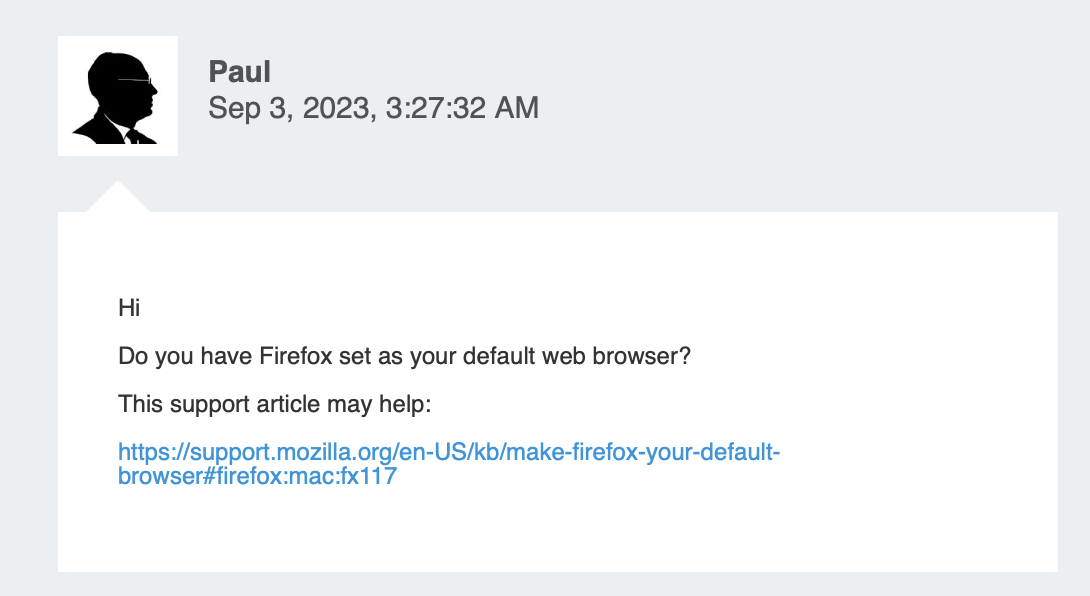
Hi
Do you have Firefox set as your default web browser?
This support article may help:
https://support.mozilla.org/en-US/kb/make-firefox-your-default-browser#firefox:mac:fx117
Yes, Firefox is my default web browser.
To respond to you I had to copy and paste the link - in the past links in email, customer PDF's and Word docs worked. Now when I click on the link it takes me to a blank Firefox page.
I do think you need another person to be there when your clicking on the inks to verify what is actually happening because if you set the default Browser it should in theory open the correct Browser. So what email provider are you using here?