


Installation issue on Win 10

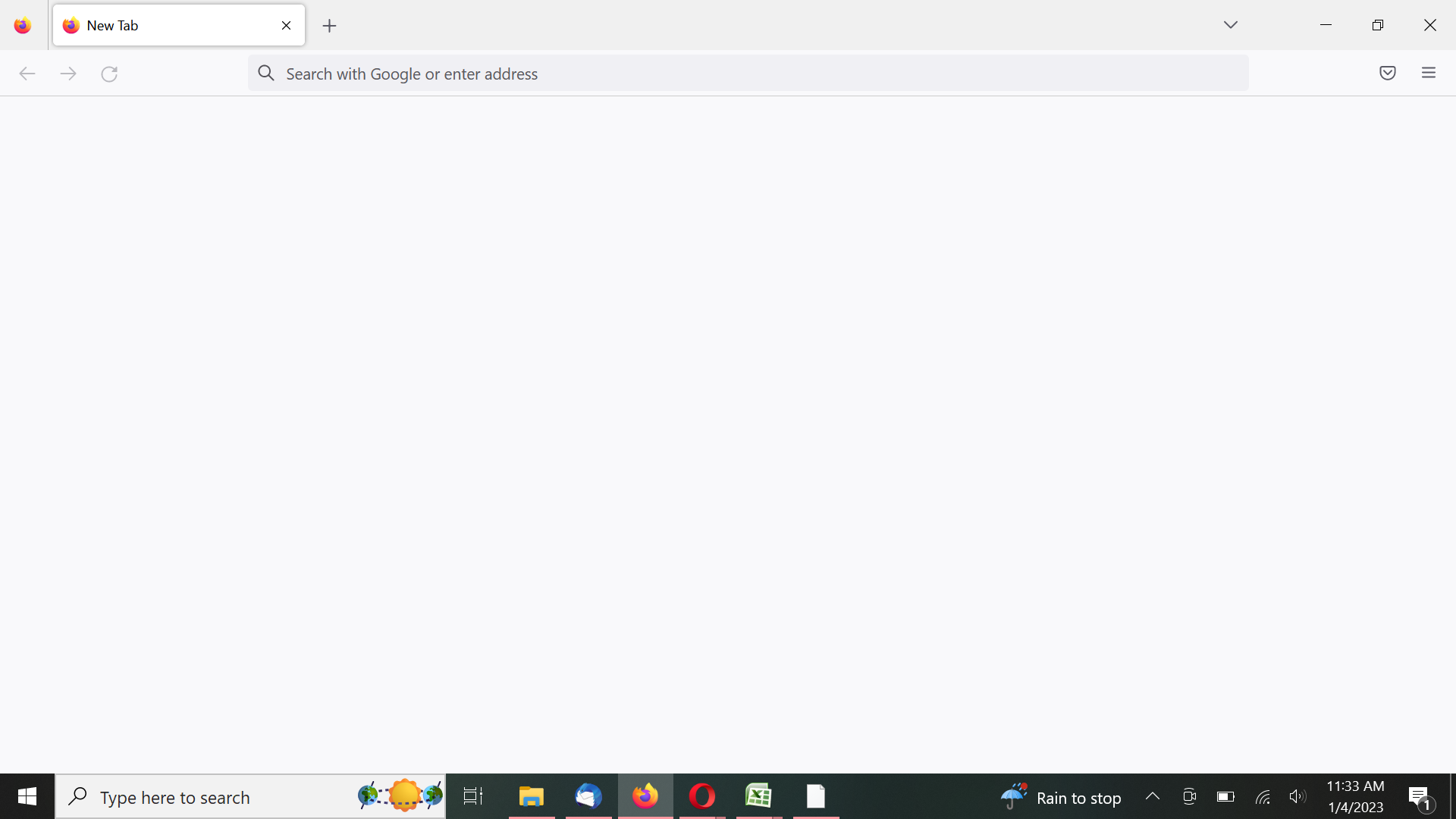
I have downloaded and installed Mozilla Firefox on a new computer through the Edge browser both from the Mozilla site and through the Microsoft store. The installation downloads and installs as it should. Firefox has been selected as the default browser and everything appears as it should. When I open Firefox and type in an address, nothing populates. No site will open on the screen. When I open settings in Firefox, nothing opens. When I open history, it shows that I have been to the sites that I have loaded even though they haven't shown on the browser. I have completely uninstalled Firefox and reinstalled it with the same result. I have downloaded Opera browser and it installs correctly, I have downloaded and installed Firefox from Opera and had the same result. Any ideas?
Thanks, John
Soluție aleasă
Wil,
Reinstall Firefox. Download the full installer. Check your permissions. Try to update the browser manually. Run Firefox as an Administrator. Disable Windows Defender. Check your security software.
I had already done all of these things to no avail. I found message that a file was missing, vcruntime140.dll. I copied it from another computer and pasted in the appropriate folder, and all is well now. Thank you.
Toate răspunsurile (3)
I just uploaded an image of the page.

Reinstall Firefox. Download the full installer. Check your permissions. Try to update the browser manually. Run Firefox as an Administrator. Disable Windows Defender. Check your security software.
Regards, Will
Soluție aleasă
Wil,
Reinstall Firefox. Download the full installer. Check your permissions. Try to update the browser manually. Run Firefox as an Administrator. Disable Windows Defender. Check your security software.
I had already done all of these things to no avail. I found message that a file was missing, vcruntime140.dll. I copied it from another computer and pasted in the appropriate folder, and all is well now. Thank you.