Windows 10 reached EOS (end of support) on October 14, 2025. For more information, see this article.

Caută ajutor

Atenție la excrocheriile de asistență. Noi nu îți vom cere niciodată să suni sau să trimiți vreun SMS la vreun număr de telefon sau să dai informații personale. Te rugăm să raportezi activitățile suspecte folosind opțiunea „Raportează un abuz”.

Află mai multe

Power Outage during Thunderbird 91.2.0 Upgrade. Now won't start.

  • 2 răspunsuri
  • 1 are această problemă
  • 55 de vizualizări
  • Ultimul răspuns dat de Tanne

mai multe opțiuni

On Oct 11, 2021, complete power outage occured while Thunderbird was in the process of updating to Version 91.2.0. The power immediately came back on, the desktop computer restarted but Thunderbird will not start. When trying to start, a small blue circle appears and then disappears. Using Windows 10, on desktop, 64-bit operating system, x64-based processor.

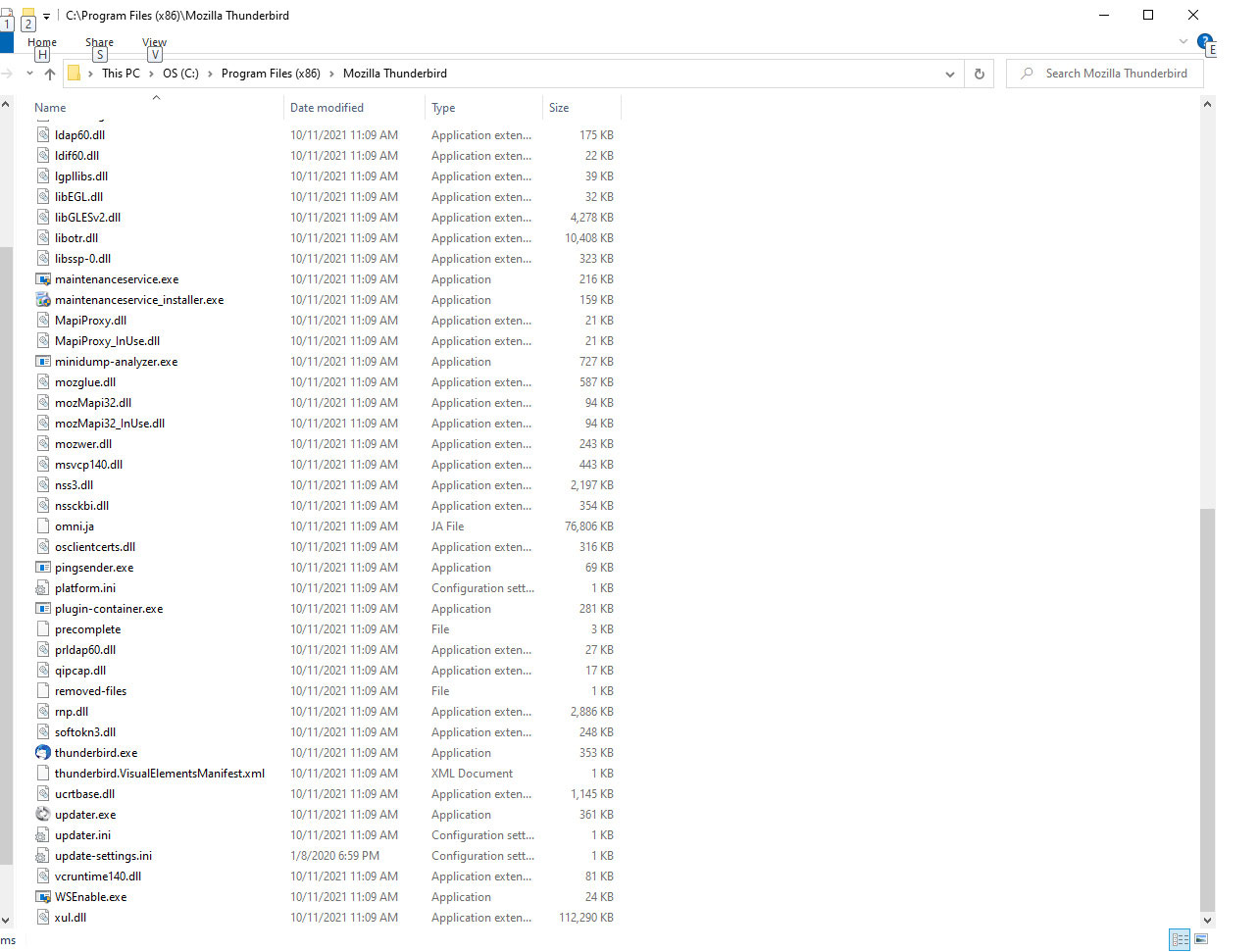
It will not start using the shortcut, or clicking on thunderbird.exe in Program Files (x86) > Mozilla Thunderbird, or using Windows-R and typing thunderbird -safe-mode. It is not running in the Task Manager.

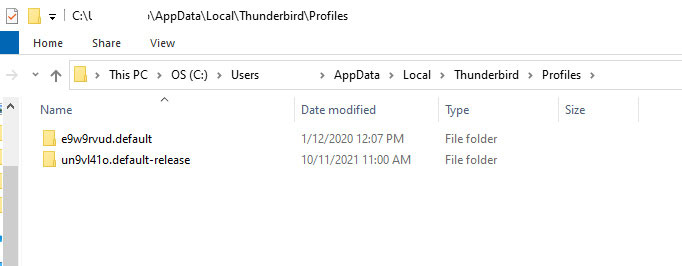
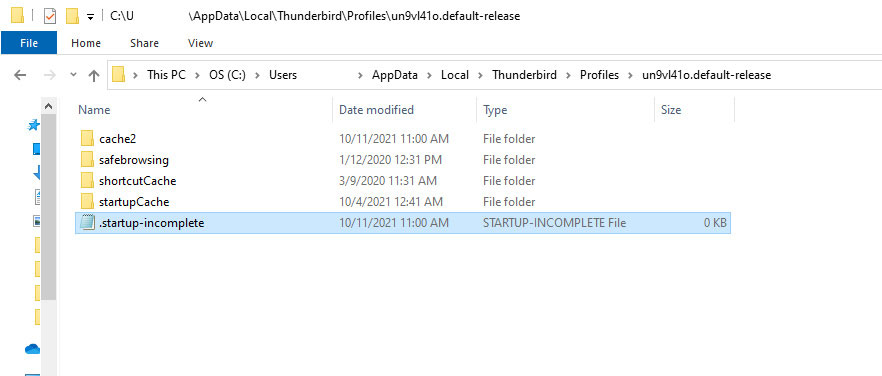
I did remove the following from the Profiles folders. But it still won't start.

   parent.lock
   session.json
   xulstore.json

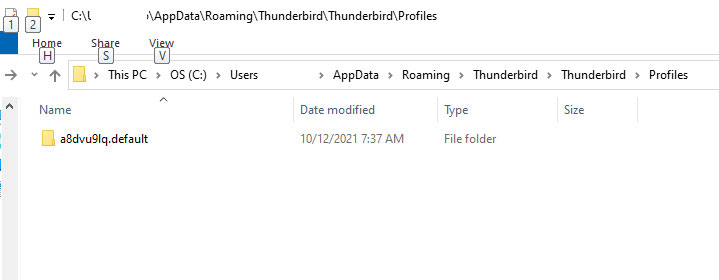
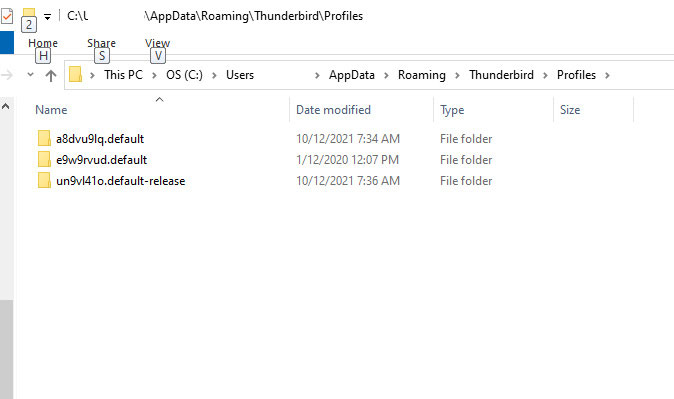
I don't know if I need to reinstall Thunderbird. I expect some of the Profile folders need repair, but I need help knowing just what to do. There is an extra Thunderbird and Thunderbird Profiles folder in AppData\Roaming\Thunderbird.

I'm sending images of the following:

C:\Program Files (x86)\Mozilla Thunderbird C:\Users\xxxx\AppData\Roaming\Thunderbird C:\Users\xxxx\AppData\Roaming\Thunderbird\Profiles C:\Users\xxxx\AppData\Roaming\Thunderbird\Thunderbird C:\Users\xxxx\AppData\Roaming\Thunderbird\Thunderbird\Profiles C:\Users\xxxx\AppData\Local\Thunderbird\Profiles

I don't want to cause more damage and hoping you can help. Thank you.
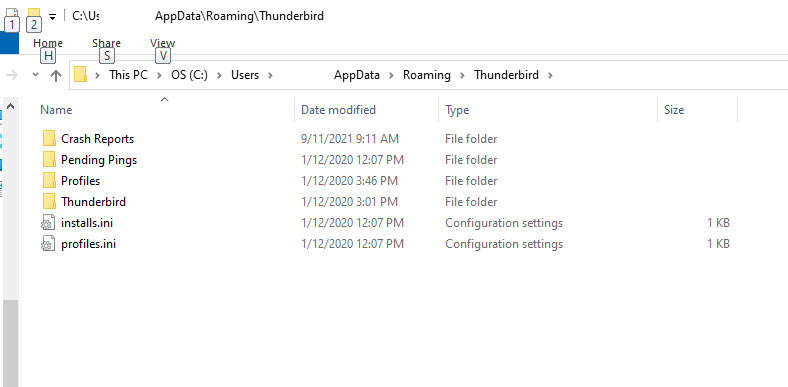
On Oct 11, 2021, complete power outage occured while Thunderbird was in the process of updating to Version 91.2.0. The power immediately came back on, the desktop computer restarted but Thunderbird will not start. When trying to start, a small blue circle appears and then disappears. Using Windows 10, on desktop, 64-bit operating system, x64-based processor. It will not start using the shortcut, or clicking on thunderbird.exe in Program Files (x86) > Mozilla Thunderbird, or using Windows-R and typing thunderbird -safe-mode. It is not running in the Task Manager. I did remove the following from the Profiles folders. But it still won't start. parent.lock session.json xulstore.json I don't know if I need to reinstall Thunderbird. I expect some of the Profile folders need repair, but I need help knowing just what to do. There is an extra Thunderbird and Thunderbird Profiles folder in AppData\Roaming\Thunderbird. I'm sending images of the following: C:\Program Files (x86)\Mozilla Thunderbird C:\Users\xxxx\AppData\Roaming\Thunderbird C:\Users\xxxx\AppData\Roaming\Thunderbird\Profiles C:\Users\xxxx\AppData\Roaming\Thunderbird\Thunderbird C:\Users\xxxx\AppData\Roaming\Thunderbird\Thunderbird\Profiles C:\Users\xxxx\AppData\Local\Thunderbird\Profiles I don't want to cause more damage and hoping you can help. Thank you.
Capturi de ecran atașate

Soluție aleasă

just do a reinstall from thunderbird.net and if that does not restore things to where they were then it is time to look for other issues.

Citește răspunsul în context 👍 1

Toate răspunsurile (2)

mai multe opțiuni

Soluție aleasă

just do a reinstall from thunderbird.net and if that does not restore things to where they were then it is time to look for other issues.

Modificat la de Matt

mai multe opțiuni

It worked! Thanks, Matt. Everything seems to be working as it should.