


unlocking protecting for insecure connection

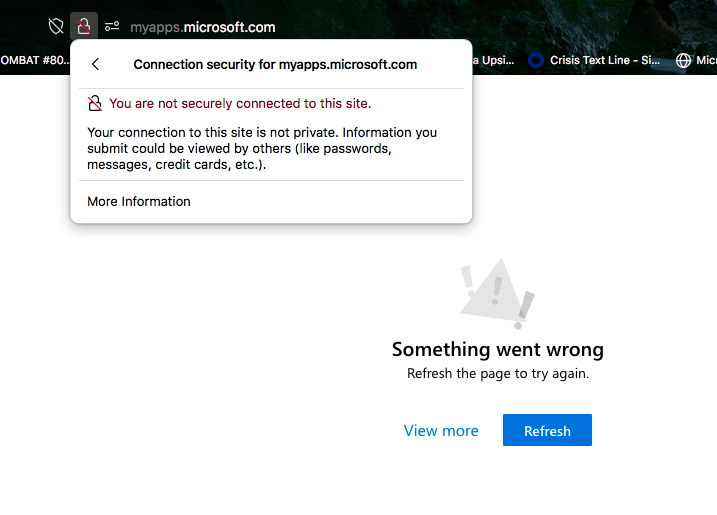
I have been trying to unlock the security setting preventing me from accessing my work hub link. I know it's secure, it's literally my job's website portal for a Healthcare network. I used to be able to access it no problem but all of a sudden Firefox is preventing me from accessing it without an option to disable protection when I click on more info like I usually can on browsers.
This is the link: http://myapps.microsoft.com/
Toate răspunsurile (1)
Soluție aleasă
Okay, this is strange. If I right-click your link and open it in a new window, I get that "Something went wrong" error page. But if I right-click your link and open it in a new private window, Firefox loads the https version of the page and then Microsoft asks me to sign in. Whaaaat??
I can't explain the difference, but if you go ahead and use the secure address (add the "s" to change http:// to https://), we may not need to figure that out: