


Archive folder is empty. Where did all my 2019 emails go?
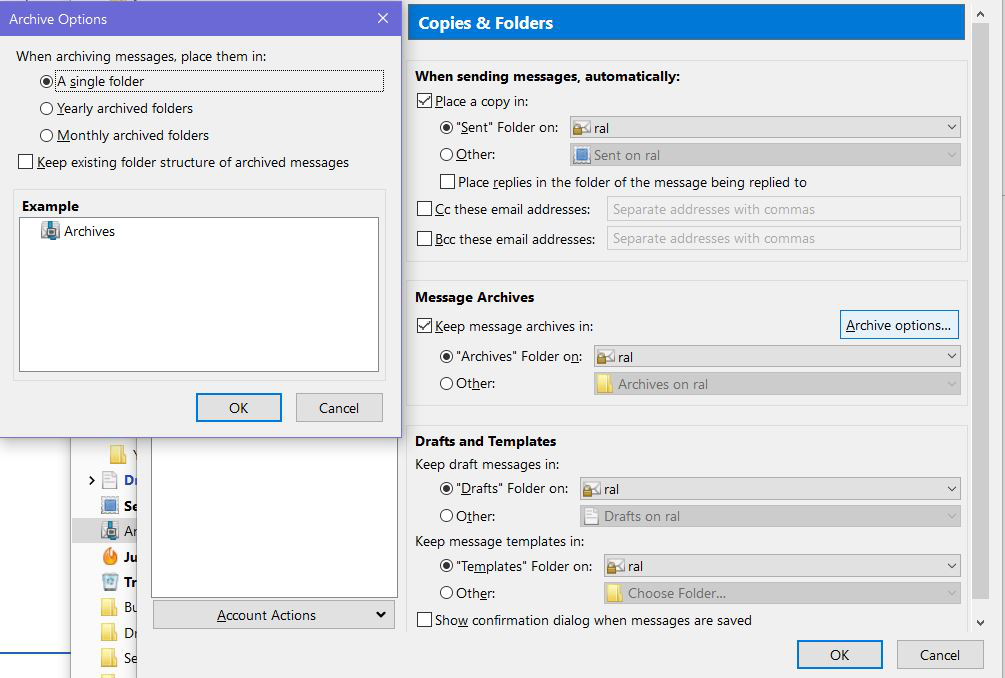
I have archives set up as attached, but nothing's in the archive folder. My Trash folder is now only showing 2020 emails, although it used to show them all.
Toate răspunsurile (4)
Right click on the Archive folder, choose properties. In the pop up box, choose repair folder. Give it several minutes to run and see if that will make all of the old messages display.
Repairing the Archives folder didn't do anything. In the Properties window, it says there's only 1 message.
Thanks, again, for your help. Please tell me what to do next.
Is this a Pop mail account?
If yes.
In Thunderbird
- Help > Troubleshooting Information
- Click on 'Open Folder'
A new window opens showing contents of profile name folder.
- Click on 'Mail' folder
- click on pop mail account name folder
- Post an image showing all contents of pop mail account name folder - make sure 'size' column is visible.
- You should see a 'Archives.sbd' folder - click on it to see contents.
- Post an image showing all contents of 'Archives.sbd' folder.
This will allow the forum to see if there is a missing mbox file which is preventing Thunderbird from showing contents of 'Archives'.
That was the first question you asked me and no, it's an IMAP.