


add self-signed certificate to trusted certificates
There is a site which uses self-signed certificate which i have to visit everyday but since the certificate it uses is untrusted i am unable to connect to it without experiencing some difficulties. How can i get rid of the untrusted certificate error
Toate răspunsurile (3)
Try going to settings > Privacy and settings > Manage Exceptions under "Enhanced Tracking Protection" then add the website which uses trusted certificates to connect. Hope this solved your problem. Have a great day!
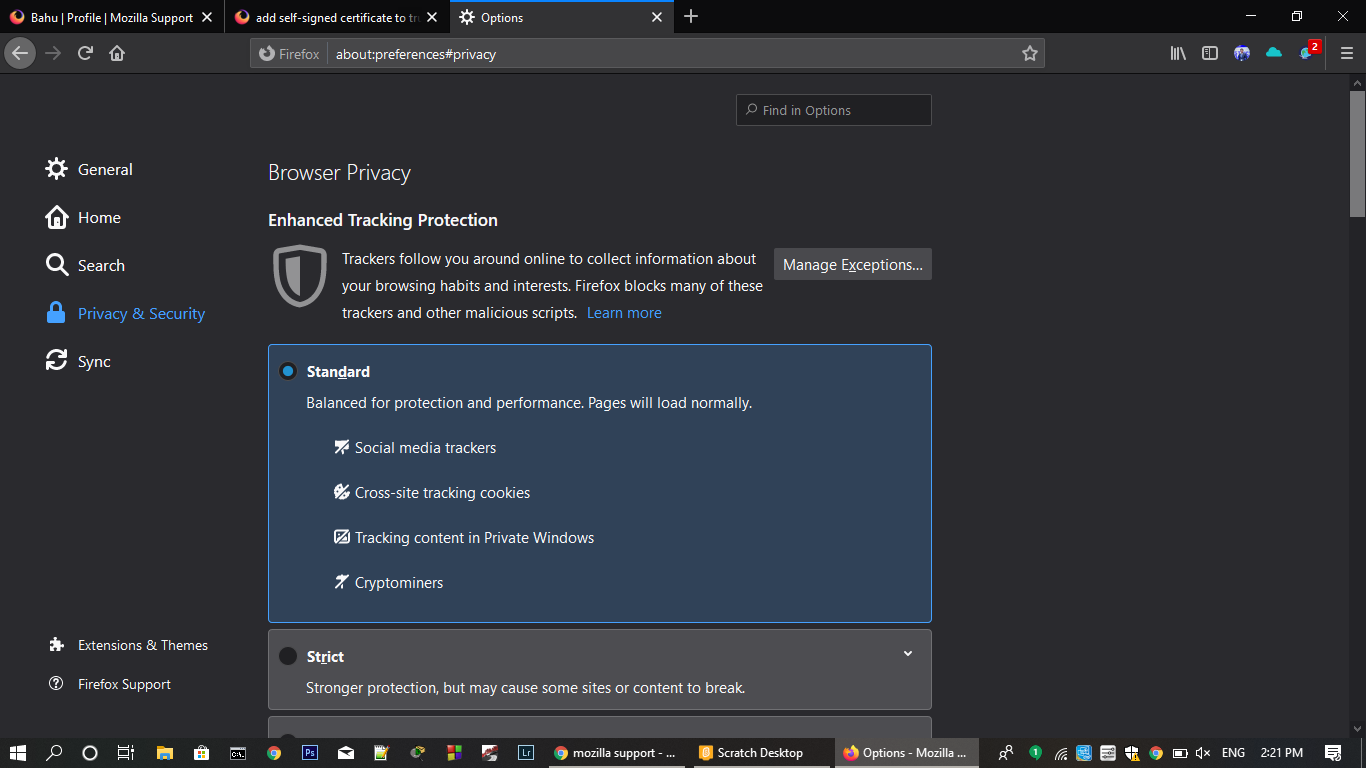
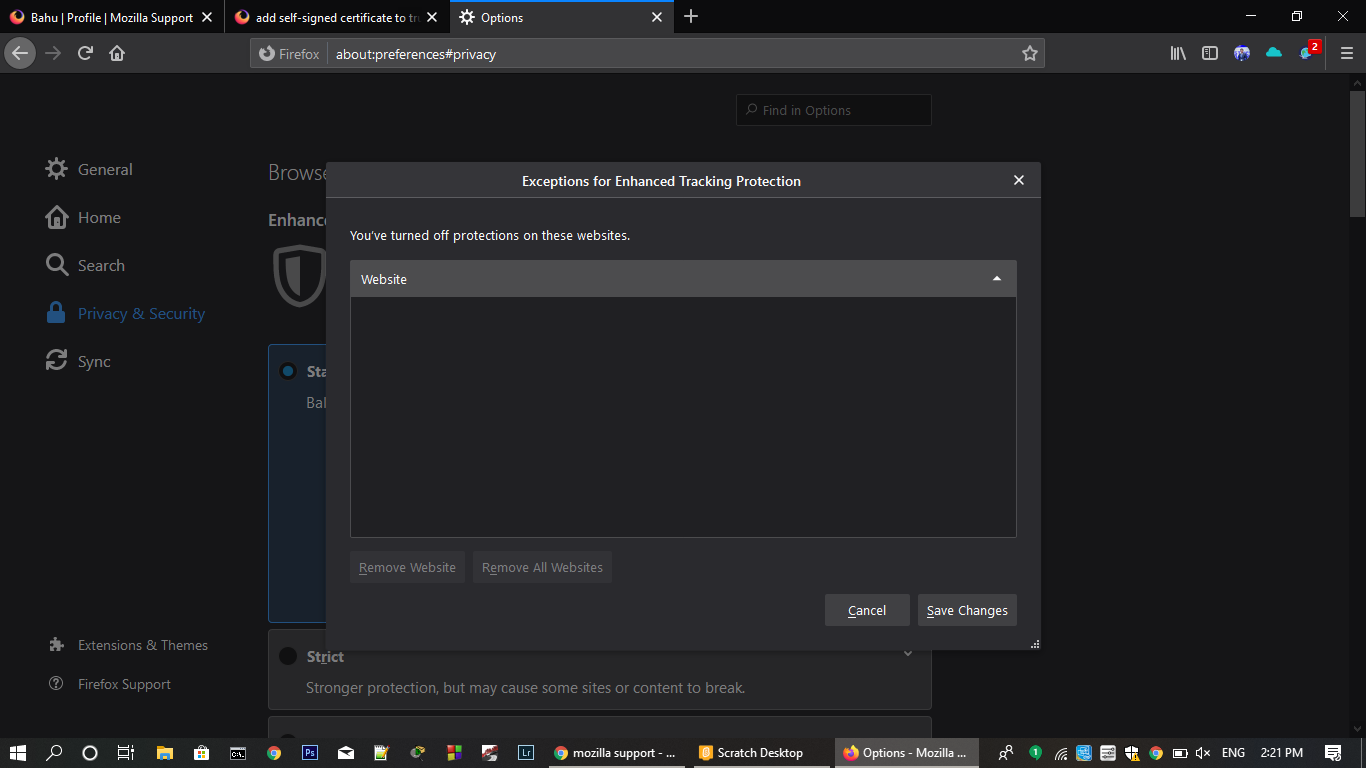
I cannot see from where i can add the website could you please help me with that?

Hello,
I work in IT and i use Firefox developer edition to work on website issues, in the past i would be able to just accept the self-signed certificate and continue to the website, but after the most recent update i lost the ability to do this. Is it not possible to regain this function? I understand the security behind it but i have a firefox profile setup specifically for work. All i'm looking is for a pratical solution because as of this moment i have to use Edge to check on websites.
Modificat la de smarty