


Can't find google in Firefox add-ons
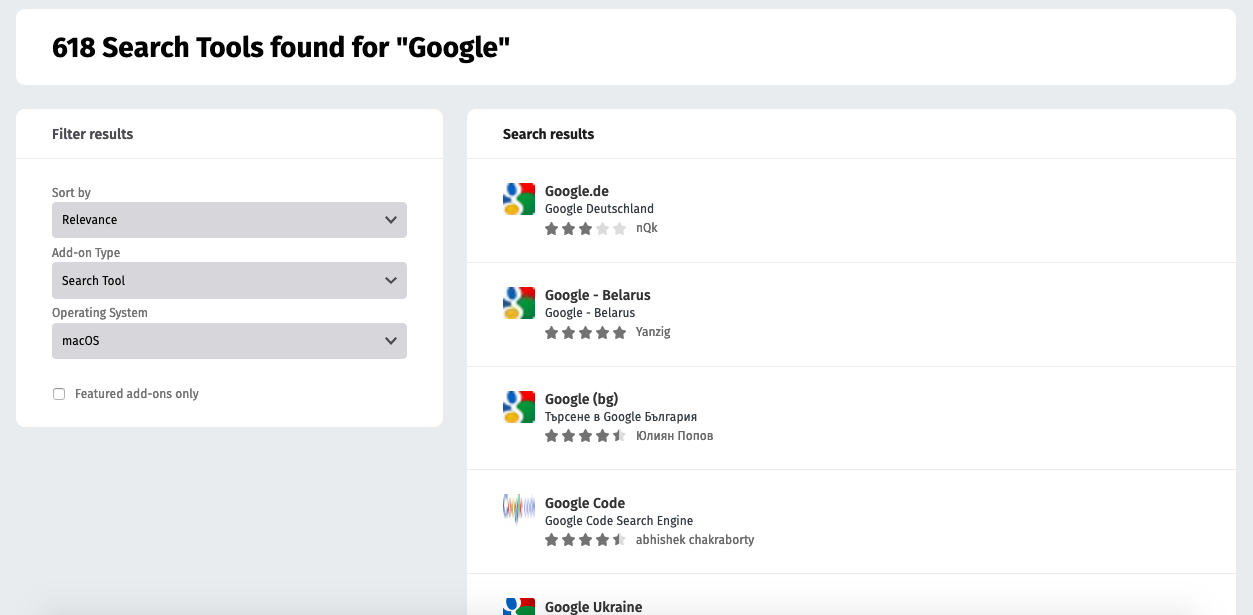
Hello, yesterday I tried to install an update on my computer that caused the computer to shut down. When the computer restarted my settings in firefox had changed (although I don't think Firefox updated or anything). My search engine options are now just Bing, Amazon, and Ebay. I know how to add more search engines. I went to the preferences page->search-> find more search engines. But when the list of available search engines comes up, google is missing. There's search google images, google translate, every other country's google you can imagine, but default US Google is not there. Where did it go? Why can't I find it?
Toate răspunsurile (2)

Soluție aleasă
To reset the search engines, remove these files in the Firefox profile folder; search.json + search-metadata.json + search.sqlite + search.json.mozlz4
search.json.mozlz4 ==only== (v45+)
New files are created when needed.

Removing these files and restarting failed. I successfully fixed by following:
Chosen Solution
Hi kcatmull, could you try resetting your search engine settings by removing the settings file. Here's how:
Open your current Firefox settings (AKA Firefox profile) folder using either
   "3-bar" menu button > "?" Help > Troubleshooting Information
   (menu bar) Help > Troubleshooting Information
   type or paste about:support in the address bar and press Enter/Return
In the first table on the page, on the Profile Folder row, click the "Show in Finder" button. If Finder highlights an icon with a semi-random name like a1b2c3d4.default, double-click it to display the contents of that profile folder.
Leaving that window open, switch back to Firefox and Quit, either:
   "3-bar" menu button > Quit
   (menu bar) Firefox > Quit
Pause while Firefox finishes its cleanup, then rename search.json.mozlz4 to something like searchOLD.json.mozlz4.
Start Firefox back up again. Are all of the built-in search engines listed on the Preferences page?