


How to disable tab preview in Firefox Developer
I see that in the previous versions of Firefox, i can disable tabs preview when switching between tabs using Ctrl + Tab in about:config. But now, i can't find it anywhere. So please tell me where i can find this feature again.
Tabs previews is ugly and messy so please help me to remove it.
Sincerely!
Soluție aleasă
That browser.ctrlTab.previews pref should be there on the about:config page.
Citește răspunsul în context 👍 0Toate răspunsurile (4)
Soluție aleasă
That browser.ctrlTab.previews pref should be there on the about:config page.
This seems weird, i can't find it anywhere even i have copy your phrase
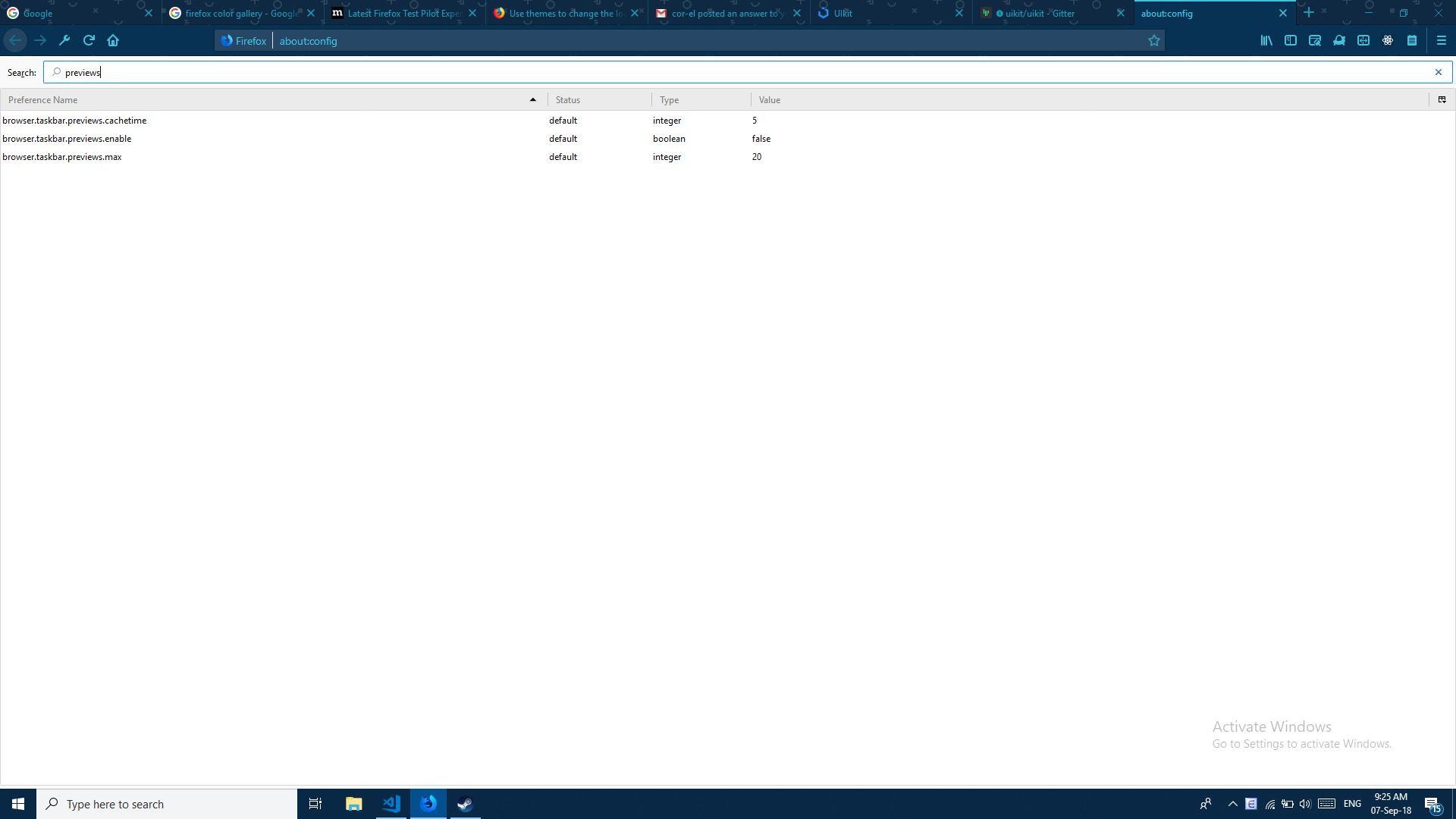
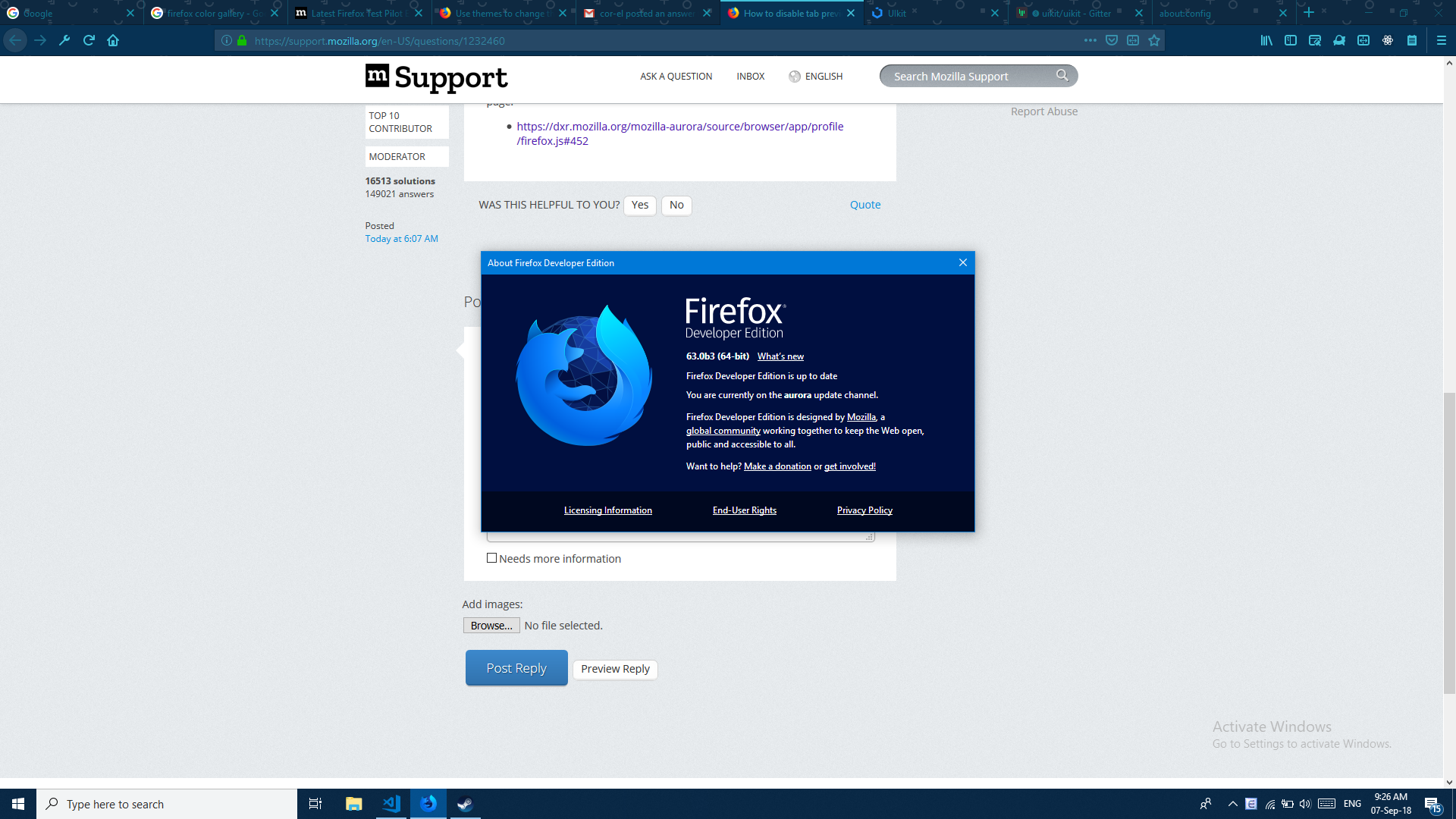
OK. It looks that currently previews are enabled by default and can no longer be disabled, so this pref does indeed no longer exists. I'm not what branch DXR accesses via mozilla-aurora (could be still Firefox 62)
That pref has been replaced by browser.ctrlTab.recentlyUsedOrder
- Bug 1473595 - Enable "Ctrl+Tab cycles through tabs in recently used order" feature by default in new profiles
- https://hg.mozilla.org/mozilla-central/rev/9fe3f733a48a
Thanks for help. Hope that this feature will be fixed in next versions of Firefox