


How do I make the content of my emails to be searchable? - I'm got them downloaded via Proton Bridge, but the Thunderbird search only pulls up a single email!

Okay, here's the story: I only downloaded Thunderbird so that I'd have a way, via ProtonMail Bridge, to search through the content of my protonmail emails. (Protonmail only is able to search the subject line.)
So, I followed the instructions for configuring Thunderbird and ProtonMail Bridge. And Thunderbird did access and download a bunch of my Protonmail emails. Great.
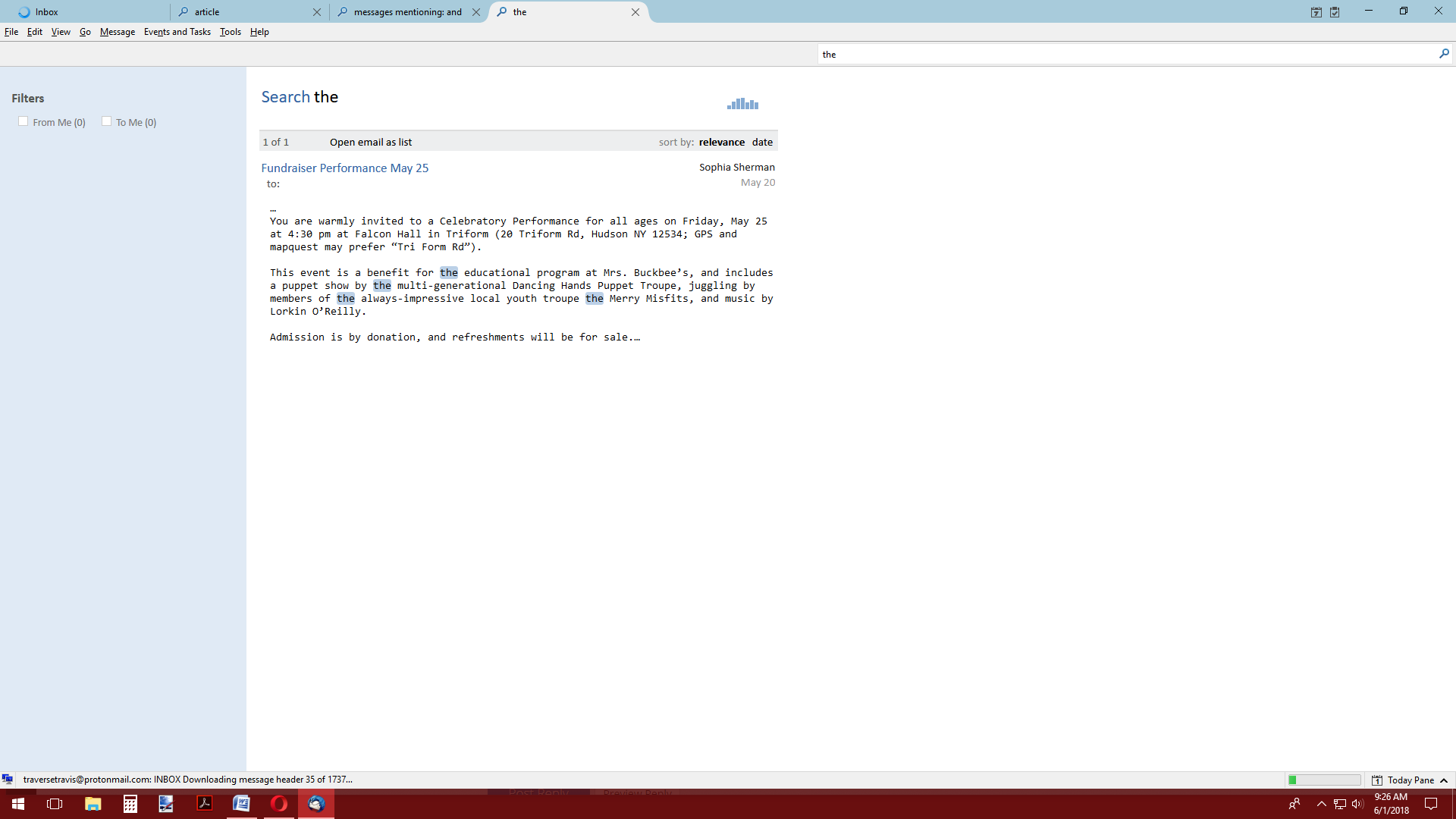
But...when I try to the use the Search bar in Thunderbird, it doesn't bring up hardly anything. Even if enter a common word such as "the", only one email came up!
How do I configure Thunderbird so that I can search the content of all of my ProtoMail emails?
Toate răspunsurile (3)

There are multiple ways to search in Thunderbird. You haven't explained what you did. https://support.mozilla.org/kb/quick-filter-toolbar https://support.mozilla.org/kb/global-search
I typed the words into Global Search (not Quick Filter). That's the box labeled "Search".
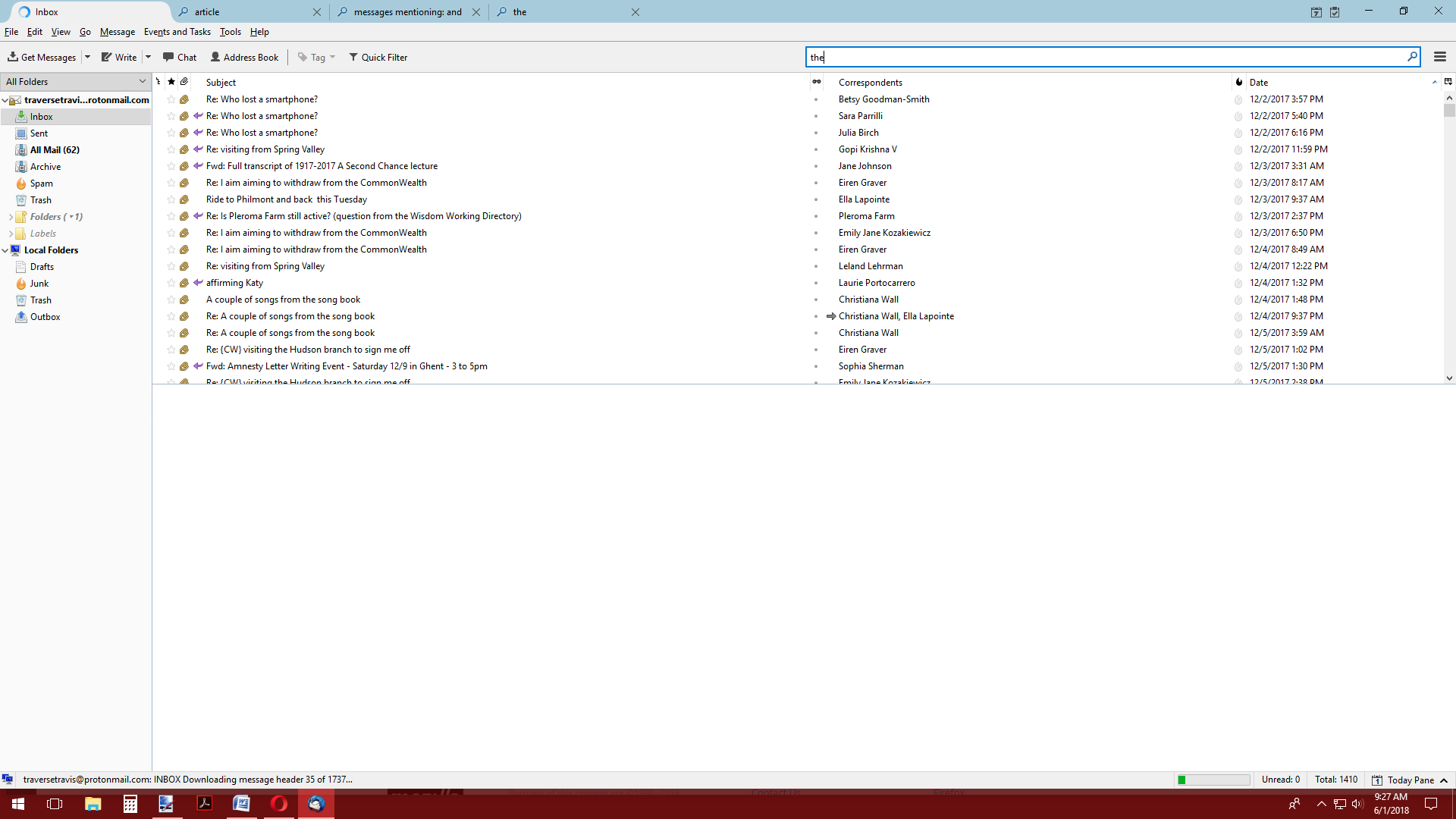
See the screenshots below: I type in the word "the".
And only one email comes up.
If this is an IMAP account you'll need to turn on synchronization. That basically means to download an offline copy of your messages on the server to your local disk. That's needed to create the local index. https://support.mozilla.org/kb/imap-synchronization
You may want to exclude or unsubscribe from the 'All Mail' folder though.
Modificat la de christ1