


why do menus disappear, or become unclickable?

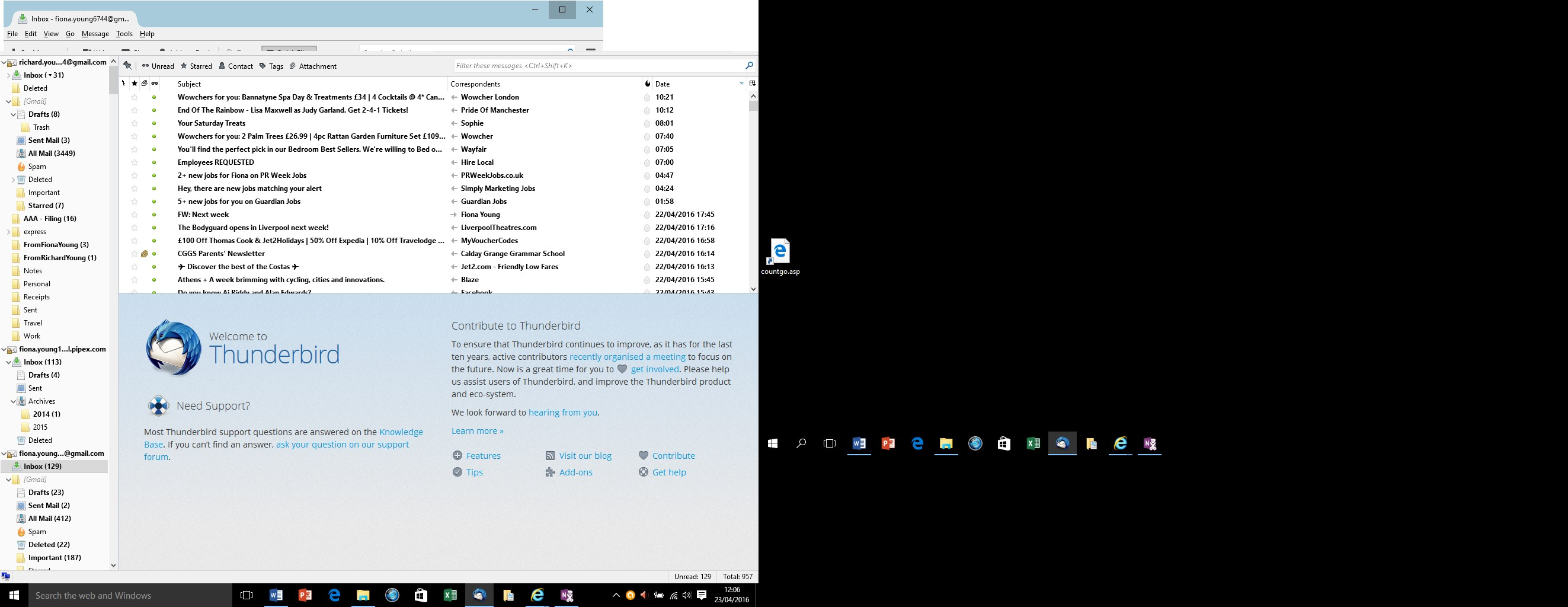
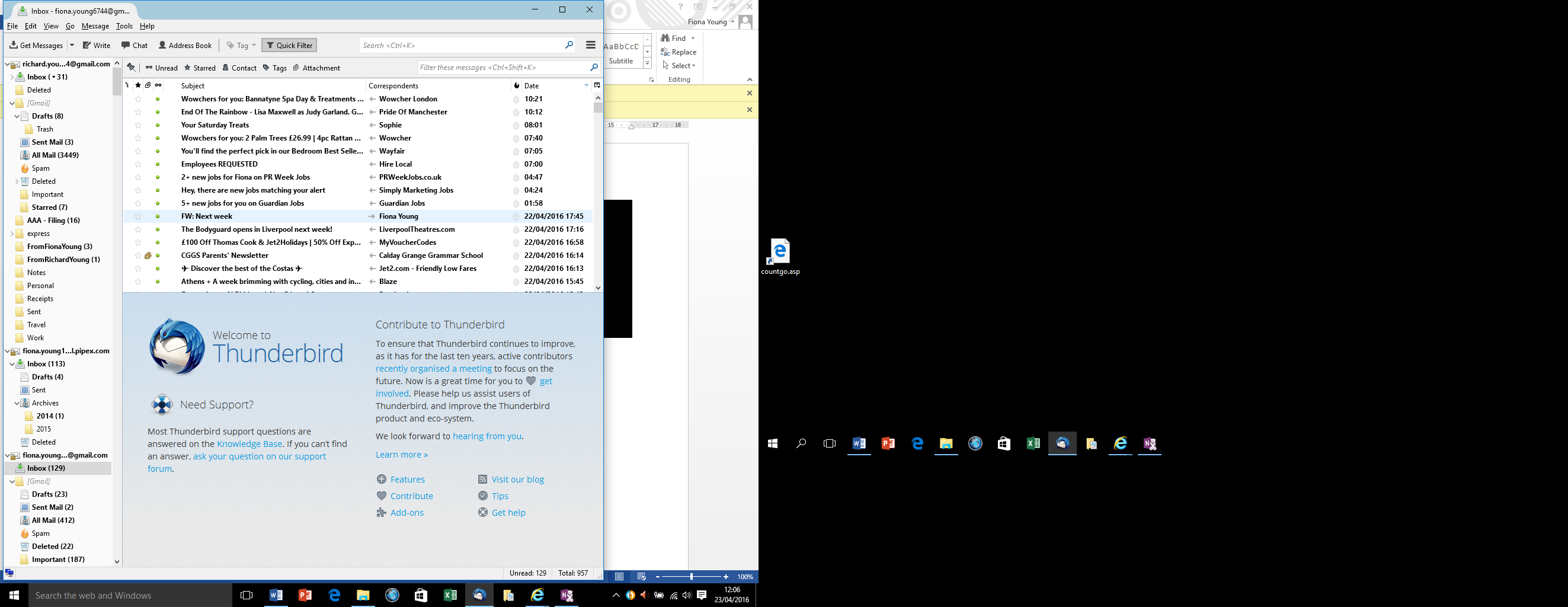
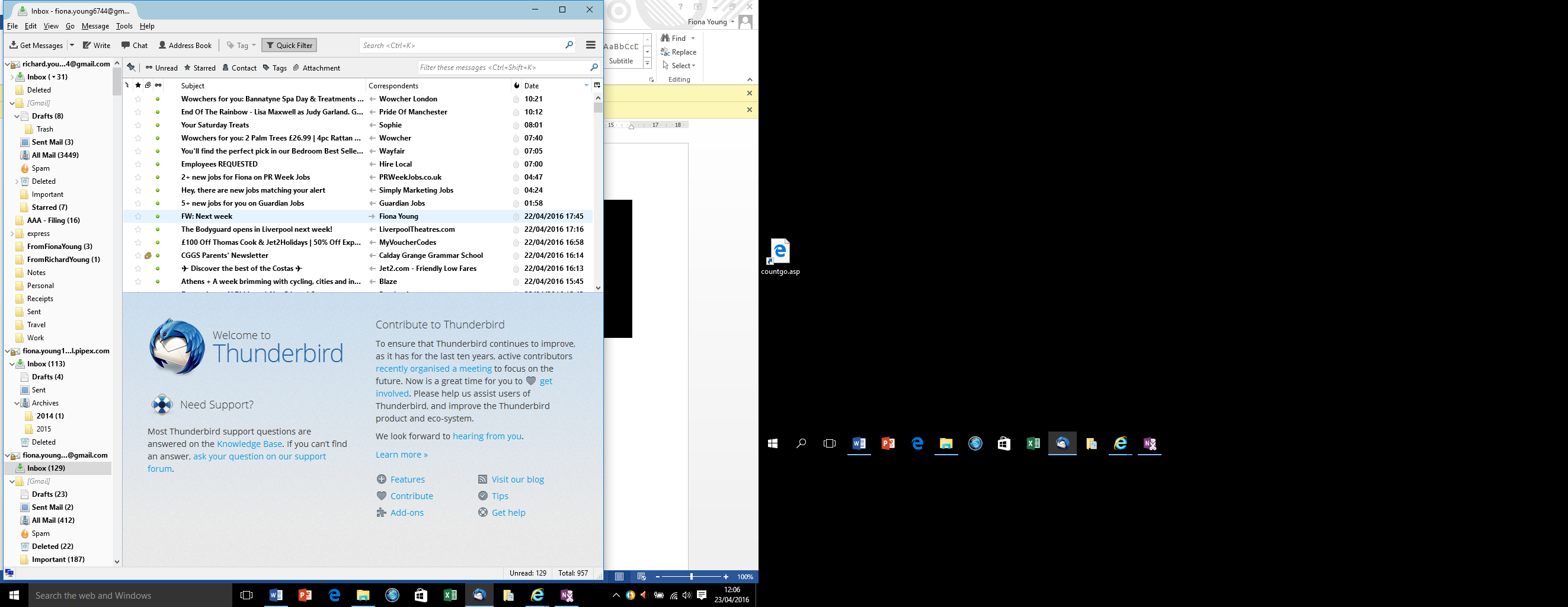
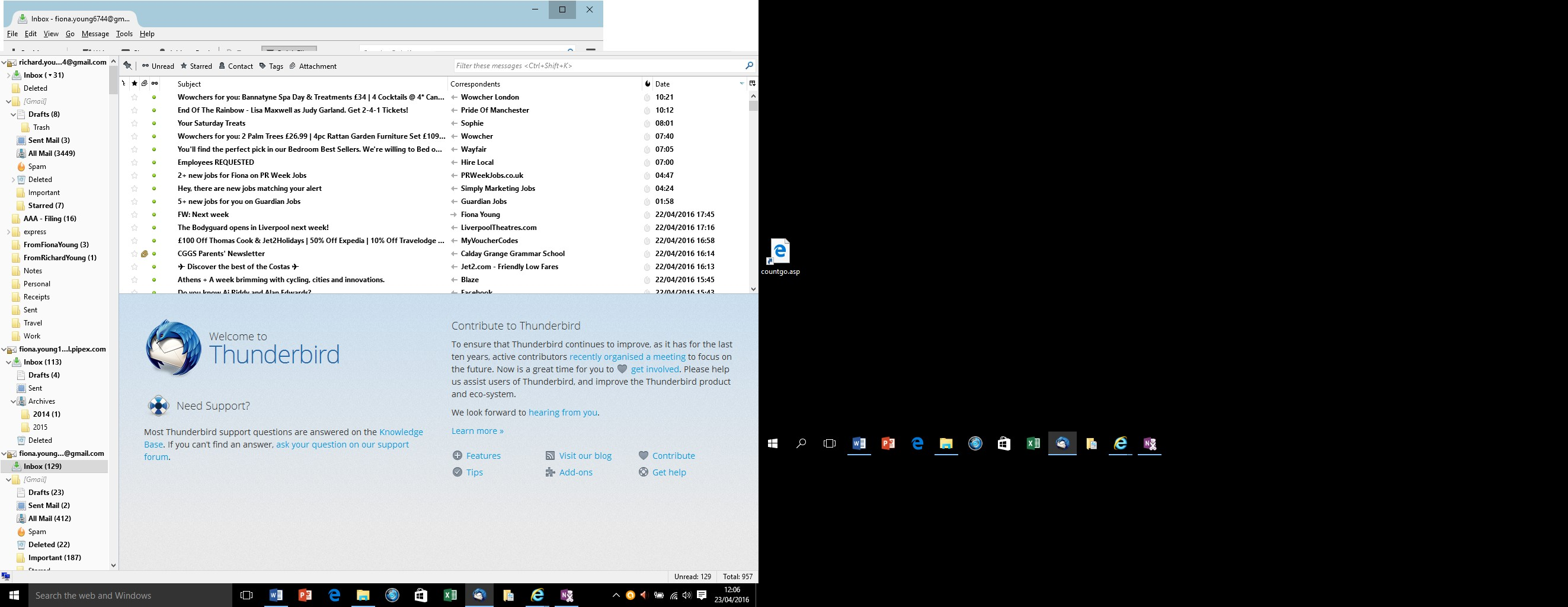
I am using Thunderbird 45 on Windows 10. A few days the menus failed to appear when I start Thunderbird. When start Thunderbird in safe mode the menus DO appear, but the app is not in full screen mode. When I expand the app to full screen mode, the menus remain visible but become unclickable (and if I click on them I access the window behind them). The attached screenshots showing the problem.
Can anyone advise?
Regards
Richard

Toate răspunsurile (3)

When things are working in safe mode the problem is most likely caused by an extension you have installed. Start Thunderbird in normal mode.
Open the Add-ons Manager.
At the top right of the Thunderbird window, click the menu button  , then select Add-ons > Extensions
Disable all extensions.
Restart Thunderbird.
Enable extensions one by one until the problem occurs again.
None of your screenshots shows Thunderbird full screen, so I'm not sure what you're talking about here.
Modificat la de christ1
Hi Christ1
Thanks for getting back to me, but that didn't work. When I open in normal mode, the menu is not visible (see picture 1 below). When I open in safe mode, the menu is visible (see picture 2 below), and I was able to confirm that all extensions are already disabled.
The point about full screen is that when I open Thunderbird in safe mode, it does not open the window full screen (picture 2), though it otherwise operates normally. When I expand the Thunderbird window to full screen the top right of the screen is not filled (picture 3), and the menu (File, Edit etc) no longer is clickable. Instead, it just accesses the window behind Thunderbird.
So it might be something to do with the graphics options, but all other applications work fine. I can just use Thunderbird in safe mode, non-full screen, but it is a bit of a faff.
Any other ideas?
Richard

When starting Thunderbird in safe mode you can check the option to disable all add-ons. https://support.mozilla.org/en-US/kb/safe-mode-thunderbird
That will keep the add-ons disabled when starting Thunderbird in normal mode again.
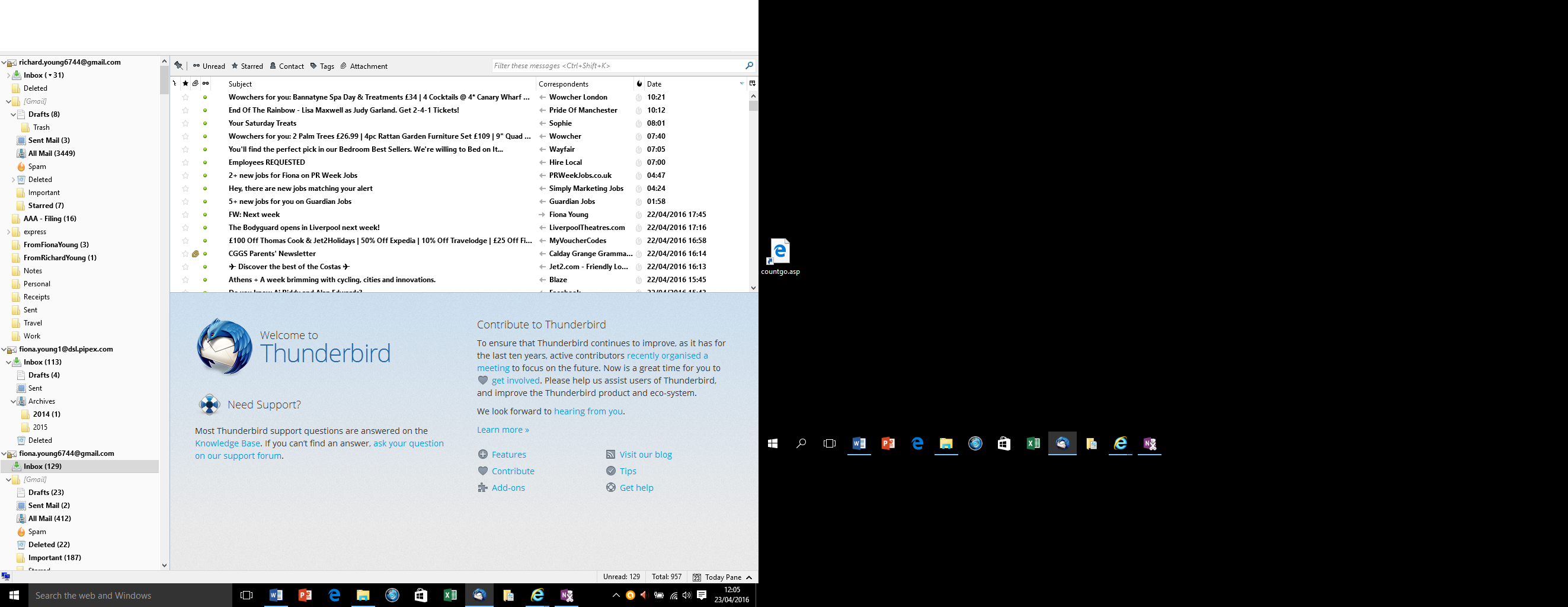
I don't really understand your screenshots. Thunderbird is shown only in the left half of the screen, the right half is just black. So I'm still struggling to really understand your 'full screen' issue.
Modificat la de christ1