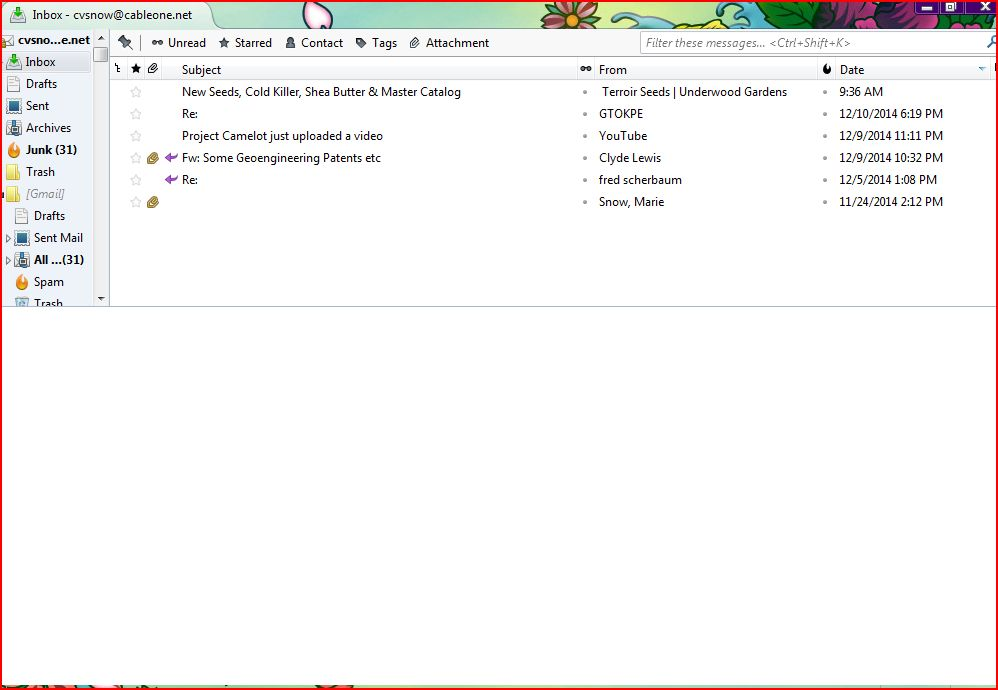
On my thunderbird email screen, I can't find my "tags" menu in order to place emails in categories such as "read," waiting for reply, etc.

I am no longer able to see my "write message" or the box that lets me categorize my emails... i don't have the ability to tag a message with custom category. only half of the screen is email info... the bottom half is blank unless I click on an email. I have a screenshot but don't know where to upload it
I am no longer able to see my "write message" or the box that lets me categorize my emails... i don't have the ability to tag a message with custom category.
only half of the screen is email info... the bottom half is blank unless I click on an email. I have a screenshot but don't know where to upload it
Toate răspunsurile (2)
Thanks for your help Matt!