


removing Chrome popup installer

How to stop Chrome popup installer every time I open Firefox. There are many of my customers asking me this, I have not got an answer. It is very annoying regards Ian Braddon
Solução escolhida
It is not stored in a normal cookie, but in the localStorage (DOM storage) in the webappsstore.sqlite file.
That DOM storage is only cleared if you use Clear Recent History with the time range set to everything, but a normal cookie clear doesn't clear it.
You still need to keep Google cookies across a session to keep that setting.
It also requires DOM storage to be enabled (pref: dom.storage.enabled).
Run this code in the Scratchpad (Shift+F4) to make it disappear:
localStorage["toast_dp_5"]="1";
This makes it reappear:
localStorage.removeItem("toast_dp_5");
Ler esta resposta
👍 1
Todas as respostas (9)
What the URL (address) of the page it shows up on? What does it look like? If you can, take a screenshot and add it to your reply.
Hello , everybody using latest install of Firefox, and " www.google.com.au" has the annoying > Install Chrome< window in top right hand corner? Cannot get rid of it? thanks for reply
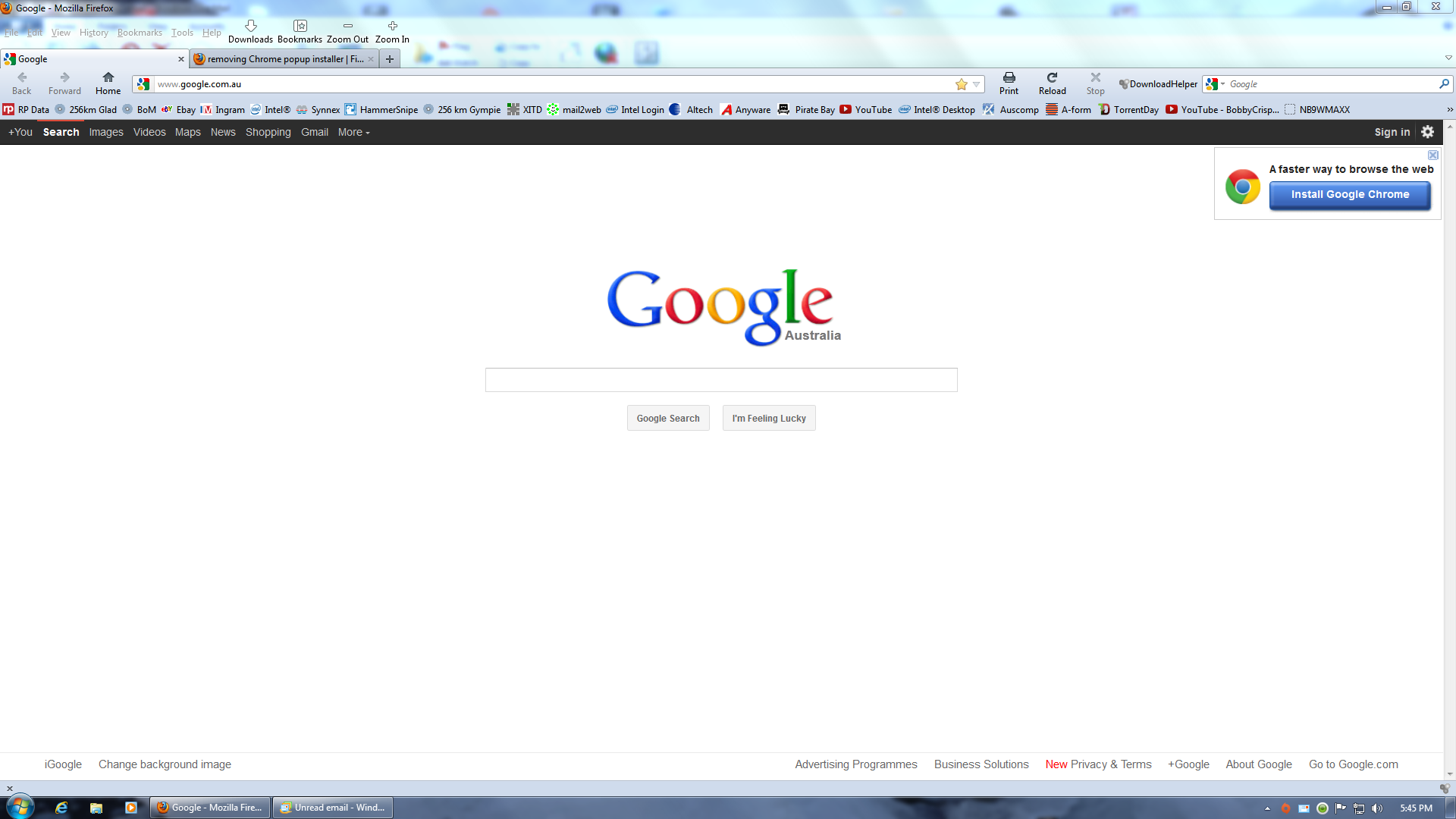
That's just part of the site. Google makes Chrome and is using its page to advertise to you. There's a little X in that box to remove the popup but I don't know how permanent it is.
It's not permanent but it's the only thing you can do about it until Google decides to remove it. The box will return if you clear your history.
Alterado por JaggedImage em
It's probably attached to a cookie in your browser so if you clear the cookie, the fact that you haven't seen the ad is forgotten.
Thanks for this answer about clearing history, for the time, I will set Firefox to remember history ( although this is not my prefered setting) at least this gets rid of CHROME ! I do not think Google should try and force their products on users, nearly as bad as Microsoft?
Solução escolhida
It is not stored in a normal cookie, but in the localStorage (DOM storage) in the webappsstore.sqlite file.
That DOM storage is only cleared if you use Clear Recent History with the time range set to everything, but a normal cookie clear doesn't clear it.
You still need to keep Google cookies across a session to keep that setting.
It also requires DOM storage to be enabled (pref: dom.storage.enabled).
Run this code in the Scratchpad (Shift+F4) to make it disappear:
localStorage["toast_dp_5"]="1";
This makes it reappear:
localStorage.removeItem("toast_dp_5");
1. Install both 'Adblock Plus' and 'Element Hiding Helper for Adblock Plus'.
2. Go to Google.
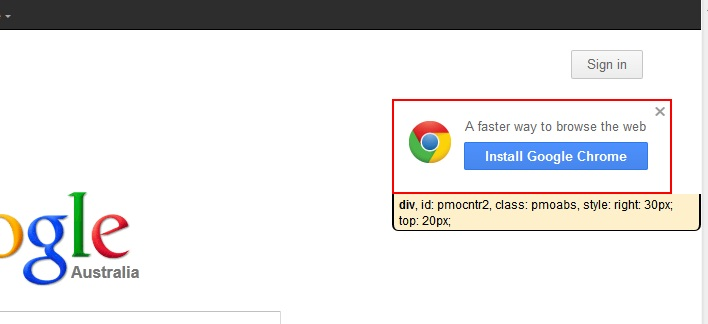
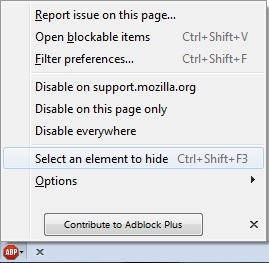
3. Go to 'Select element to hide' from the ABP menu (Ctrl+Shift+F3 [Windows], or ⌘+Shift+K [Mac]), then hover your mouse over the 'Install Google Chrome' popup (see picture), so that it's surrounded by a red outline, and click.
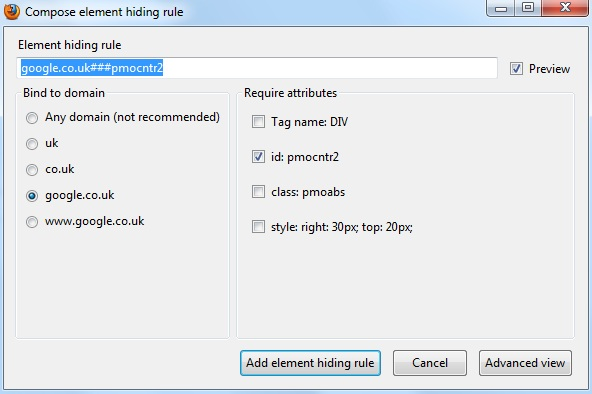
4. In the 'Compose element hiding rule' window, click the 'Add element hiding rule' button.
Alterado por peter7187 em
Short answer
You can use the following Adblock (Plus) rule to block the "Install Google Chrome" message:
- on google.com: google.com#div(id=pmocntr2)
- on google.de: google.de#div(id=pmocntr2)
- ...
Long answer
How can I track down what content I have to block?
- Right-click somewhere on the website an press "q" (= Inspect Element)
- Select the HTML box
- Hover over the code to see where the section is that contains the element you want to block.
- In this case it's:
div id="pmocntr2" class="pmoabs" style="right: 30px; .....
- Enter the Adblock (Plus) extension's settings and create your own filter group if none is there yet.
- Add the custom filter rule:
google.com#div(id=pmocntr2)