


Bookmarks do not carry over to other devices. Sync is useless.
I have switched from chrome to firefox on my windows 11 laptop. I want to do the same on my pc but after signing into the Mozilla account, the bookmarks do not come in. History, and other things seem to work fine. I tried manually synchronizing in the settings over and over again but nothing works.
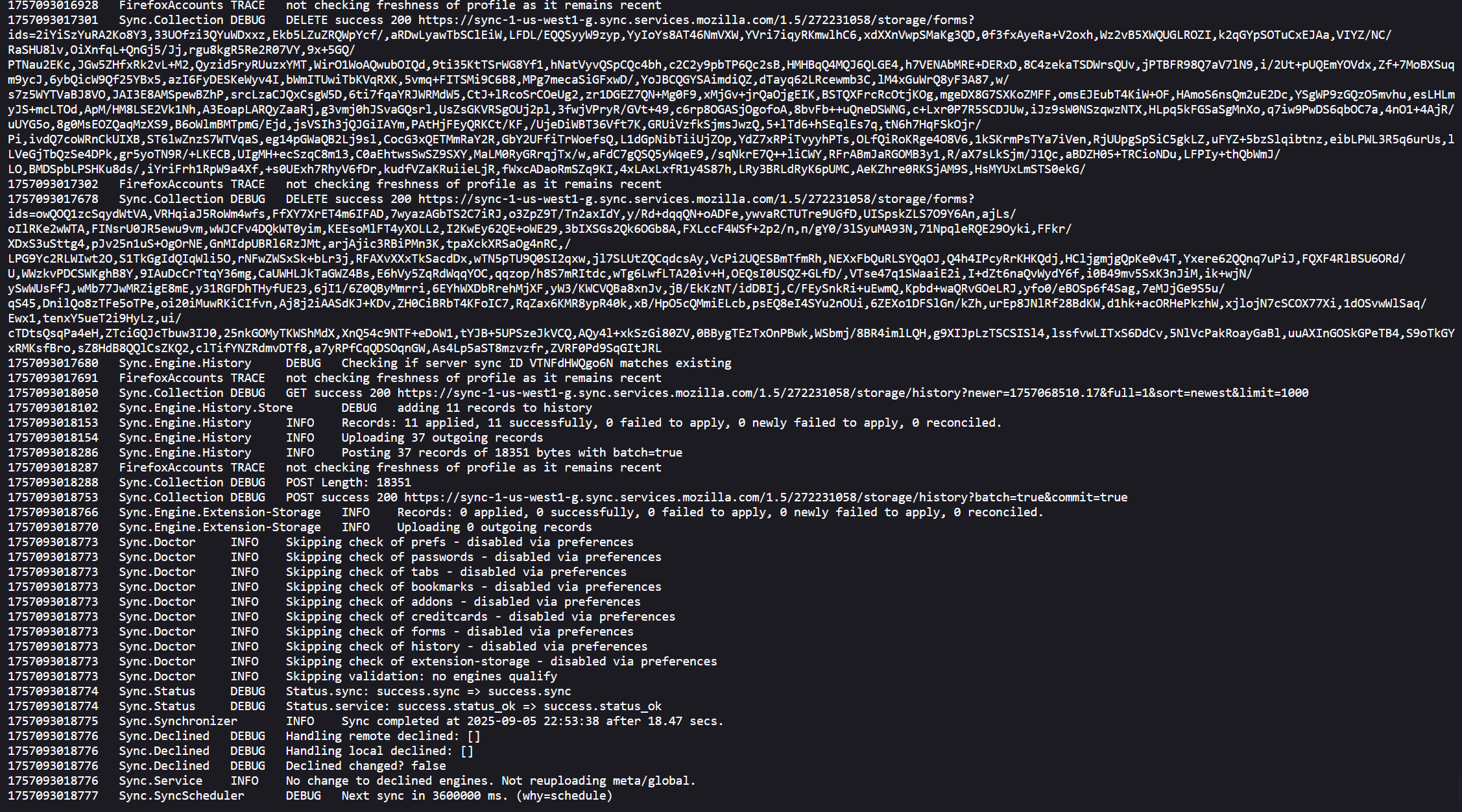
about:sync-log has the following: File:error-sync-1756470933956.txt 7 KB 29-08-2025 18:05:33 File:error-sync-1756472283448.txt 10 KB 29-08-2025 18:28:03 File:error-sync-1756472834423.txt 4 KB 29-08-2025 18:37:14 File:error-sync-1756475717646.txt 15 KB 29-08-2025 19:25:17 File:error-sync-1756537352383.txt 11 KB 30-08-2025 12:32:32 File:error-sync-1756550876616.txt 7 KB 30-08-2025 16:17:56 File:error-sync-1756555300057.txt 4 KB 30-08-2025 17:31:40 File:error-sync-1756596355421.txt 25 KB 31-08-2025 04:55:55 File:error-sync-1756614480046.txt 30 KB 31-08-2025 09:58:00 File:error-sync-1756616854913.txt 21 KB 31-08-2025 10:37:34 File:error-sync-1756638623482.txt 12 KB 31-08-2025 16:40:23 File:error-sync-1756639451332.txt 17 KB 31-08-2025 16:54:11 File:error-sync-1756652104368.txt 4 KB 31-08-2025 20:25:04 File:error-sync-1756653367478.txt 6 KB 31-08-2025 20:46:07 File:error-sync-1756704617631.txt 12 KB 01-09-2025 11:00:17 File:error-sync-1756802293749.txt 18 KB 02-09-2025 14:08:13 File:error-sync-1756824621856.txt 30 KB 02-09-2025 20:20:21 File:error-sync-1756881547437.txt 9 KB 03-09-2025 12:09:07 File:error-sync-1756910518609.txt 22 KB 03-09-2025 20:11:58 File:error-sync-1756914122579.txt 32 KB 03-09-2025 21:12:02 File:error-sync-1756945880430.txt 17 KB 04-09-2025 06:01:20 File:error-sync-1756956775316.txt 19 KB 04-09-2025 09:02:55 File:error-sync-1756970167229.txt 6 KB 04-09-2025 12:46:07 File:error-sync-1757001011892.txt 11 KB 04-09-2025 21:20:11 File:error-sync-1757001024107.txt 29 KB 04-09-2025 21:20:24 File:error-sync-1757046224475.txt 16 KB 05-09-2025 09:53:44 File:error-sync-1757046230938.txt 30 KB 05-09-2025 09:53:50 File:error-sync-1757057610720.txt 19 KB 05-09-2025 13:03:30 File:error-sync-1757081977371.txt 26 KB 05-09-2025 19:49:37 File:error-sync-1757093018785.txt 148 KB 05-09-2025 22:53:38
I have no idea what to do other than going back to chrome where things just worked and I didn't have to spend hours looking at forums for solutions that do not work...
here's a screenshot from the last txt file
Solução escolhida
Paul said
I think k it is important to note that we do not recommend using or support "Waterfox" on this forum. When you access your Mozilla Account at https://accounts.firefox.com/, do you see both devices listed under "Connected Services"?
Hi. Sorry for the extremely late reply. Yes, both devices are visible.
The problem seems to have gone away after a week of me posting this question. I have no idea how or why...
Ler esta resposta 👍 0Todas as respostas (3)

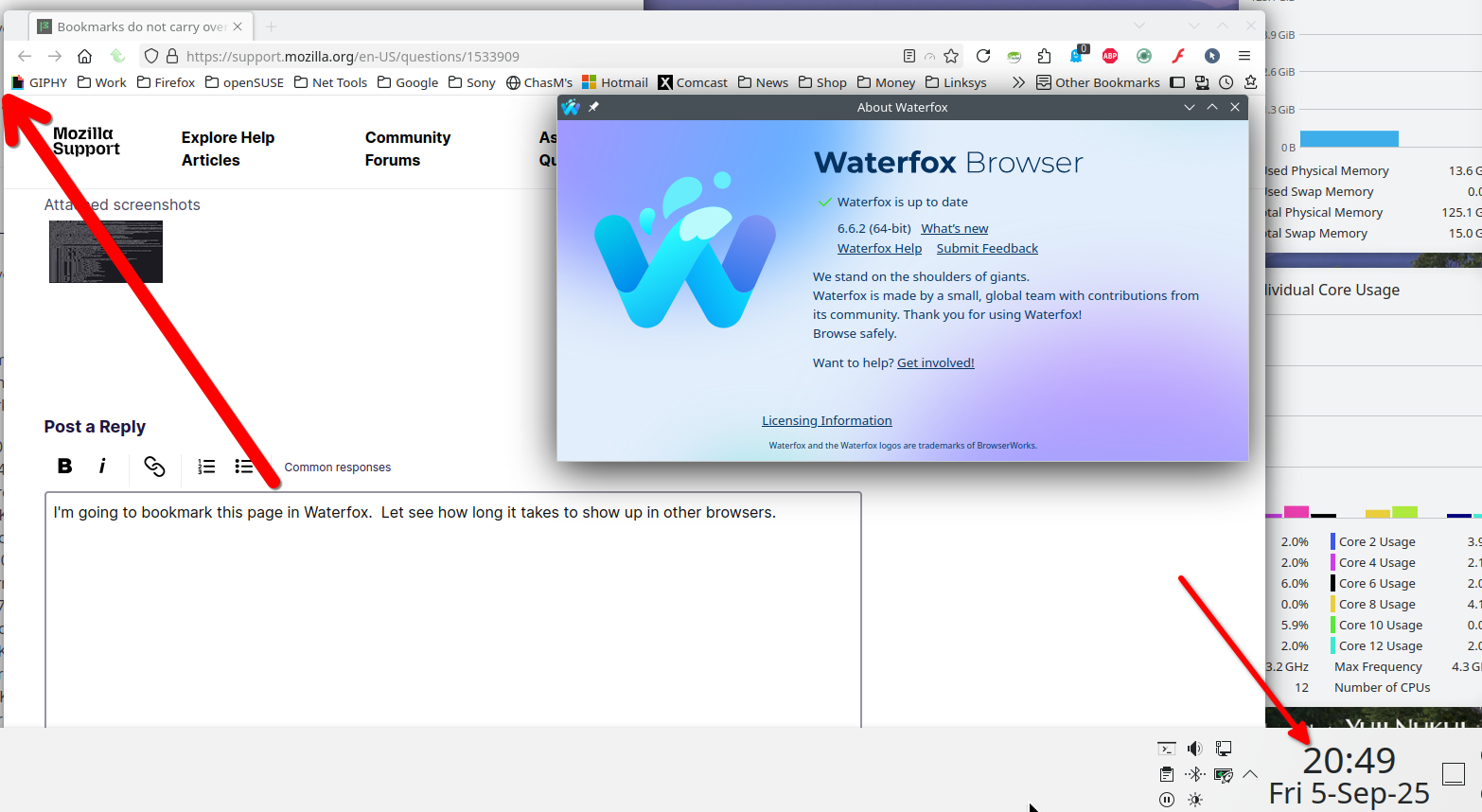
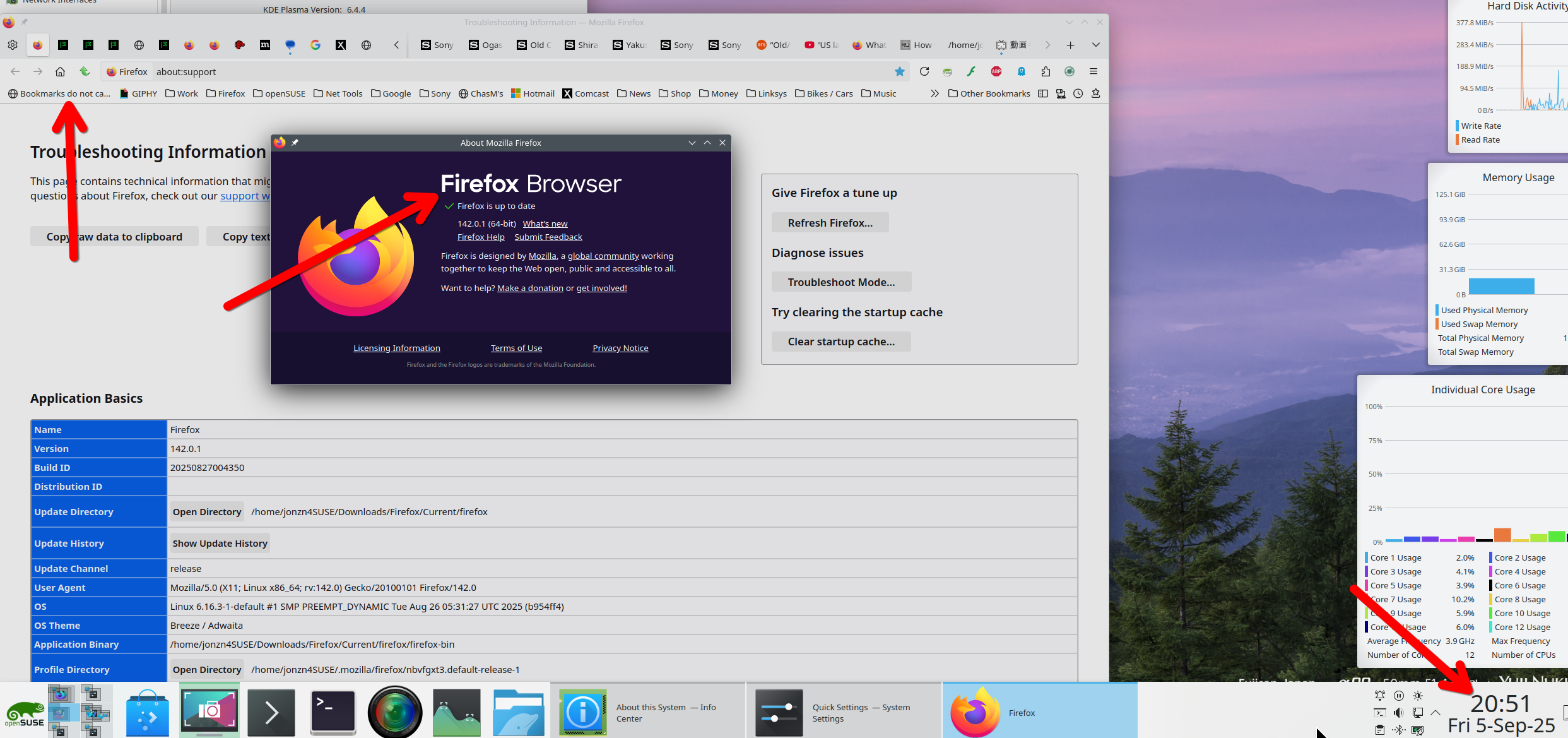
I'm going to bookmark this page in Waterfox. Let see how long it takes to show up in other browsers. Sync happened pretty quickly. see screenshots
I think k it is important to note that we do not recommend using or support "Waterfox" on this forum.
When you access your Mozilla Account at https://accounts.firefox.com/, do you see both devices listed under "Connected Services"?
Solução escolhida
Paul said
I think k it is important to note that we do not recommend using or support "Waterfox" on this forum. When you access your Mozilla Account at https://accounts.firefox.com/, do you see both devices listed under "Connected Services"?
Hi. Sorry for the extremely late reply. Yes, both devices are visible.
The problem seems to have gone away after a week of me posting this question. I have no idea how or why...