


AD Blocker Messge but not using any

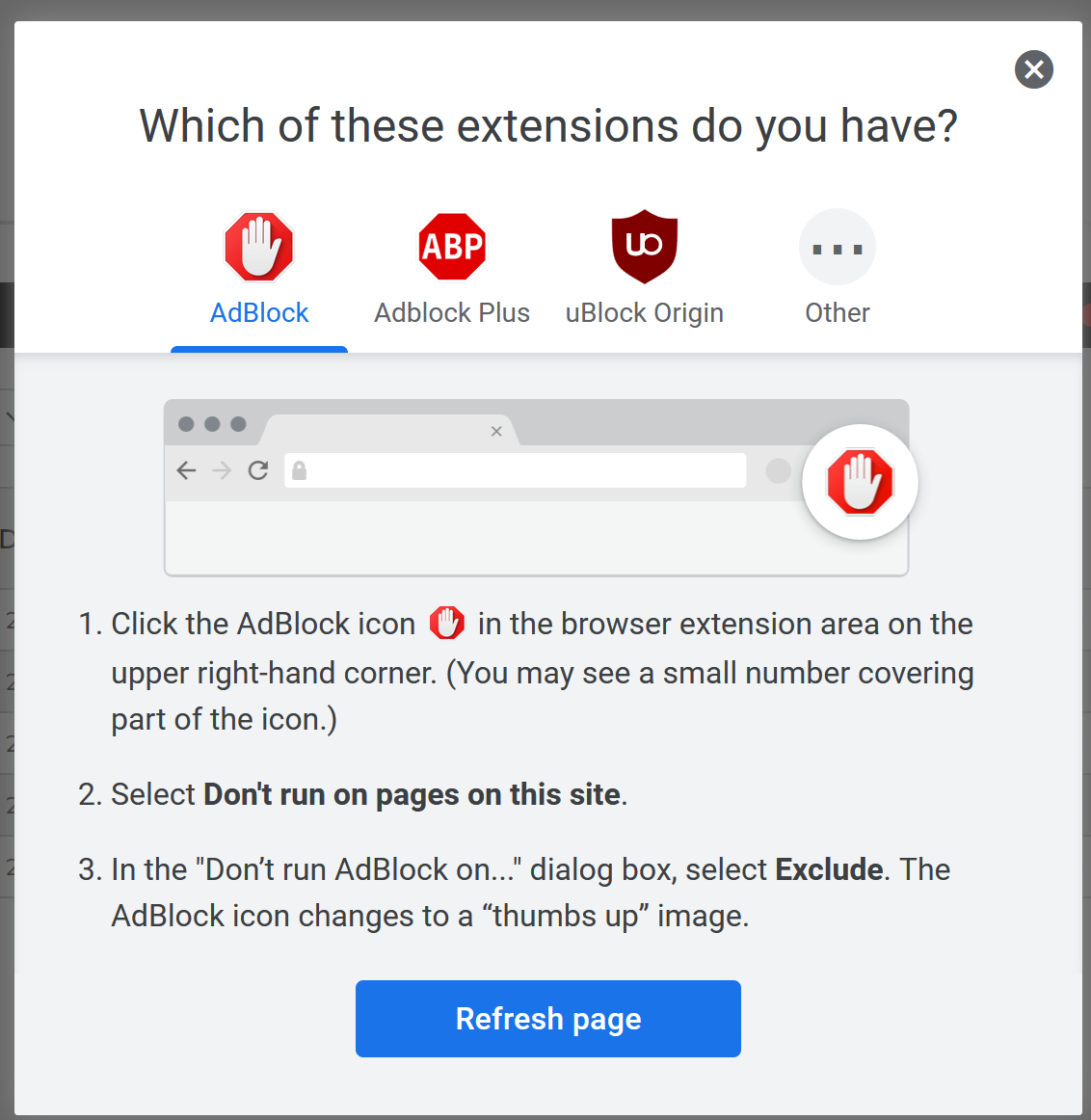
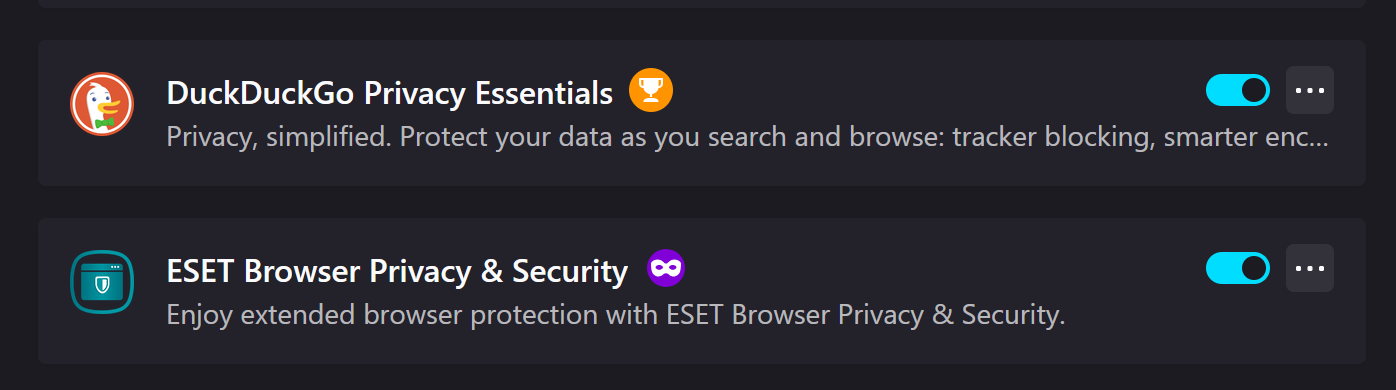
While on https://www.kitco.com/price/precious-metals I got a message I am using an AD blocker. I looked in my extensions and I have none installed. The only two extensions that could possibly be responsible block tracking but do not say they block ad's. However, all I have to do is close the message box and all seems to work properly. So I'm just curious what might be causing this message to pop up

Todas as respostas (5)

DDG acts just like a Adblocker itself. But what other 3rd A/V do you have running as that could also be doing the web filtering as well.
ESET is the only A/V I have other than any Windows products that might be in use. But I haven't made any changes to anything when I started getting the message.
Does that happen on other Browser others then DDG?
I rarely use other browsers but I tried Edge and no message with ad's showing. This morning Firefox didn't show the message but no ad's are showing. So since I only have to close the message when it does show up and everything seems to be working fine I won't worry about it. DDG is just the search engine I use within Firefox. I'll wait to close this until you respond
You can check for issues with Enhanced Tracking Protection and Total Cookie Protection. Firefox shows a purple shield instead of a gray shield at the left end of the location/address bar in case Enhanced Tracking Protection is blocking content.
- click the shield icon for more detail and possibly disable the protection
You can check the Web Console for relevant-looking messages like about blocked content.
- https://support.mozilla.org/en-US/kb/enhanced-tracking-protection-firefox-desktop
- https://support.mozilla.org/en-US/kb/total-cookie-protection-and-website-breakage-faq
- https://support.mozilla.org/en-US/kb/trackers-and-scripts-firefox-blocks-enhanced-track
If you use extensions ("3-bar" menu button or Tools -> Add-ons -> Extensions) that can block content (Adblock,NoScript,DuckDuckGo PE,Disconnect,Ghostery,uBlock Origin,Malwarebytes), always make sure such extensions do not block content.
- make sure your extensions and filters are updated to the latest version
- https://support.mozilla.org/en-US/kb/troubleshoot-extensions-themes-to-fix-problems