


Pin toolbar to the top's been removed?
I am using Firefox nightly on Android. About two weeks ago I noticed that my toolbar got moved to the bottom after some update, while address bar is still at the top. I tried looking for it in settings but couldn't find anything about toolbar, that's weird since I was able to customize it a few years ago when I installed Firefox for the first time. So I looked it up on the internet and they say that it's in Settings/Customize/Toolbar, but in my browser settings instead of Toolbar there is Address bar settings. Has toolbar's settings been moved somewhere else? It looks like in previous versions it was under Customize section.
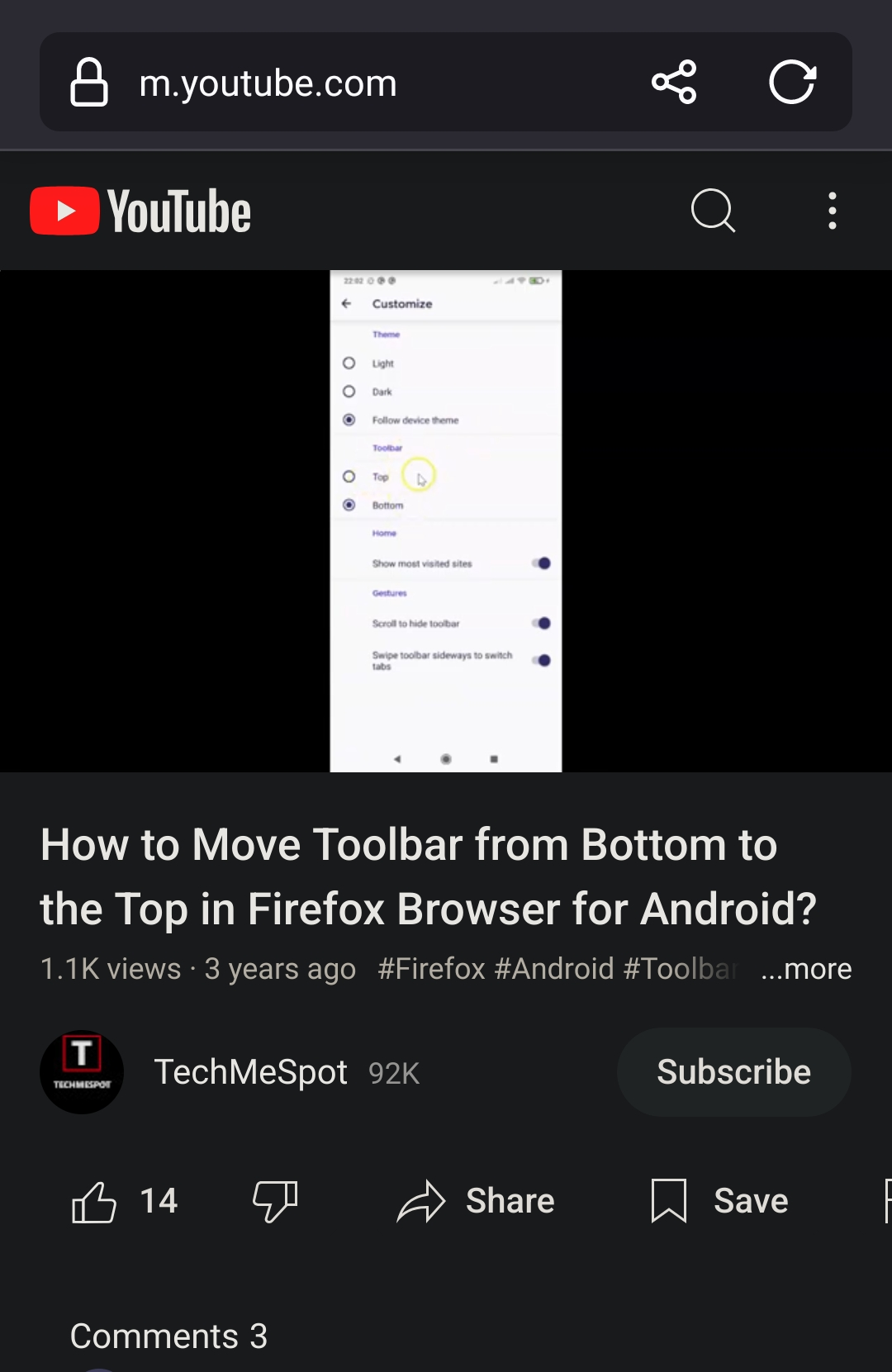
The second attached image is from this video:
https://m.youtube.com/watch?v=20JU-KJL6rk
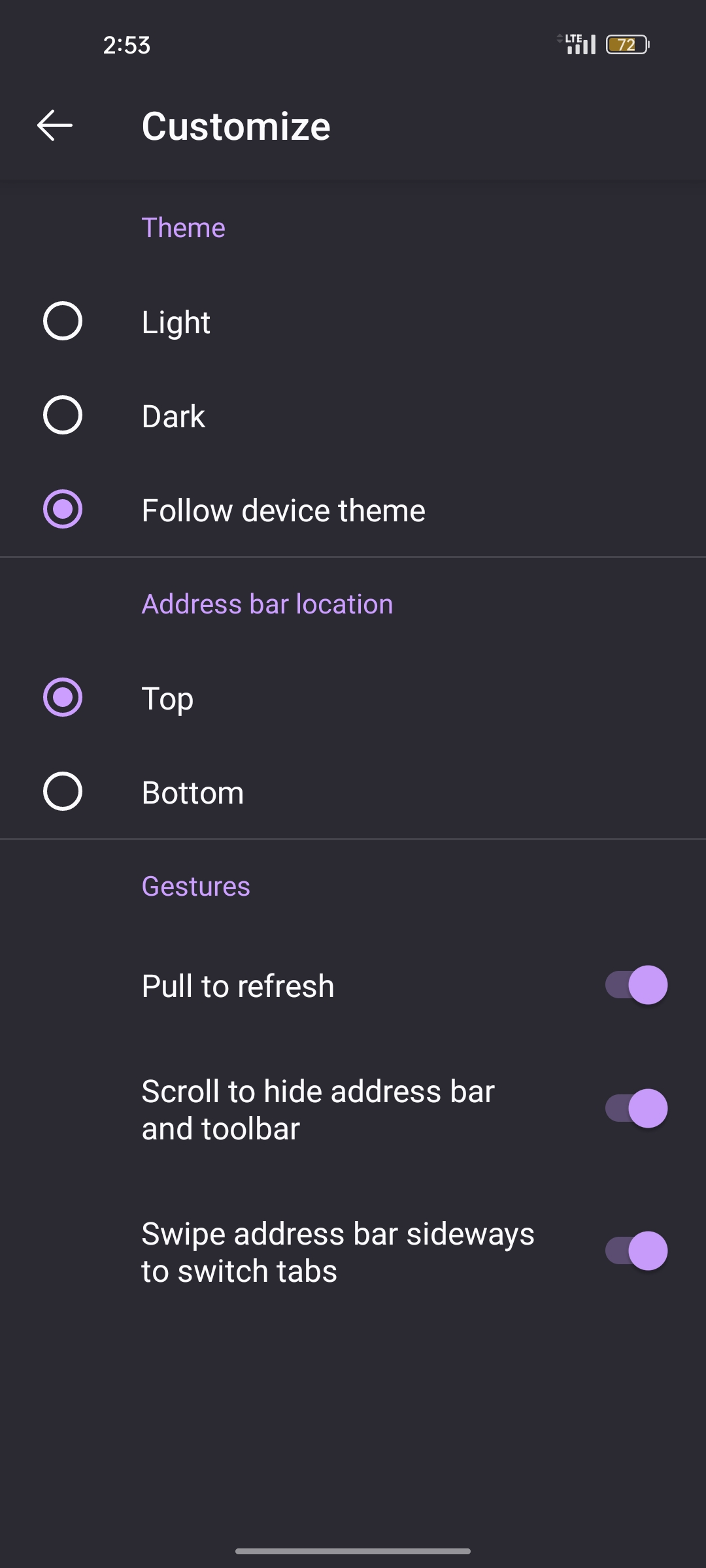
Solução escolhida
I found it. This has to be turned off Settings/Secret Settings/ Enable Navigation Tool Thank you!!!
Ler esta resposta 👍 2Todas as respostas (8)
It looks like A/B test in Nightly. You can turn it off in Secret Settings.
Solução escolhida
I found it. This has to be turned off Settings/Secret Settings/ Enable Navigation Tool Thank you!!!
Alterado por Littery em
Hello,
I am glad to hear that your problem has been resolved. If you haven't already, please select the answer that solves the problem. This will help other users with similar problems find the solution.
Thank you for contacting Mozilla Support.

I see above how this has been solved, however I can't find anything about "Enable navigation tool" in the 'about:config' settings. What a exactly is it called? I'm using Firefox nightly on Android as well.
Alterado por kfafnis em
TyDraniu said
It looks like A/B test in Nightly. You can turn it off in Secret Settings.
Hello Ty, what is it called in secret settings? I am assuming "secret settings" is 'about:config'. Thank you for your help
No, it's not about:config.
Instructions to enable the “secret settings” in the Settings menu for Firefox Nightly. This lets you access “Secret Settings” and “Secret Debug Info” in the Settings menu.
- Tap on three-dot menu in the toolbar
- Tap on Settings
- Scroll down and select “About Firefox Nightly”
- Tap the Firefox logo until you see the “Debug menu: (#) click(s) left to enable” helper message
- Once the Debug menu has been enabled, go back to Settings and you will see “Secret Settings” and “Secret Debug Info” menu items
TyDraniu said
Instructions to enable the “secret settings” in the Settings menu for Firefox Nightly. This lets you access “Secret Settings” and “Secret Debug Info” in the Settings menu.
- Tap on three-dot menu in the toolbar
- Tap on Settings
- Scroll down and select “About Firefox Nightly”
- Tap the Firefox logo until you see the “Debug menu: (#) click(s) left to enable” helper message
- Once the Debug menu has been enabled, go back to Settings and you will see “Secret Settings” and “Secret Debug Info” menu items
Ty, thank you a million. Why something so simple as this has to be buried in a secret menu that's NOT in the about:config is beyond me. Seems very foolish. Anyway, thank you so much.