


Saving, my emails

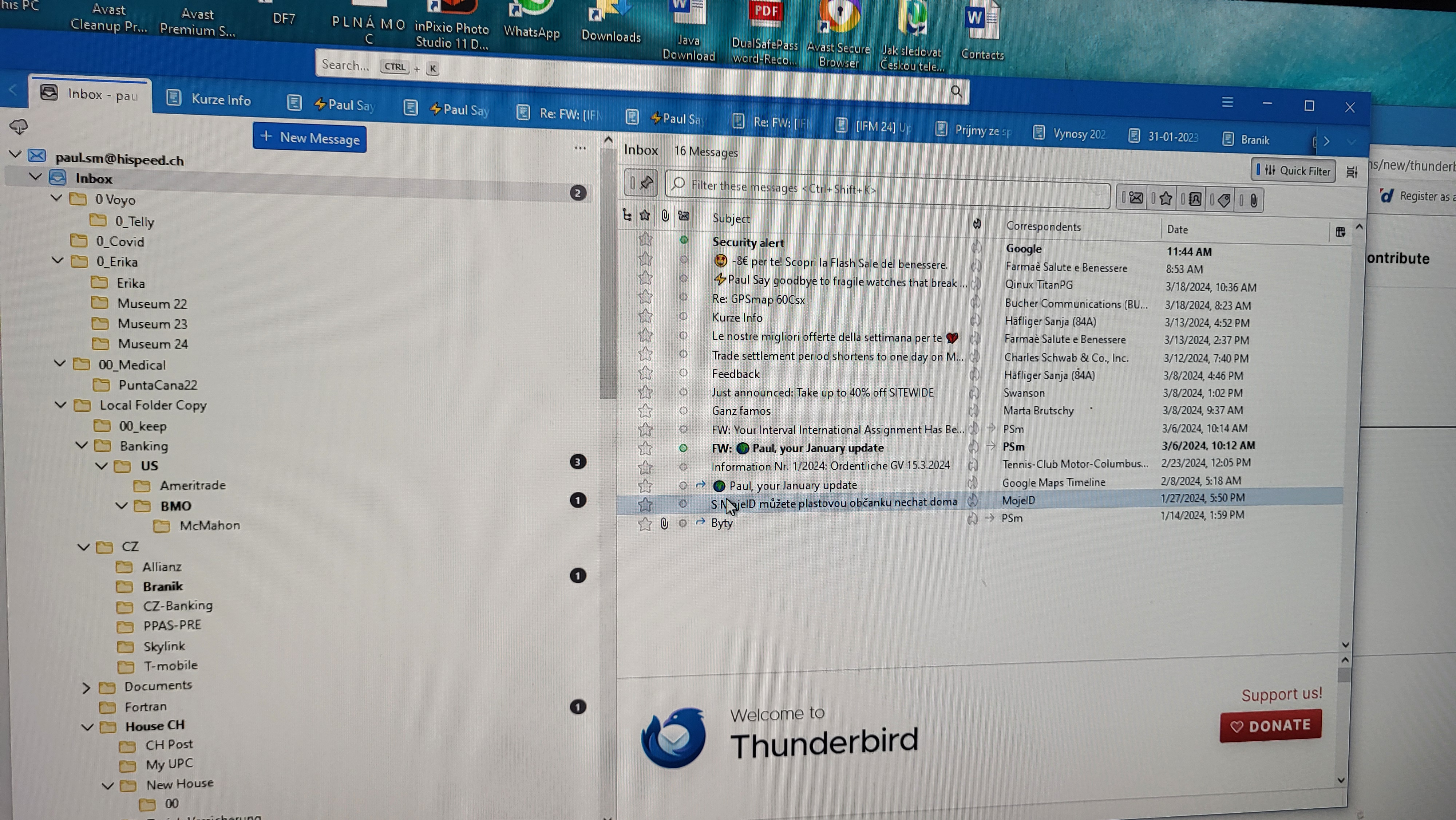
On a left side, on top of monitor is my email address, then under is Inbox and subdirectories I created there. New mail is on right side in the Inbox there. I move new emails I want to keep shown on right side to these subdirectories on left side, How can I save all these mails which I have now in these subdirectories, as a Back ups.
Todas as respostas (5)
The easiest approach is the import-export NG addon. highlight the highest level (e.g, Local Folders), rightclick and select one of the export options.
What is this NG addon? where I can find it?
click the addons menu at tools>addons and search for import . That should identify the addon. If 'tools' is not visible click the alt key to see menu bar.
Where are the tools. What should I open for this. It is not at Thunderbird.
If the menu bar is not visible, click the alt key to display it. Then, you should see a row of options, such as "File, Edit, View... " and one of them is 'Tools' . And on that menu is 'addons'