Windows 10 reached EOS (end of support) on October 14, 2025. If you are on Windows 10, see this article.

Pesquisar no site de suporte

Evite golpes de suporte. Nunca pedimos que você ligue ou envie uma mensagem de texto para um número de telefone, ou compartilhe informações pessoais. Denuncie atividades suspeitas usando a opção “Denunciar abuso”.

Saiba mais

Esta discussão foi arquivada. Faça uma nova pergunta se precisa de ajuda.

Thunderbird calendar

  • 1 resposta
  • 0 tem este problema
  • 32 visualizações
  • Última resposta de konrad.matkowski
  • Arquivado

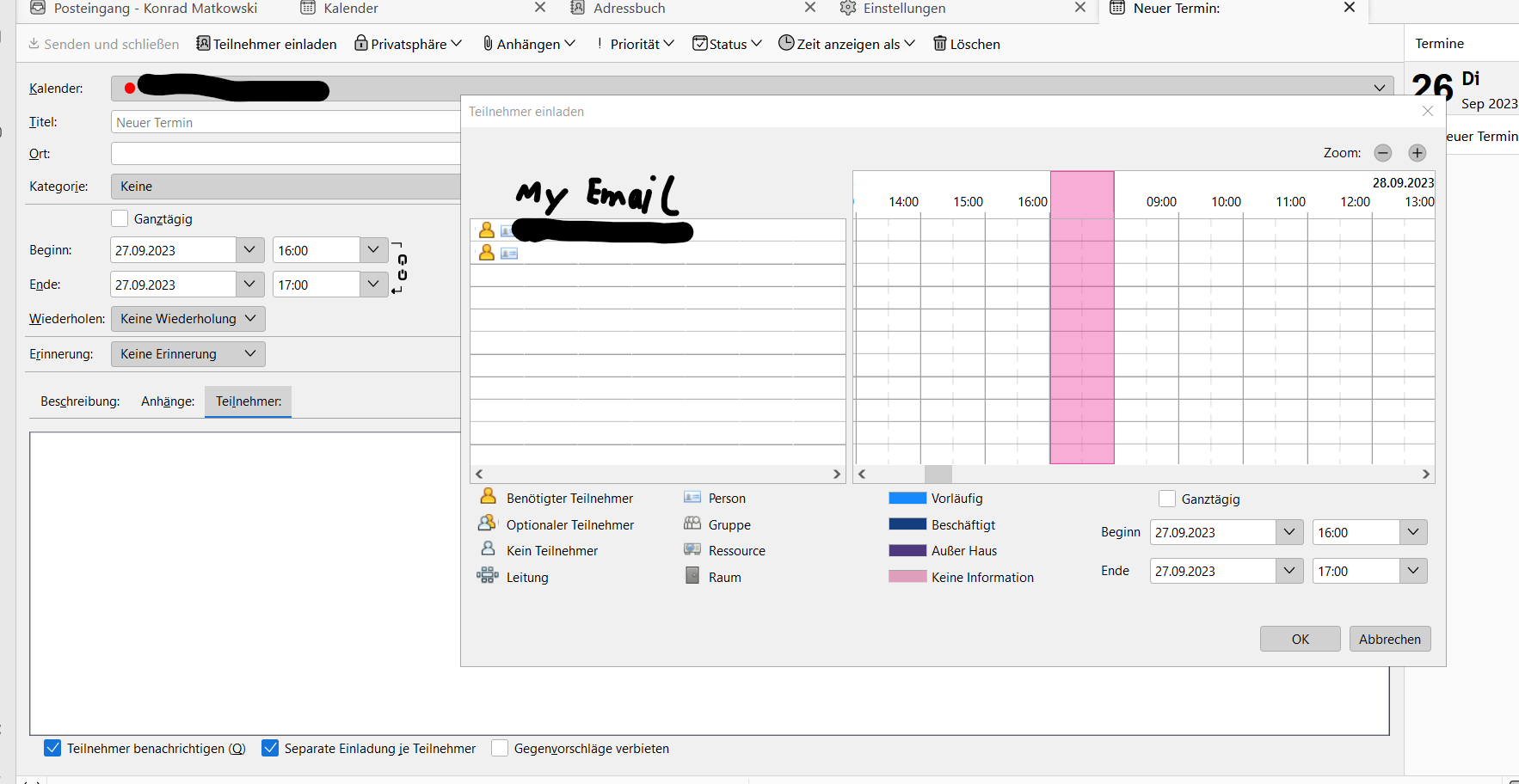
Hi all, I work for a Company in north Italy, and we use Thunderbird, before the update we used Thunderbird version 102 and everything worked fine but now after updating, when a calendar entry is made and you add participants they won't receive an invite but will still see it in the calendar itself. I've looked for some options and found this: " https://support.mozilla.org/en-US/kb/enable-email-invitations-caldav-servers-configured " " https://support.mozilla.org/en-US/questions/1309527 " I tried them but the option is still grayed out is there any way to fix it without changing our SMTP server?
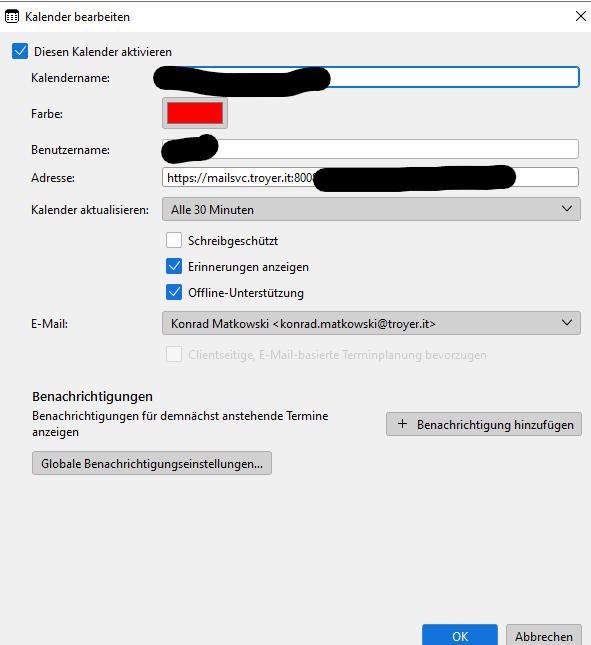
Hi all, I work for a Company in north Italy, and we use Thunderbird, before the update we used Thunderbird version 102 and everything worked fine but now after updating, when a calendar entry is made and you add participants they won't receive an invite but will still see it in the calendar itself. I've looked for some options and found this: " https://support.mozilla.org/en-US/kb/enable-email-invitations-caldav-servers-configured " " https://support.mozilla.org/en-US/questions/1309527 " I tried them but the option is still grayed out is there any way to fix it without changing our SMTP server?
Capturas de tela anexadas

Todas as respostas (1)

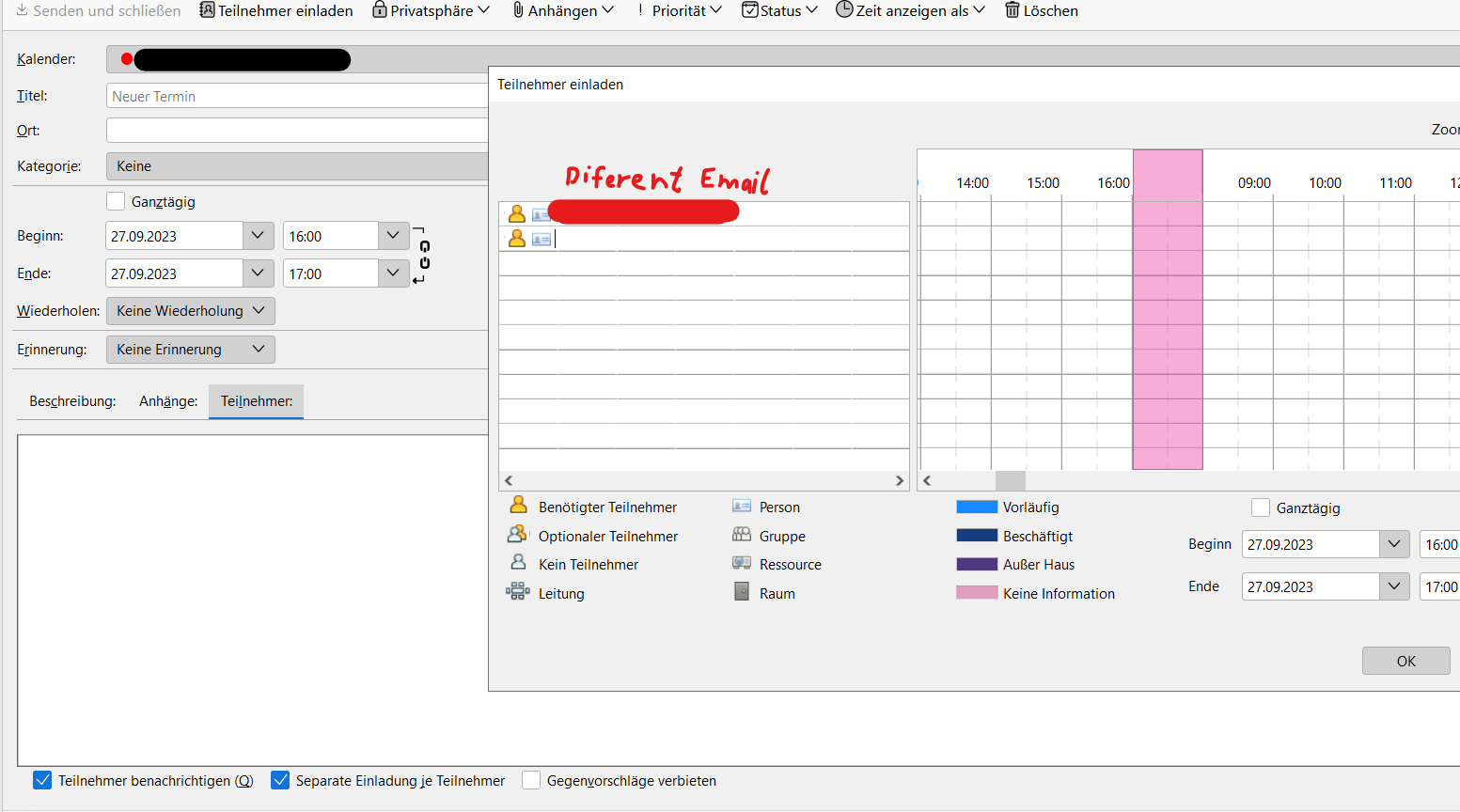
so we found a temporary fix that might help when you add an appointment in the calendar and try adding someone you're email will be at the top, removing that and putting in the emails of people who are suppose to get the notification should fix it, like in the attached images