


Passwords not saving even with autofill checked

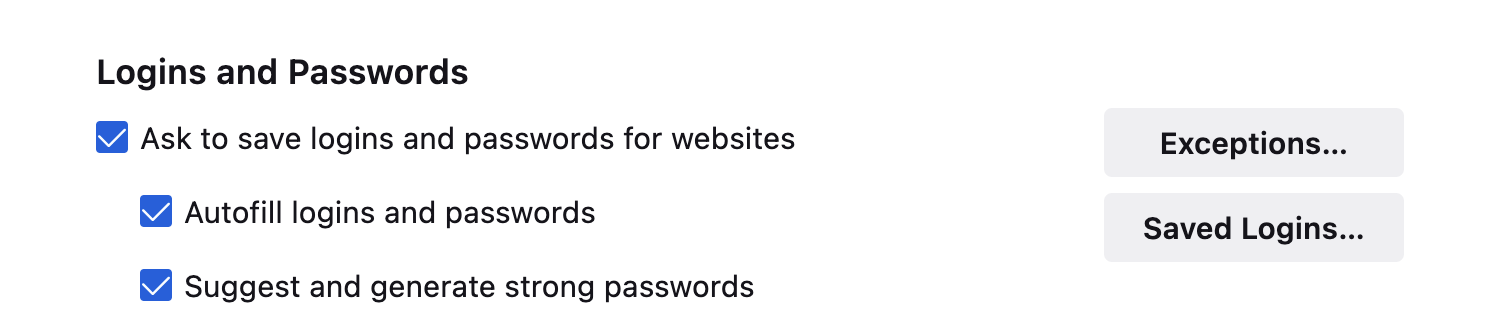
Although Firefox asks to save my password and login information, it never actually saves them, even though I have Autofill checked. I've read through some of Firefox's articles and other support questions, and none of them have worked for me.
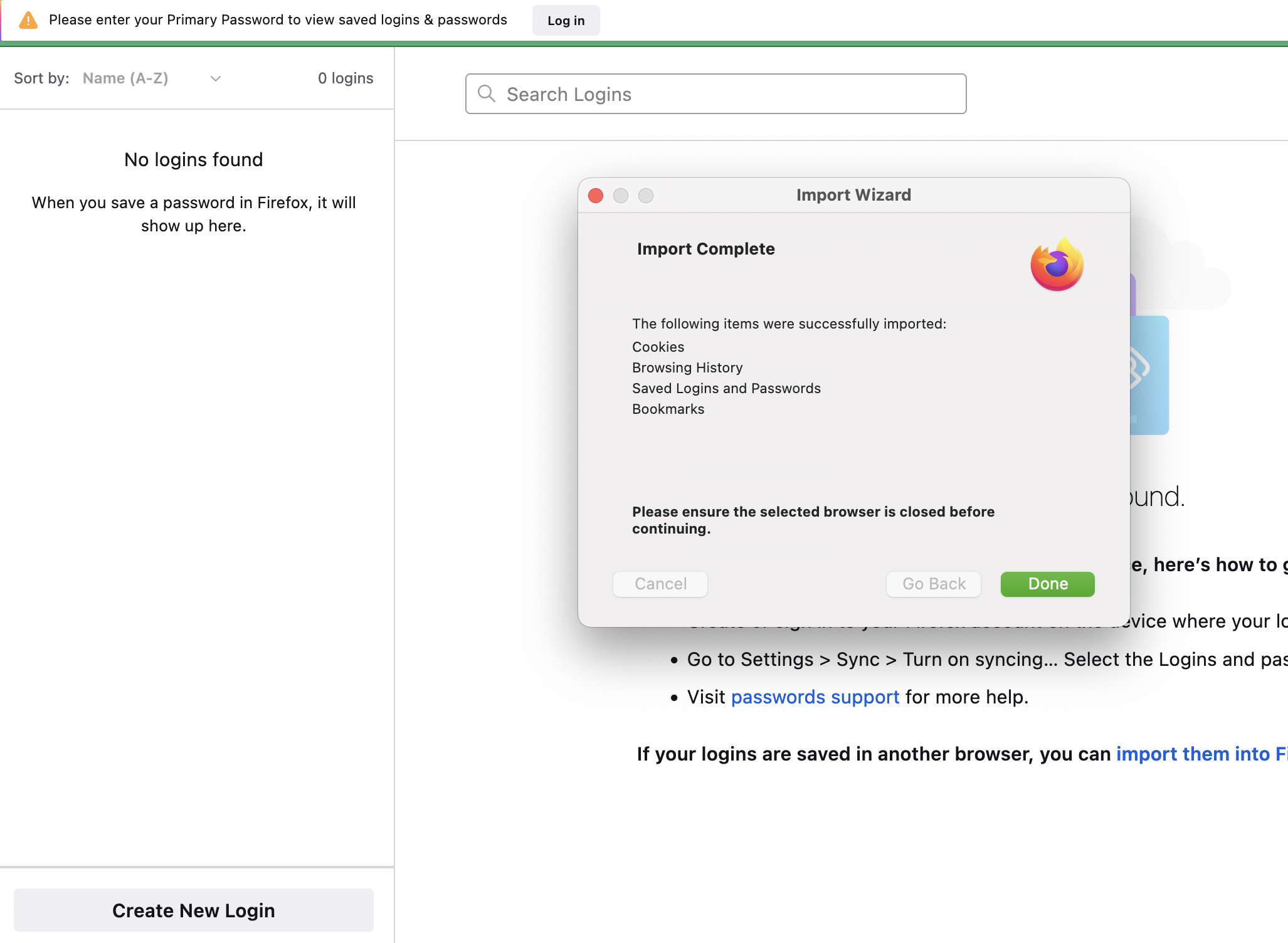
1. I do have Autofill checked in my Settings (see attached image). This is not the problem. 2. It's also not that the websites themselves won't save the information. I used Chrome before I moved to Firefox, and Chrome managed to autofill my login information just fine for these sites. 3. I did try to import my logins from Chrome. Although Firefox tells me the import was successful (see other attached image), nothing appears to have actually imported. 4. Sometimes Firefox prompts me, at the top of the Logins page, for a Primary Password. I have never set one, and it won't actually let me set one. 5. Even when I try to manually enter logins on the Logins page, they will not save.
Does anyone know what's going on and how I can fix it?
Thanks.
Todas as respostas (2)

When did you try to import logins from Chrome? That import function is broken and there is a bug report filed 3 months ago. There is a preference in about:config which needs to be changed to true temporarily for it to work : security.allow_eval_in_parent_process There is another preference which also needs to be changed to true : signon.management.page.fileImport.enabled.
Those are mentioned in the bug report.
https://bugzilla.mozilla.org/show_bug.cgi?id=1781213 https://support.mozilla.org/en-US/kb/about-config-editor-firefox
I suggest that you export the logins from GC as a .csv, change those preferences to true and import into Firefox using Passwords > ... > Import from a File.
I don't know whether that will make a difference to the other issues.
Can you use "Create New Login" to add a new login?
Try to rename/remove logins.json and key4.db in the Firefox profile folder with Firefox closed.
You can use the button on the "Help -> More Troubleshooting Information" (about:support) page to go to the current Firefox profile folder or use the about:profiles page (Root directory).
- Help -> More Troubleshooting Information -> Profile Folder/Directory:
Windows: Open Folder; Linux: Open Directory; Mac: Show in Finder - https://support.mozilla.org/en-US/kb/profiles-where-firefox-stores-user-data