


Sending & Receiving gmail on Thunderbird not working

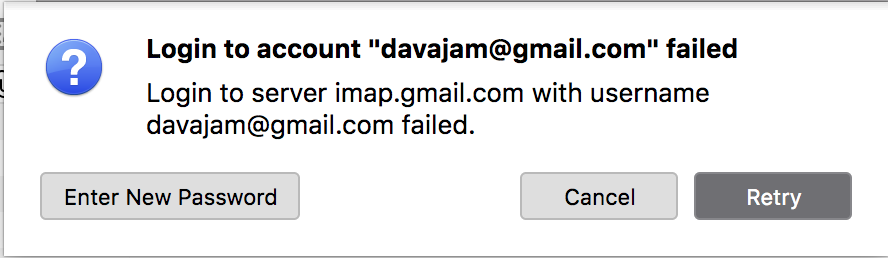
I have spent the last two days trying to re-establish receiving/sending emails on my Apple MacBook Pro using Thunderbird without success. This problem developed suddenly about 3 or 4 days ago and only affects the MacBook, not any other device (I have an iMac and two iPads). I have gone through the instructions in Thunderbird's support pages and those in Mozilla with no success.
How do I fix this please? Would the easiest way be to simply delete the account xxxxxxx.gmail.com from Thunderbird on my MacBook and re-instate it by adding it back in?
All the setting for IMAP and SMTP are correct and the username/password is identical on all my devices.
Solução escolhida
If not yet done, turn on OAuth2 authentication in your account settings for the Gmail account. That goes for both, the incoming, and outgoing server. After a Thunderbird restart you'll be prompted for your Google credentials, and you'll have to allow Thunderbird to access your Gmail account.
Ler esta resposta 👍 1Todas as respostas (3)

Solução escolhida
If not yet done, turn on OAuth2 authentication in your account settings for the Gmail account. That goes for both, the incoming, and outgoing server. After a Thunderbird restart you'll be prompted for your Google credentials, and you'll have to allow Thunderbird to access your Gmail account.

I also have this problem. When I turned on the OAuth2 and restarted T Bird then a Google page pops up and it prompts me for my Gmail address. Then after I enter it, I get a message that it is an unknown address. Which it is not because I can use my browser and login to Gmail without any problems.

I've tried this suggestion, and all the others I've found on Thunderbird pages. Would the best solution be to delete the Thunderbird app and then start over?