


Can I change the shortcut keys for Ctrl+Alt+Shift+Enter?

Howdy,
When I type in a word into the URL bar and press Ctrl+Enter, FF will add the .com to the end and open the URL. Also, when I type a word into the URL bat and press Alt+Enter, FF will open that word as a URL in a new tab and do a search. However, if I try to combine the two and enter a word in the URL bar and press Ctrl+Alt+Enter, I'd like FF to add the .com and then open it in a new tab but it doesn't (although it works fine in Chrome). Apparently, I have to press Ctrl+Alt+Shift+Enter to get it to do that and that's just a lot of keys.
Is there any way to change a setting somewhere to male Ctrl+Alt+Enter add the .com and open it in a new tab like it should? I don't want to have different key combos between browsers. ;)
Thanks.
Todas as respostas (2)
Hey there!
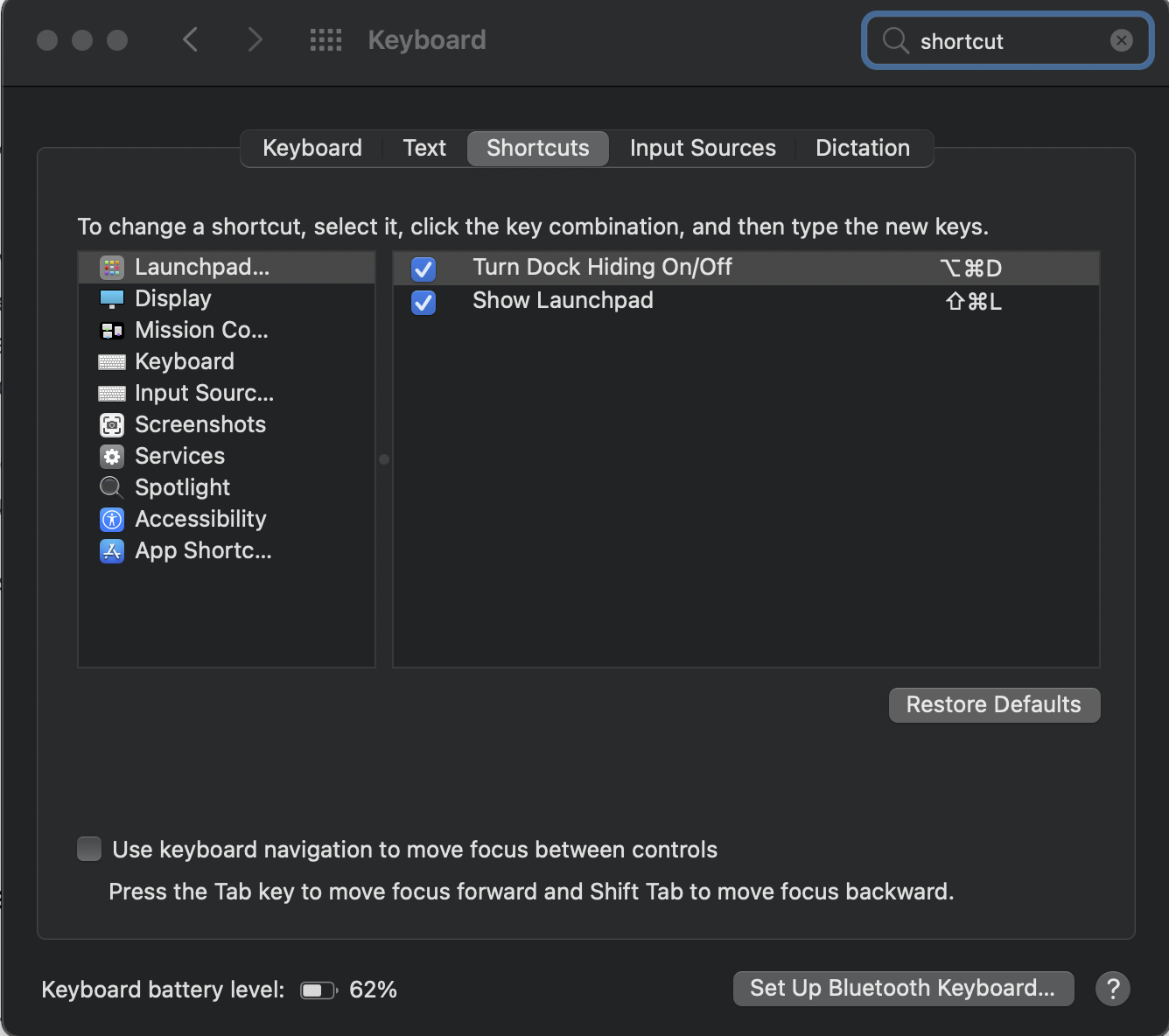
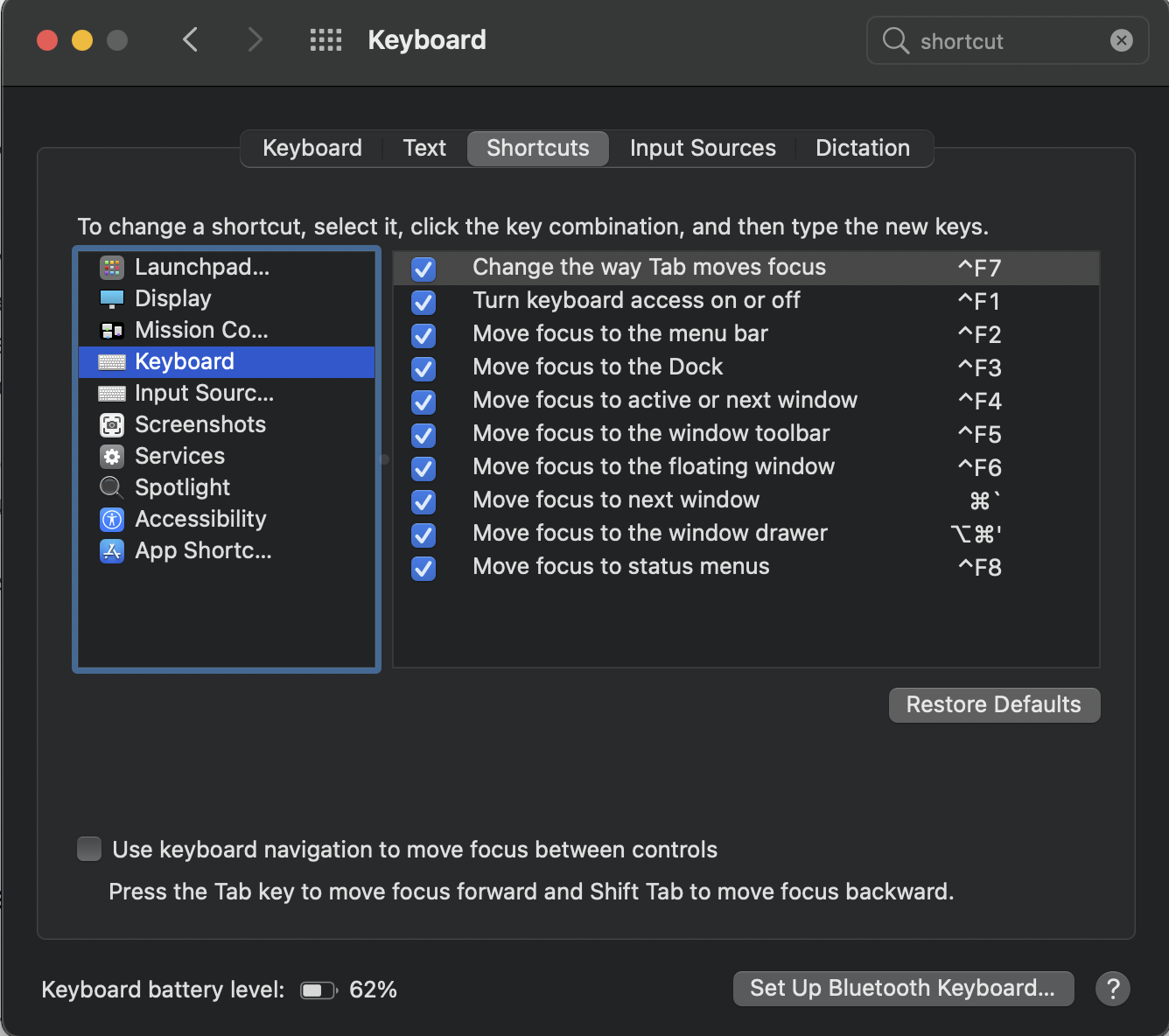
Have you checked you computer settings. On a Mac you go to Systems preferences --> Keyboard --> Shortcuts and you can change your keyboard setup any way you want. Please see the screenshots below.
Hope I helped!
Kind regards,
Bithiah
This is specific to Firefox. Ctrl+Alt+Enter in Chrome does what I expect (adds the .com and opens a new tab). Firefox just doesn't. Ctrl+Alt+Enter seems to do the same thing as just Alt+Enter in Firefox.