Windows 10 reached EOS (end of support) on October 14, 2025. If you are on Windows 10, see this article.

Pesquisar no site de suporte

Evite golpes de suporte. Nunca pedimos que você ligue ou envie uma mensagem de texto para um número de telefone, ou compartilhe informações pessoais. Denuncie atividades suspeitas usando a opção “Denunciar abuso”.

Saiba mais

Esta discussão foi arquivada. Faça uma nova pergunta se precisa de ajuda.

Firefox won't open anything

  • 1 resposta
  • 1 tem este problema
  • 87 visualizações
  • Última resposta de jonzn4SUSE
  • Arquivado

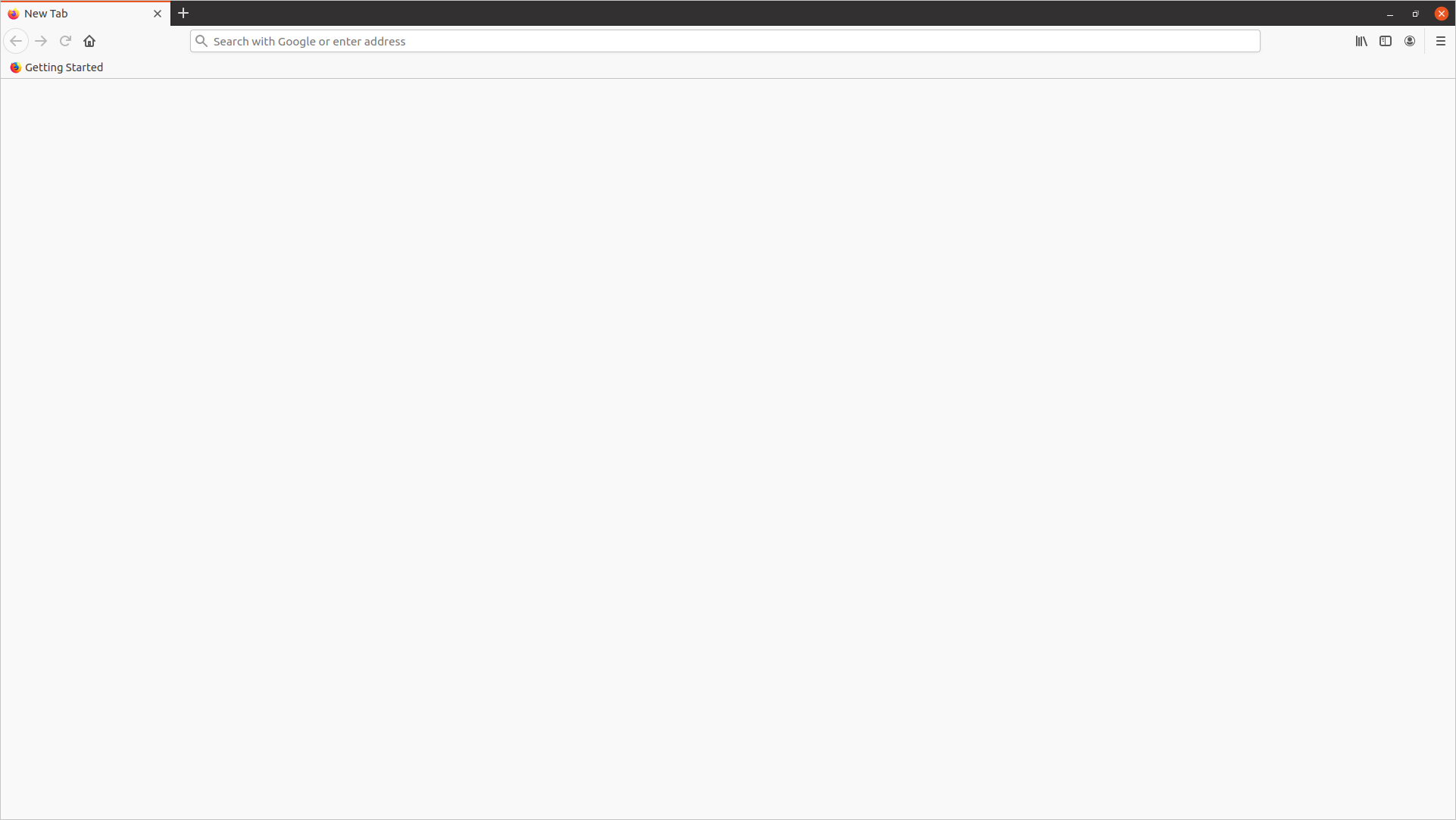
Firefox 87.0 (64-bit) on Ubuntu 20.10 is currently unusable as it won't open anything.

  • Firefox opens with no page loaded.
  • Clicking the single "getting started" bookmark does nothing.
  • Entering a search term in the address bar and pressing 'enter' changes the url in the address bar but nothing is loaded and the page remains blank. There is no indication that anything is loading.
  • Entering a url, such as "www.youtube.com", and pressing "enter" does nothing. There is no indication that anything is loading.
  • Opening the menu by clicking on the burger icon, then on "preferences" does nothing except make the menu disappear (same with most of the options in the menu).

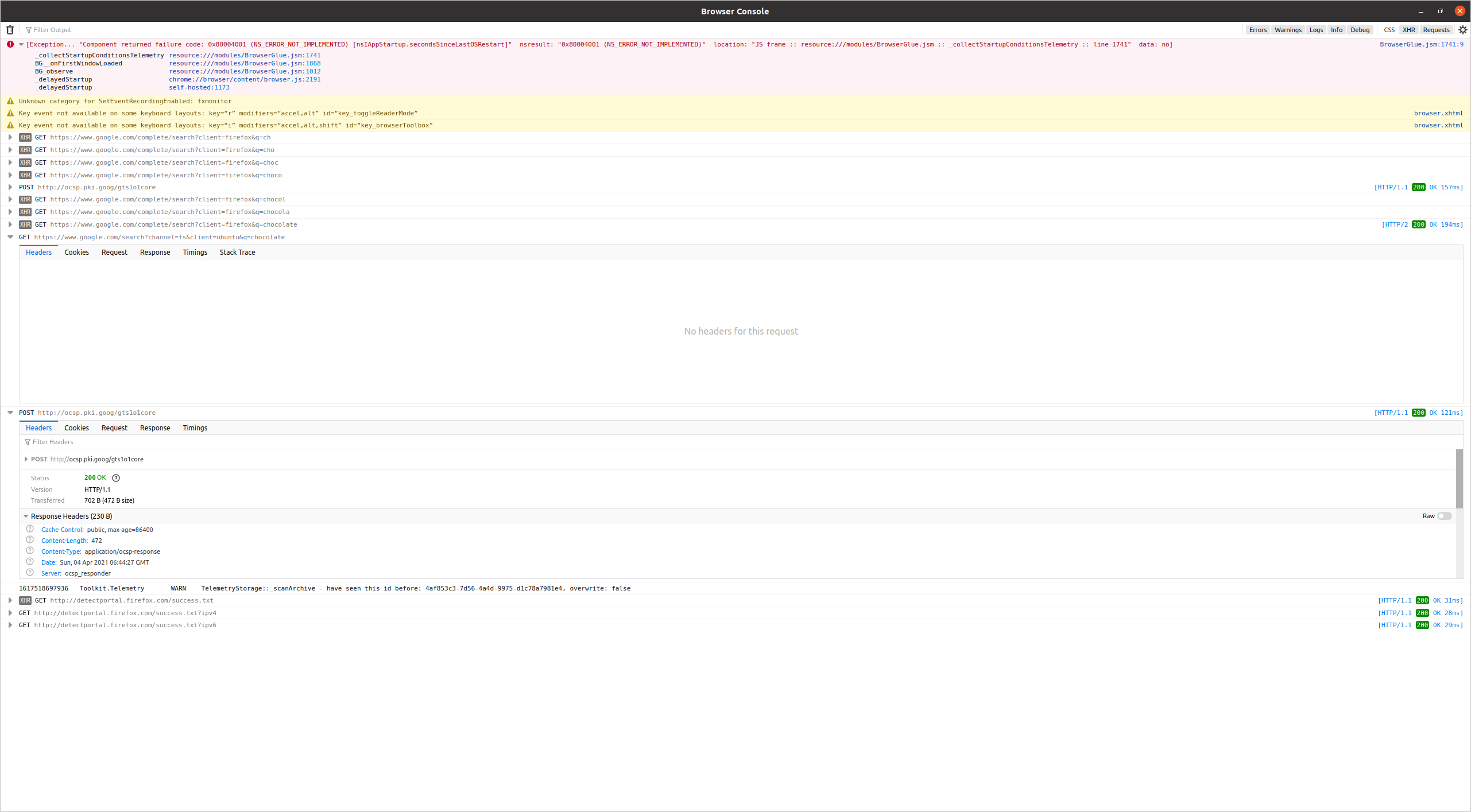
In the browser console I see some errors and no request info (see screenshot).

I've tried `sudo apt purge firefox` then installing again, which didn't help. The problem started with ubuntu 20.04 (I only updated to 20.10 to see if it might resolve this problem).

I've tried the "refresh firefox" option, starting in safe mode, and clearing the startup cache, which didn't help.

Any suggestions would be much appreciated.
Firefox 87.0 (64-bit) on Ubuntu 20.10 is currently unusable as it won't open anything. * Firefox opens with no page loaded. * Clicking the single "getting started" bookmark does nothing. * Entering a search term in the address bar and pressing 'enter' changes the url in the address bar but nothing is loaded and the page remains blank. There is no indication that anything is loading. * Entering a url, such as "www.youtube.com", and pressing "enter" does nothing. There is no indication that anything is loading. * Opening the menu by clicking on the burger icon, then on "preferences" does nothing except make the menu disappear (same with most of the options in the menu). In the browser console I see some errors and no request info (see screenshot). I've tried `sudo apt purge firefox` then installing again, which didn't help. The problem started with ubuntu 20.04 (I only updated to 20.10 to see if it might resolve this problem). I've tried the "refresh firefox" option, starting in safe mode, and clearing the startup cache, which didn't help. Any suggestions would be much appreciated.
Capturas de tela anexadas

Todas as respostas (1)

Do you have the same issue with other users on that machine? Can you try downloading Firefox to a folder and running it from there?

https://www.mozilla.org/en-US/firefox/all/#product-desktop-release

Also, how about seeing what strace can show for the Firefox process after you try a site.