


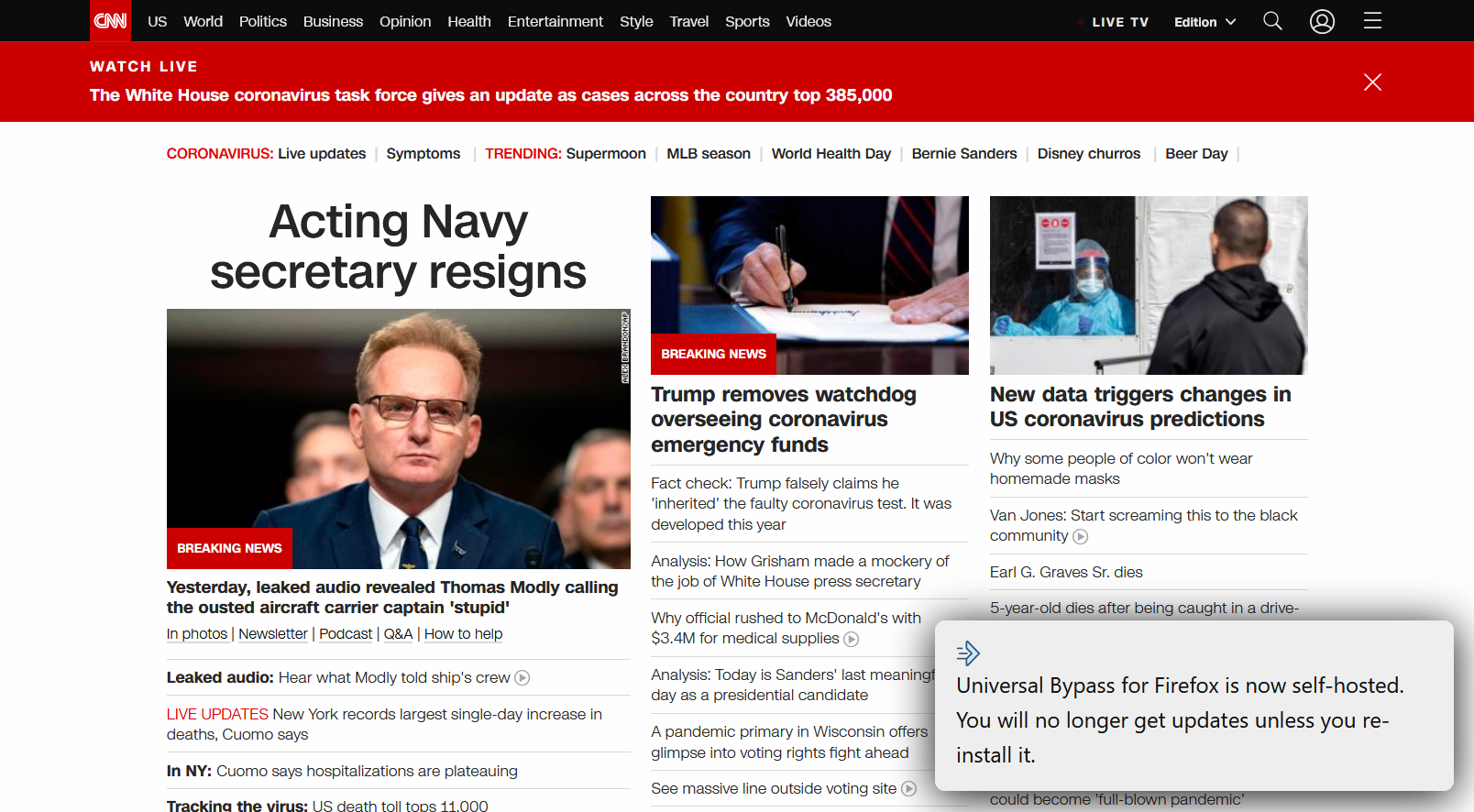
Getting this message when I use Firefox: Universal bypass for firefox is now self-hosted. You will no longer get updates unless you re-install it.???
I just started getting this message everytime I use Firefox: "Universal bypass for firefox is now self-hosted. You will no longer get updates unless you re-install it." What does this mean and how do I get it to stop appearing on my web page? If I click on it it disappears but pops up again whenever I go to the next page. It is extremely irritating.
Solução escolhida
Hi jimcoppage2, "Universal bypass" is an add-on. Apparently in order to receive updates, you need to remove the one you have now and reinstall it from its new source.
If this add-on is not important for you, you can disable it temporarily and worry about this later. Or if it is unlikely to be useful for you in the future, you can remove it. Here's how:
Open the Add-ons page using either:
- Ctrl+Shift+a (Mac: Command+Shift+a)
- "3-bar" menu button (or Tools menu) > Add-ons
- type or paste about:addons in the address bar and press Enter/Return
In the left column of the Add-ons page, click Extensions.
Then scan down the right side for "Universal bypass". Click its "slider switch" icon to disable it, or click the ••• menu to access the Remove option.
While you're here, cast a critical eye over the list. Any extensions Firefox installs for built-in features are hidden from this page, so everything listed here is your choice (and your responsibility) to manage. Anything suspicious or that you just do not remember installing or why? If in doubt, disable (or remove).
Any improvement?
Ler esta resposta 👍 1Todas as respostas (2)

Solução escolhida
Hi jimcoppage2, "Universal bypass" is an add-on. Apparently in order to receive updates, you need to remove the one you have now and reinstall it from its new source.
If this add-on is not important for you, you can disable it temporarily and worry about this later. Or if it is unlikely to be useful for you in the future, you can remove it. Here's how:
Open the Add-ons page using either:
- Ctrl+Shift+a (Mac: Command+Shift+a)
- "3-bar" menu button (or Tools menu) > Add-ons
- type or paste about:addons in the address bar and press Enter/Return
In the left column of the Add-ons page, click Extensions.
Then scan down the right side for "Universal bypass". Click its "slider switch" icon to disable it, or click the ••• menu to access the Remove option.
While you're here, cast a critical eye over the list. Any extensions Firefox installs for built-in features are hidden from this page, so everything listed here is your choice (and your responsibility) to manage. Anything suspicious or that you just do not remember installing or why? If in doubt, disable (or remove).
Any improvement?