


Windows 10 reached EOS (end of support) on October 14, 2025. If you are on Windows 10, see this article.

Pesquisar no site de suporte

Evite golpes de suporte. Nunca pedimos que você ligue ou envie uma mensagem de texto para um número de telefone, ou compartilhe informações pessoais. Denuncie atividades suspeitas usando a opção “Denunciar abuso”.

Saiba mais
Esta discussão foi arquivada. Faça uma nova pergunta se precisa de ajuda.
Arquivado

"Top Sites" tiles disappeared after latest update and new tabs are fully blank

redder00 replied
redder00

Hey guys. Since a few days ago, after updating firefox, suddenly all the top sites shortcuts which were on new tabs disappeared. and not only that. all new tabs I open, they are "Fully" blank. I can't even see the firefox icon at the top left, or the gear Icon on top right of the black pages. I refreshed firefox a few times and each time they came back but after a few minutes they disappeared again. at first I thought maybe adblockplus is causing the problem. but even after removing it, it happened again. Until I finally noticed this only happens whenever I refresh, and then try to change the position of the tiles, or edit them. the moment I touch the tiles and want to edit them or change their place, they disappear in new tabs. What should I do?

Any help will be appreciated.
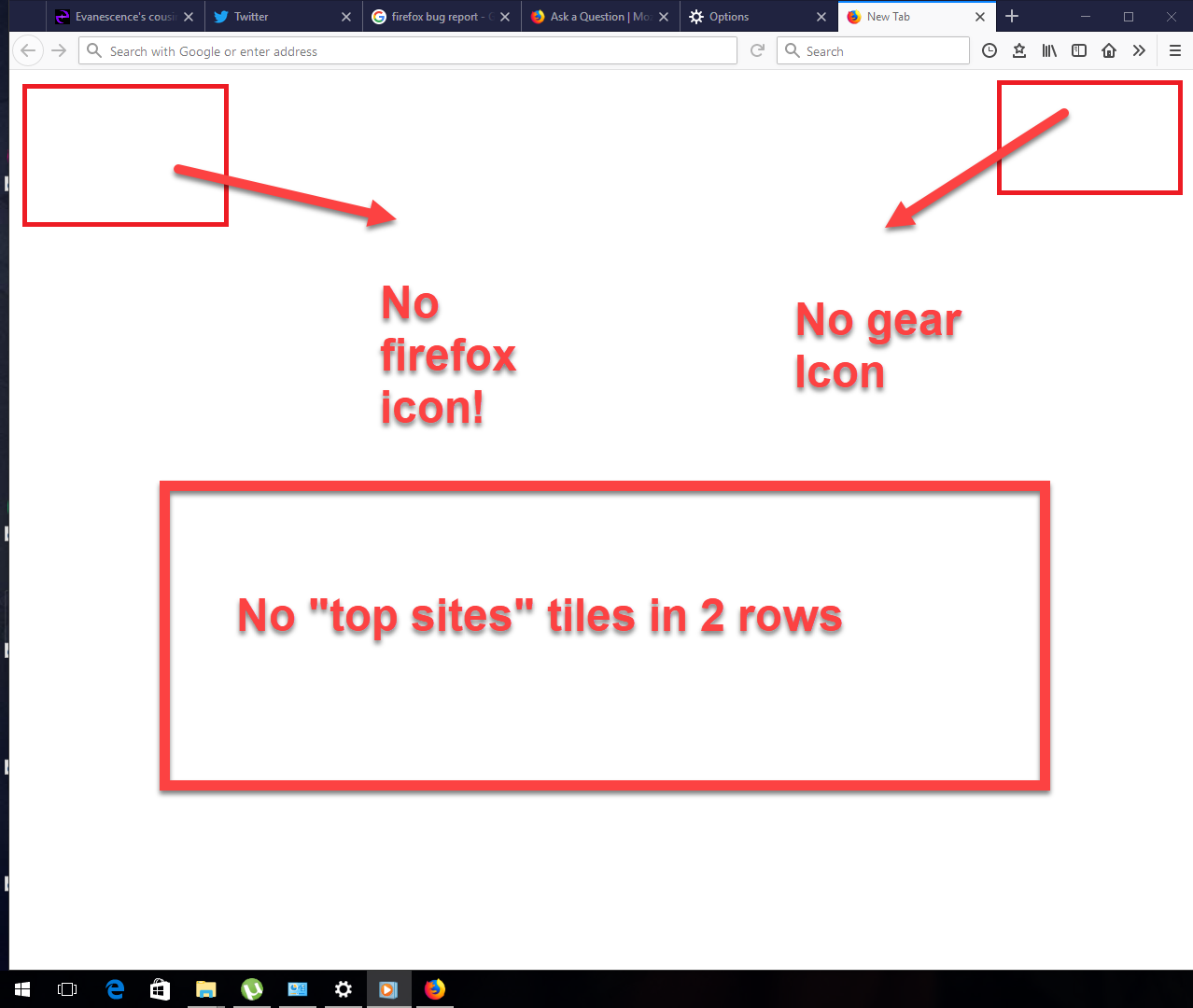
Hey guys. Since a few days ago, after updating firefox, suddenly all the top sites shortcuts which were on new tabs disappeared. and not only that. all new tabs I open, they are "Fully" blank. I can't even see the firefox icon at the top left, or the gear Icon on top right of the black pages. I refreshed firefox a few times and each time they came back but after a few minutes they disappeared again. at first I thought maybe adblockplus is causing the problem. but even after removing it, it happened again. Until I finally noticed this only happens whenever I refresh, and then try to change the position of the tiles, or edit them. the moment I touch the tiles and want to edit them or change their place, they disappear in new tabs. What should I do? Any help will be appreciated.
Capturas de tela anexadas

Todas as respostas (2)

Go to about:config and check if there browser.newtabpage.enabled = true.

TyDraniu said

Go to about:config and check if there browser.newtabpage.enabled = true.

Solved it! thank you very very much!