


How can I get the map in Google Map in a sort of dark/night mode?

I use Firefox on Linux Mint. I have an extension called Dark Background and Light Text (https://addons.mozilla.org/en-US/firefox/addon/dark-background-light-text/) that turns virtually every page into a night-mode page. But still, Google Maps is bright and white.
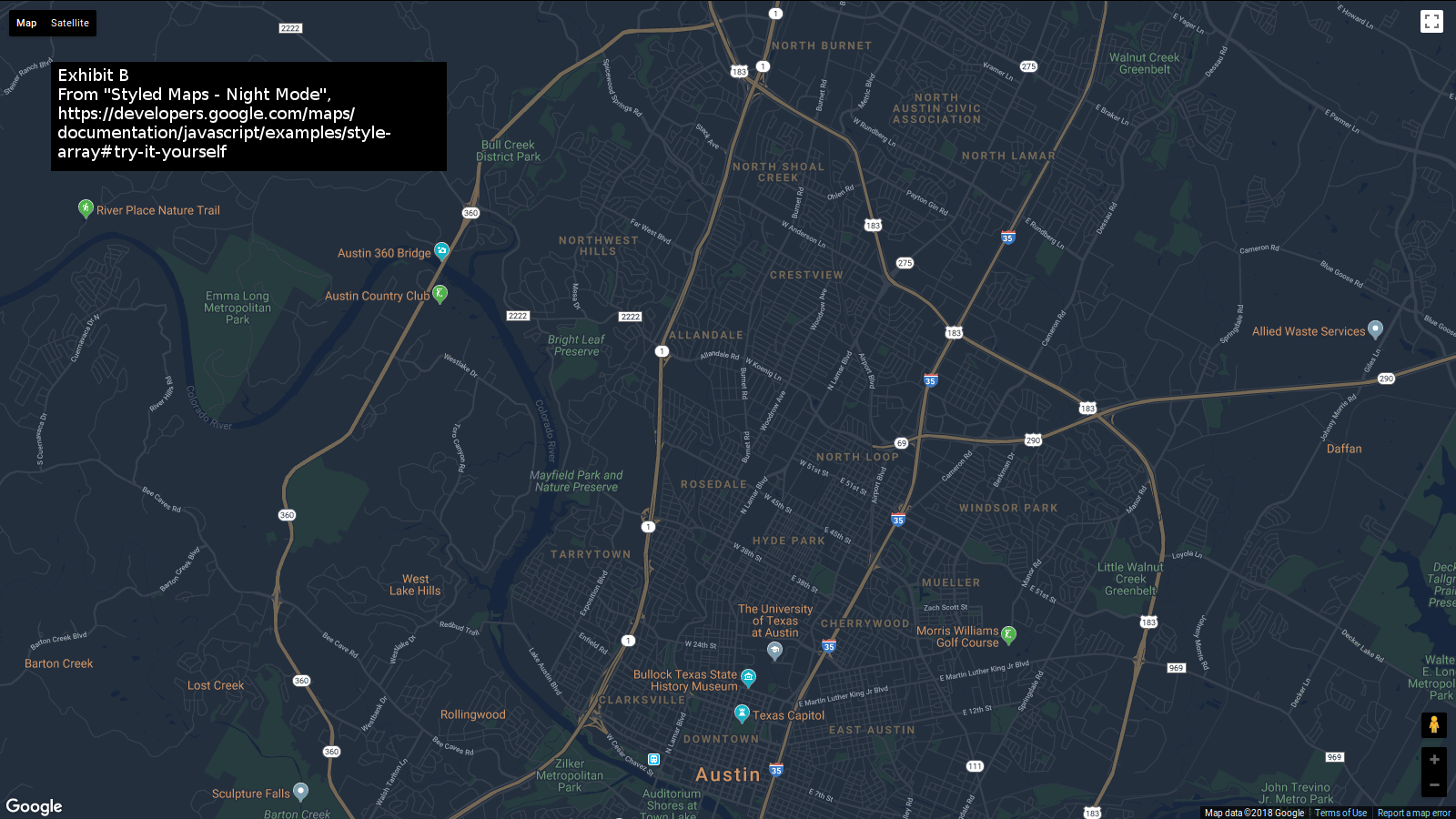
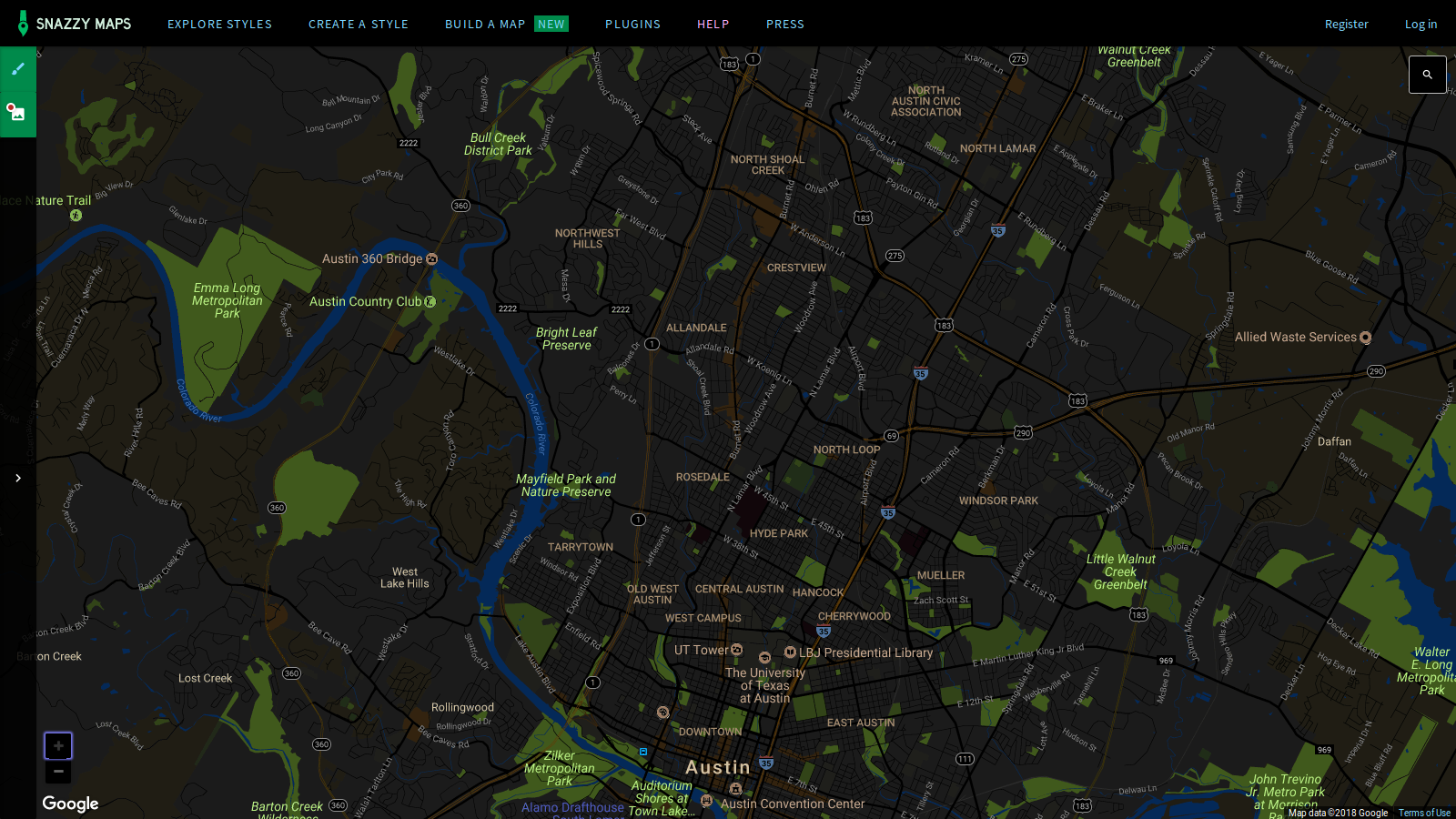
I want my Google Maps to look something like the Google Map on https://developers.google.com/maps/documentation/javascript/examples/style-array#try-it-yourself or like on https://snazzymaps.com/style/127404/simple-night-vision-stranger-thing
So what must I do to see a dark-themed Google Map when I point my browser to maps.google.com?
Thanks.
Solução escolhida
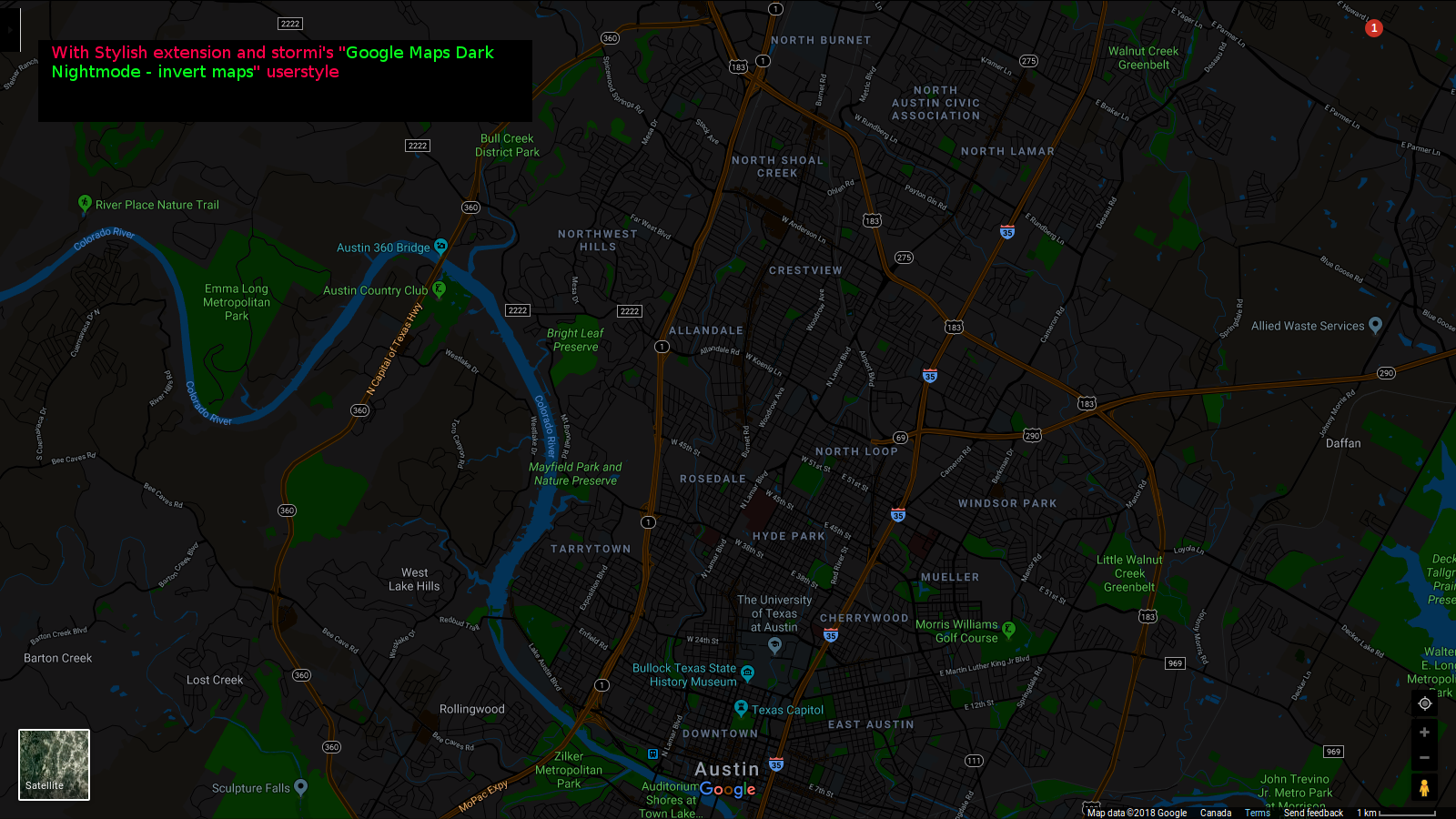
With the Stylish extension you can install this google-maps-dark-nightmode-invert-maps userstyle.
Ler esta resposta 👍 1Todas as respostas (5)
In Windows to make those types of changes one must now use userchrome.css to make customization or create their own userchrome.css that will give them what they are looking for. Beyond the standard FF layout any customization will not be had from Mozilla but other users making their own customization layout.
WestEnd, the OP is referring to a site like maps.google.com and not the browser user interface. Also it is userChrome.css and not userchrome.css. To change and appearance of a site that would be userContent.css though I do not have any examples for say maps.google.com
Besides Linux users can theme Firefox to an exent with GTK3 themes so one does not need userChrome.css for the UI.
Alterado por James em
Solução escolhida
With the Stylish extension you can install this google-maps-dark-nightmode-invert-maps userstyle.
Alterado por James em
Thanks, James!
Check out the beautiful screenshot! I've added screenshots of "GoogleMap API" map and the SnazzyMap map too.
The "GoogleMap API" map is too white still!
Alterado por tailonfire em
James said
With the Stylish extension you can install this google-maps-dark-nightmode-invert-maps userstyle.
How can I stop the userstyle from inverting StreetView and Satellite View?
Alterado por tailonfire em