


Can't login to HBO Go with Firefox. Works fine in IE and Chrome

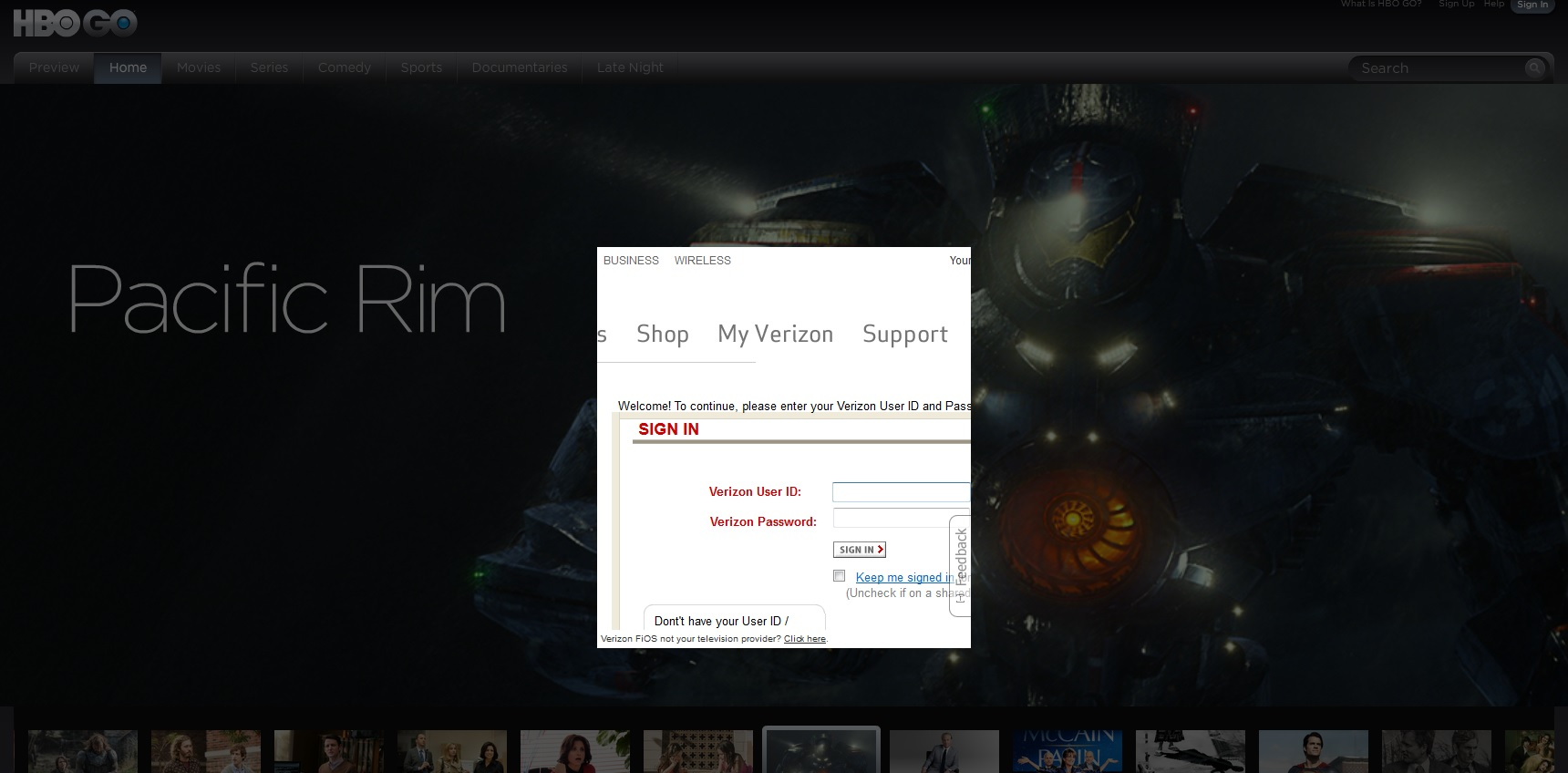
Trying to login to my HBO Go account and once I input my user ID and password, it takes me to a flash window that asks me for my user ID and password again. Have checked, checked and checked that I'm inputting these correctly and everything works fine in other browsers. Please help! Thanks!
Wybrane rozwiązanie
Hi,
Can't access HBO GO from europe so here is a long shot. Enable "Accept third party cookies". For details see
Przeczytaj tę odpowiedź w całym kontekście 👍 4Wszystkie odpowiedzi (9)
This can be caused by corrupted cookies or cookies that are blocked (check the permissions on the about:permissions page).
Clear the cache and cookies only from websites that cause problems.
"Clear the Cache":
- Firefox/Tools > Options > Advanced > Network > Cached Web Content: "Clear Now"
"Remove Cookies" from sites causing problems:
- Firefox/Tools > Options > Privacy > "Use custom settings for history" > Cookies: "Show Cookies"
Thanks for your quick response. Tried both of these solutions and, unfortunately, it didn't help.
Any other ideas?
I've attached a screengrab of what I'm seeing if that helps at all...
Start Firefox in Safe Mode to check if one of the extensions (Firefox/Tools > Add-ons > Extensions) or if hardware acceleration is causing the problem (switch to the DEFAULT theme: Firefox/Tools > Add-ons > Appearance).
- Do NOT click the Reset button on the Safe Mode start window.
Gave this a whirl and still no joy...

Go to the site, and before you log in, disable Adblock for that site only. See if that helps.
Thanks for your input, however Adblock was completely disabled when I ran Firefox in Safe Mode and didn't rectify the situation...
Any more ideas, guys? It's pretty sh*tty that I can do all this with ease on IE and Chrome but not on my beloved Firefox
Wybrane rozwiązanie
Hi,
Can't access HBO GO from europe so here is a long shot. Enable "Accept third party cookies". For details see
That seems to do the trick! Awesome, thank you so much for your help!