


double entries in facebook like slider

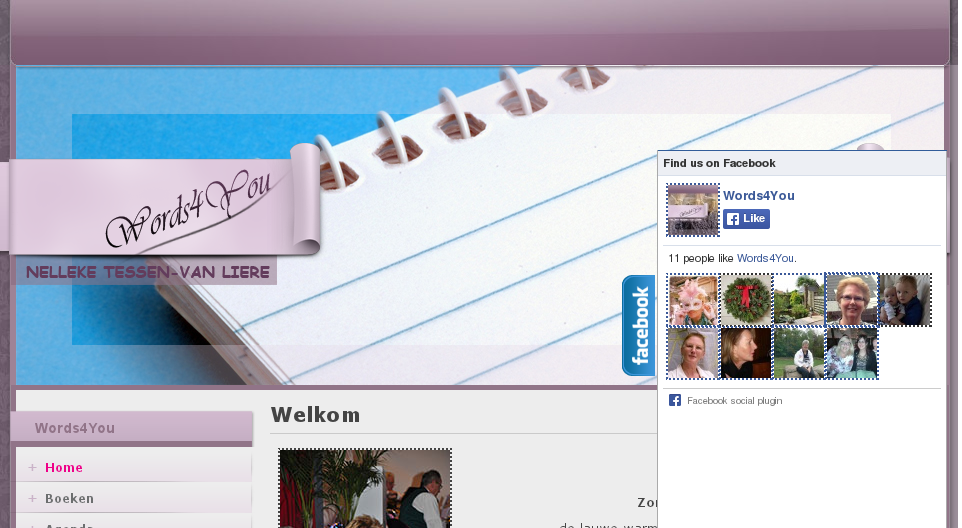
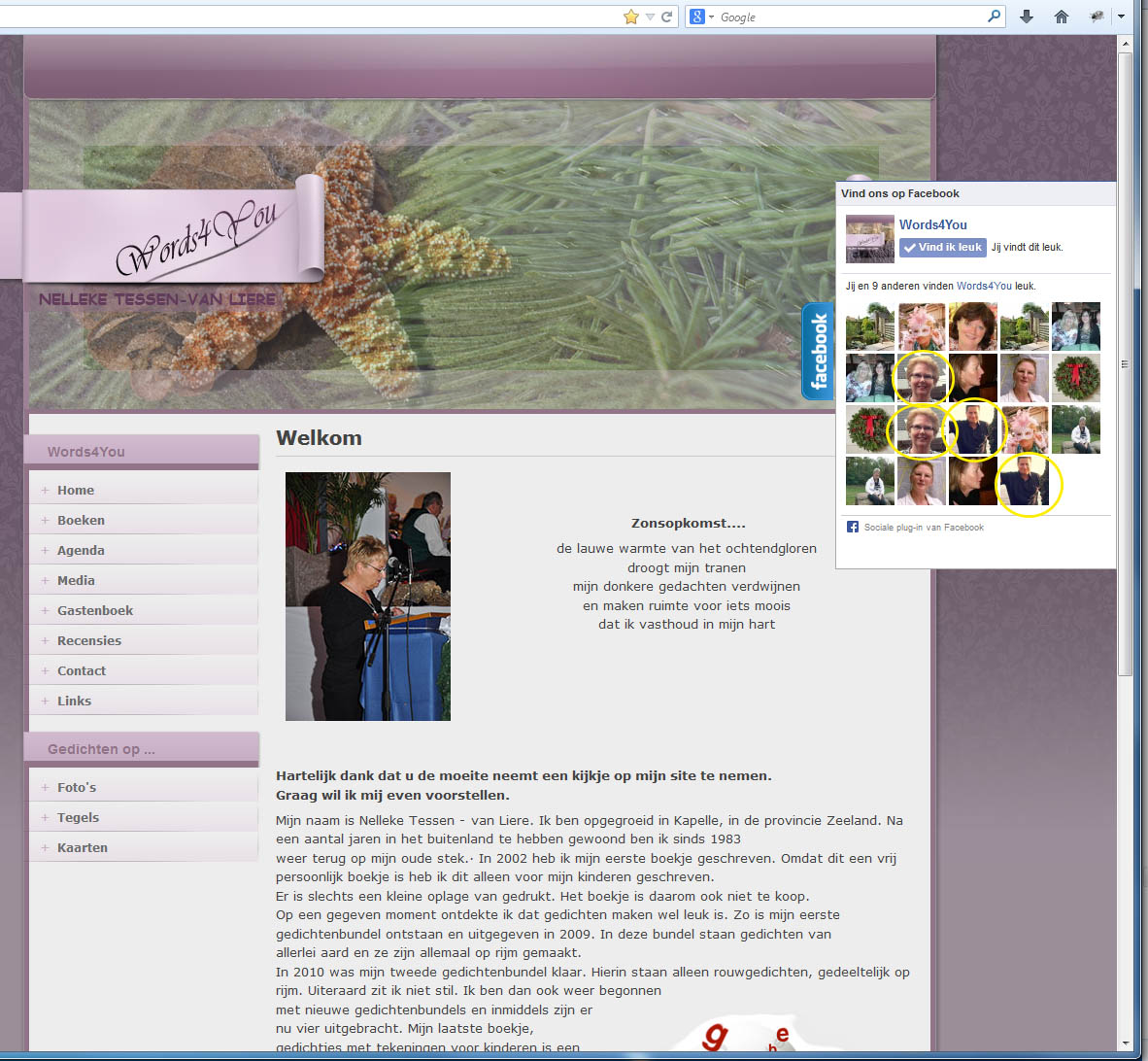
I have a facebook 'like' slider installed on my website [www.words4you.nl]. In the Firefox browser are now all items twice in the slider, it works in all other browsers without errors. Can you help me on this?
Regards, Wolf
Wybrane rozwiązanie
That is what I expected from your description, but I'm not seeing this.
I only see one set with Firefox 25 and 26 and not images double like in your screenshot.
Start Firefox in Safe Mode to check if one of the extensions (Firefox/Tools > Add-ons > Extensions) or if hardware acceleration is causing the problem (switch to the DEFAULT theme: Firefox/Tools > Add-ons > Appearance).
- Do NOT click the Reset button on the Safe Mode start window.
- https://support.mozilla.org/kb/Safe+Mode
- https://support.mozilla.org/kb/Troubleshooting+extensions+and+themes
Try a new test profile to check if your current profile is causing the problems.
See "Creating a profile":
Wszystkie odpowiedzi (6)
I'm not seeing this. The slider looks OK.
You can reload web page(s) and bypass the cache to refresh possibly outdated or corrupted files.
- Hold down the Shift key and left-click the Reload button
- Press "Ctrl + F5" or press "Ctrl + Shift + R" (Windows,Linux)
- Press "Command + Shift + R" (Mac)
Hi, Thank you for your response. I followed your instructions, but without result. Did then remove and re-install Firefox. This has not helped. I have this problem on two desktop computers at home.
Regards, Wolf
Can you attach a screenshot to make sure that I understand this issue?
- http://en.wikipedia.org/wiki/Screenshot
- https://support.mozilla.org/kb/how-do-i-create-screenshot-my-problem
Use a compressed image type like PNG or JPG to save the screenshot.
Hi, Here the screenshot of the website.
Regards, Wolf
Wybrane rozwiązanie
That is what I expected from your description, but I'm not seeing this.
I only see one set with Firefox 25 and 26 and not images double like in your screenshot.
Start Firefox in Safe Mode to check if one of the extensions (Firefox/Tools > Add-ons > Extensions) or if hardware acceleration is causing the problem (switch to the DEFAULT theme: Firefox/Tools > Add-ons > Appearance).
- Do NOT click the Reset button on the Safe Mode start window.
- https://support.mozilla.org/kb/Safe+Mode
- https://support.mozilla.org/kb/Troubleshooting+extensions+and+themes
Try a new test profile to check if your current profile is causing the problems.
See "Creating a profile":
Hi,
It has been solved. I created a new profile and delete the old one. I am very happy with this. Thanks for your support.
Regards, Wolf