


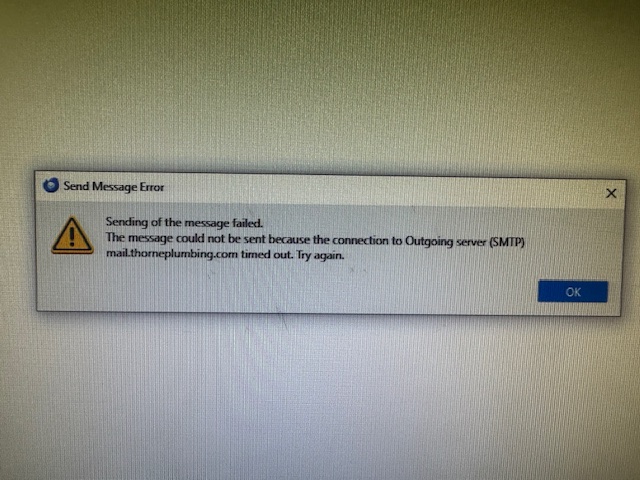
need help with the following error message: "Outgoing server (SMTP) mail.thorneplumbing.com has timed out. Try again."

Receive the following error message whenever I attempt to reply to or forward an e-mail
"Send Message Error. Sending of the message failed. The message could not be sent because the connection to the Outdoing server (SMTP) mail.thorneplumbing.com timed out. Try again"
This has been going on for some time now, but does not happen when I use Thunderbird on my i-phone. Just on a PC. Please advise.
Thank you!
Wszystkie odpowiedzi (3)

This usually means a misconfiguration of your outgoing (SMTP) mail server settings. You should first confirm the correct settings with your email provider. Pay particular attention to the server port, security type, and authentication method.
Do you see any difference if you compare the SMTP settings on your phone with those in Thunderbird desktop?
Zmodyfikowany przez Lin w dniu

I have the same problem. I have checked my outgoing and incoming settings and they match what you suggested. 1) I rebooted 2) updated my thunderbird to 153.2.0esr.exe
I'm on a desk top. My default email is not working but some of my other ones are. Crazy