


Otwarte
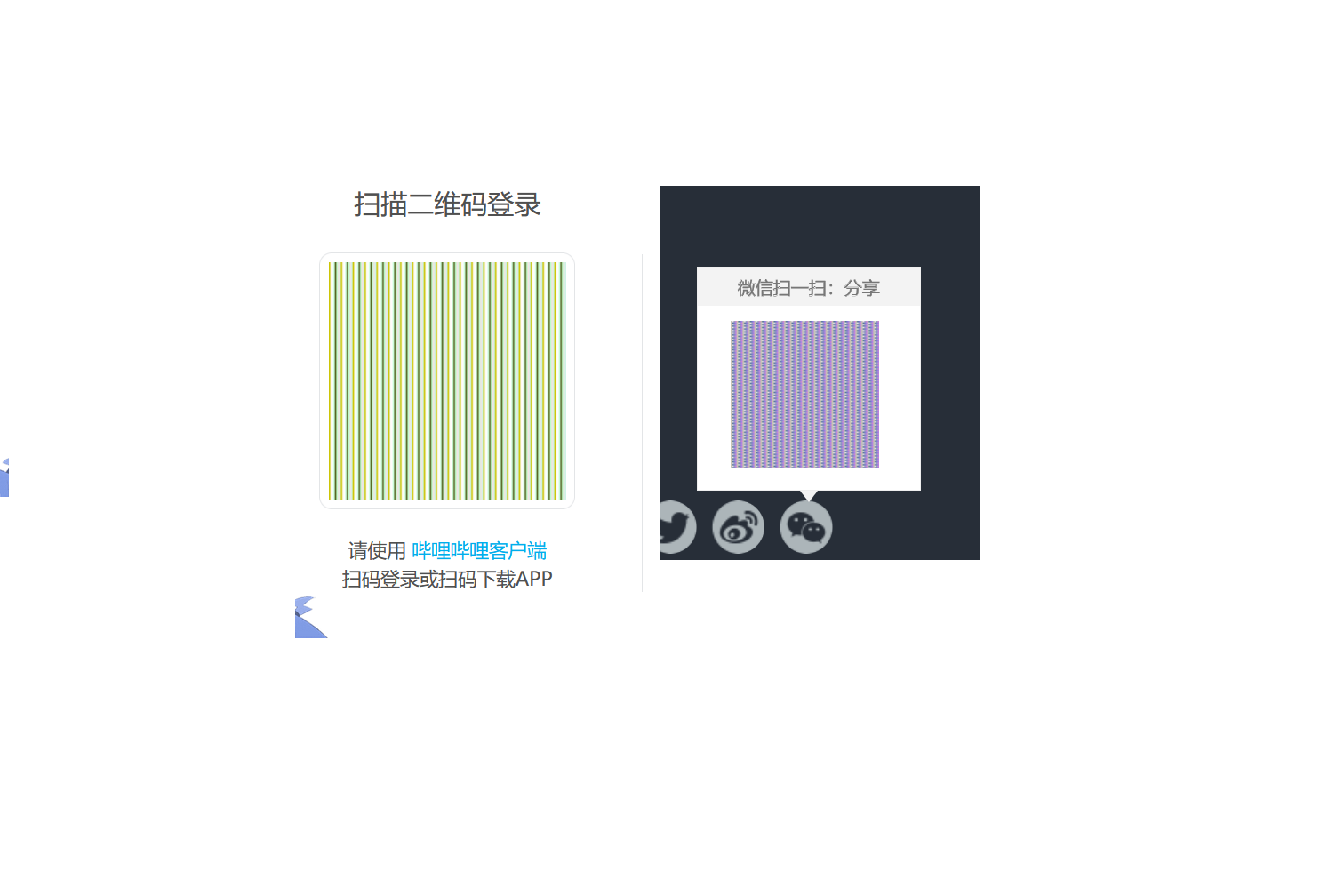
二维码图片被不显示/The two-dimensional code picture is not displayed

如图片所示,需要用二维码登录、分享的网站,二维码全部无法正常显示!
As shown in the picture, you need to use a two-dimensional code to log in and share the website, the two-dimensional code can not be displayed normally!
如图片所示,需要用二维码登录、分享的网站,二维码全部无法正常显示!
As shown in the picture, you need to use a two-dimensional code to log in and share the website, the two-dimensional code can not be displayed normally!
Wszystkie odpowiedzi (3)
Do you have privacy.resistFingerprinting enabled in about:config?
like this
my firefox version is 140.9.1esr(64-bit )
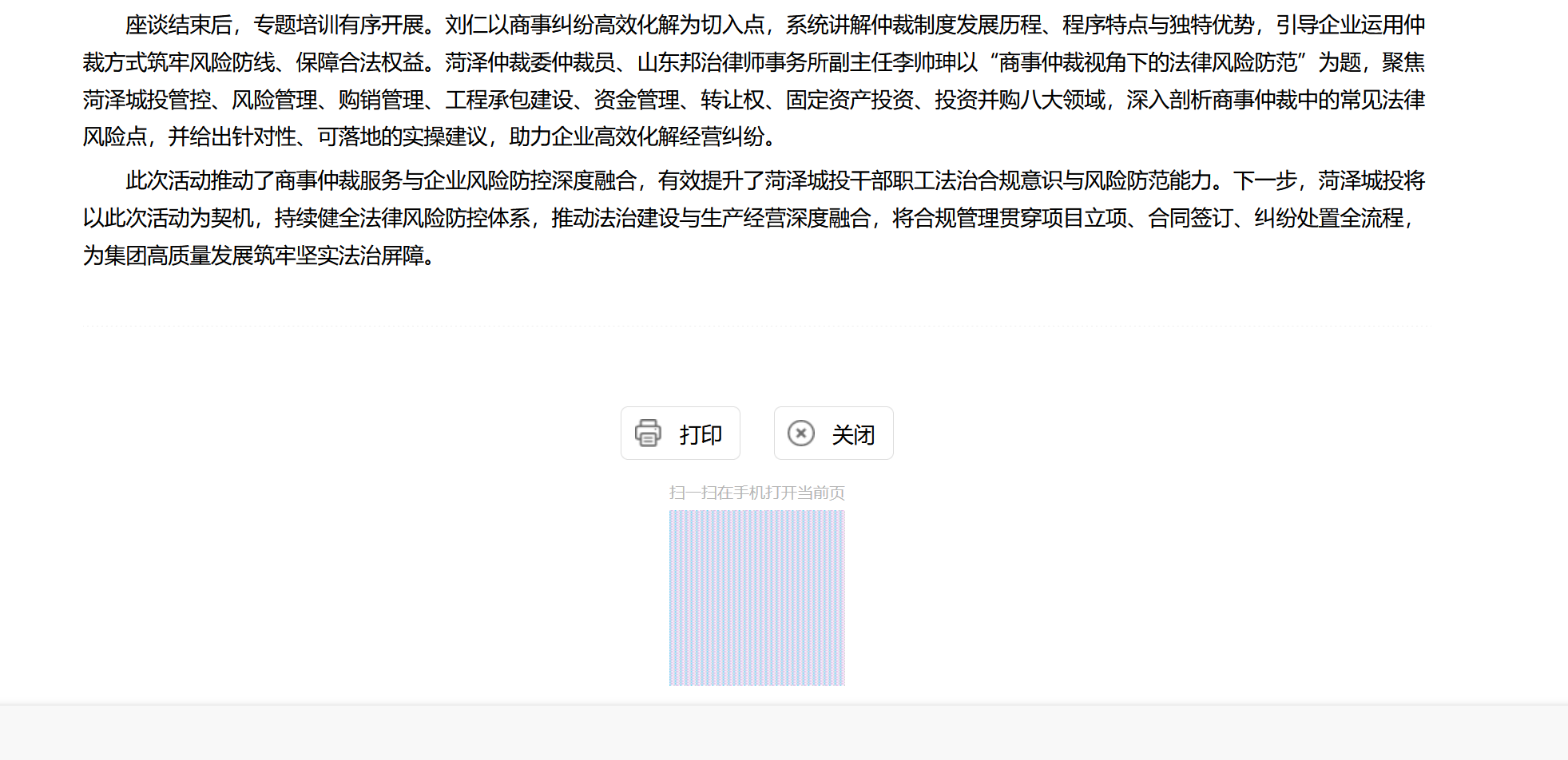

Go to about:config and switch privacy.resistFingerprinting to false.