Windows 10 reached EOS (end of support) on October 14, 2025. If you are on Windows 10, see this article.

Przeszukaj pomoc

Unikaj oszustw związanych z pomocą.Nigdy nie będziemy prosić Cię o dzwonienie na numer telefonu, wysyłanie SMS-ów ani o udostępnianie danych osobowych. Zgłoś podejrzaną aktywność, korzystając z opcji „Zgłoś nadużycie”.

Więcej informacji

meet.google.com crashes webcam

  • 6 odpowiedzi
  • 0 osób ma ten problem
  • 172 wyświetlenia
  • Ostatnia odpowiedź od SuMo Bot
  • Open

  • OS: Windows 11 25H2 (26200.8037)
  • Browser: Firefox 148.0.2
  • Camera: Logitech C925e

When I go to a meeting on meet.google.com, Google Meet says "Camera is starting". My camera light flashes and then stays on. However, Google Meet is unable to connect to the camera.

Upon closing the tab, the camera light stays on and the camera is unresponsive to all apps. The camera must be unplugged and plugged back in to work again.

The issue does not exist when I go to webcammictest.com in Firefox or in other desktop apps. The camera works correctly on meet.google.com when I use Chrome.

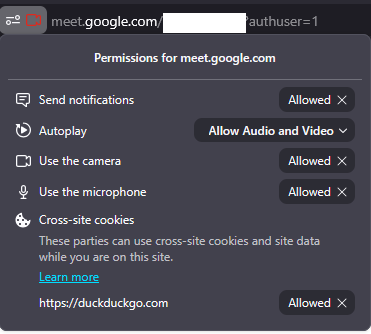
I have tried removing camera and microphone permissions to meet.google.com and re-granting them. I have tried deleting all meet.google.com cookies and storage.
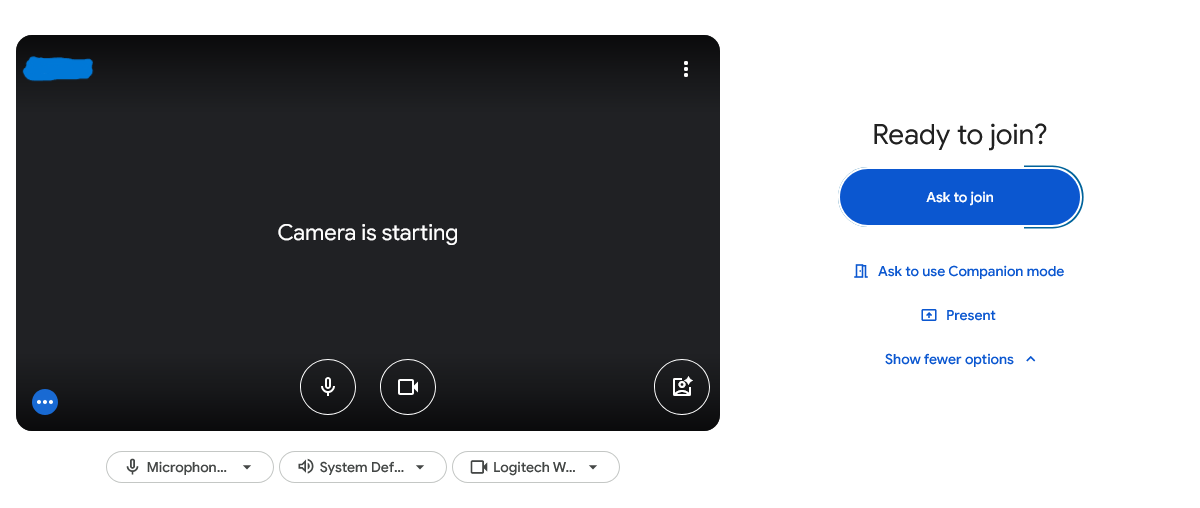
* OS: Windows 11 25H2 (26200.8037) * Browser: Firefox 148.0.2 * Camera: Logitech C925e When I go to a meeting on meet.google.com, Google Meet says "Camera is starting". My camera light flashes and then stays on. However, Google Meet is unable to connect to the camera. Upon closing the tab, the camera light stays on and the camera is unresponsive to all apps. The camera must be unplugged and plugged back in to work again. The issue does not exist when I go to webcammictest.com in Firefox or in other desktop apps. The camera works correctly on meet.google.com when I use Chrome. I have tried removing camera and microphone permissions to meet.google.com and re-granting them. I have tried deleting all meet.google.com cookies and storage.
Załączone zrzuty ekranu

Wszystkie odpowiedzi (6)

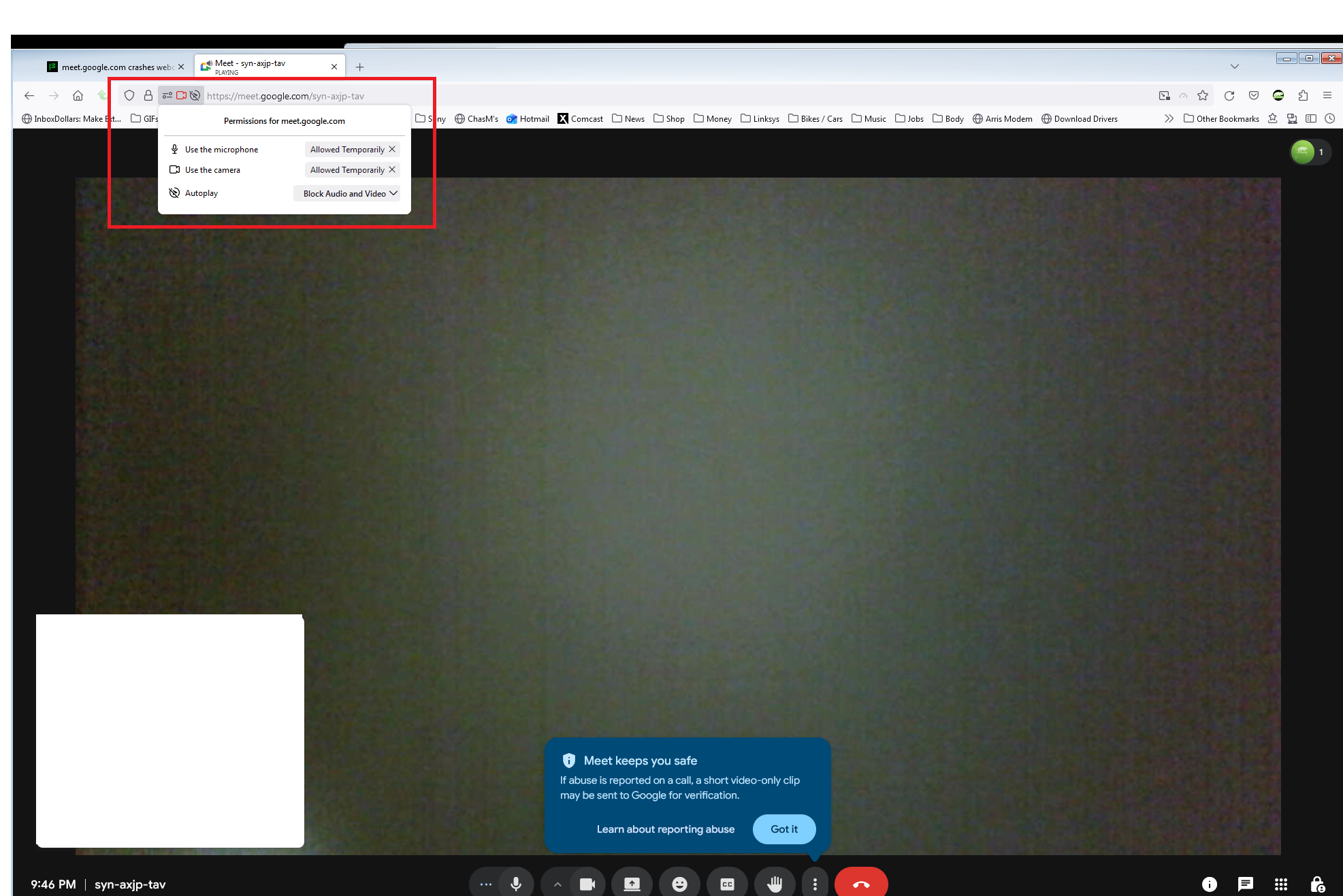
Need to show similar screenshot. see mine

Laptop, desktop, or DIY? If not DIY. what make and model?

DIY:

  • CPU: AMD Ryzen 5 3600
  • MB: ASRock B550M Steel Legend
  • GPU: Asus NVIDIA GeForce RTX 2060
  • RAM: 32 GB

Did you try with Firefox in Troubleshoot Mode? https://support.mozilla.org/en-US/kb/diagnose-firefox-issues-using-troubleshoot-mode#search

Are you running security software besides MS Defender? Windows home or pro?

If you're running windows pro, you can also test in Windows Sandbox (VM) to see if you have the same issue. https://www.howtogeek.com/399290/how-to-use-windows-10s-new-sandbox-to-safely-test-apps/

Also try plugging into a different port.

Zmodyfikowany przez jonzn4SUSE w dniu

Is your firefox from MS store or Mozilla?

Zadaj pytanie

Aby odpowiadać na posty, musisz zalogować się na swoje konto. Zadaj pytanie, jeśli nie masz jeszcze konta.