


Page Summaries Does Not Appear in Settings

Per this page: https://support.mozilla.org/en-US/kb/summarize-pages-ios
There should be a "Page Summaries" option in the Settings menu of Firefox for iOS. However in settings this option does not appear in the list, resulting in no way to turn off page summaries or remove the icon from the toolbar.
Please advise on how to disable this useless AI crap when the appropriate settings are not visible in the interface.
Wszystkie odpowiedzi (10)
Hi Christophe,
This feature is currently being rolled out progressively, so there's a chance you may not get it just yet.
You should be able to disable it by following the instruction in Use Firefox to summarize webpages by the time you got the feature.
I hope that helps!
That doesn't help actually, because I have the feature, but not the ability to disable it.
Perhaps it's called "Summarize content" or "Summarize pages"? They seem rather undecided about naming things.
Can you attach a screenshot of your settings?
I'm also including an image of the interface including the page summary icon (that I do not want and cannot get rid of) just to be clear that this feature is currently active in my version of the software.
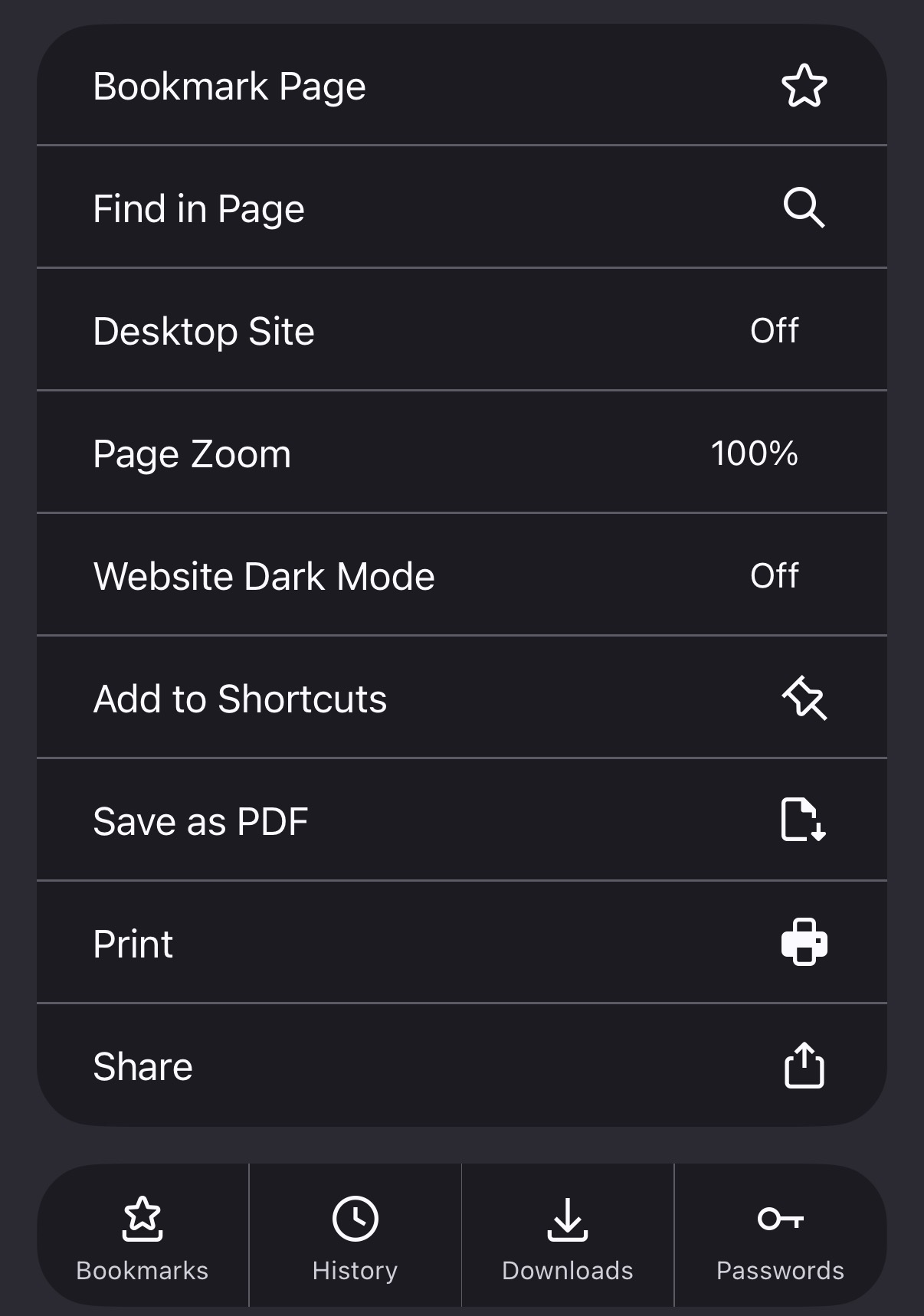

Oops sorry that's the wrong settings screen. Here is the correct one. According to https://support.mozilla.org/en-US/kb/summarize-pages-ios it should appear below the App Icon option.
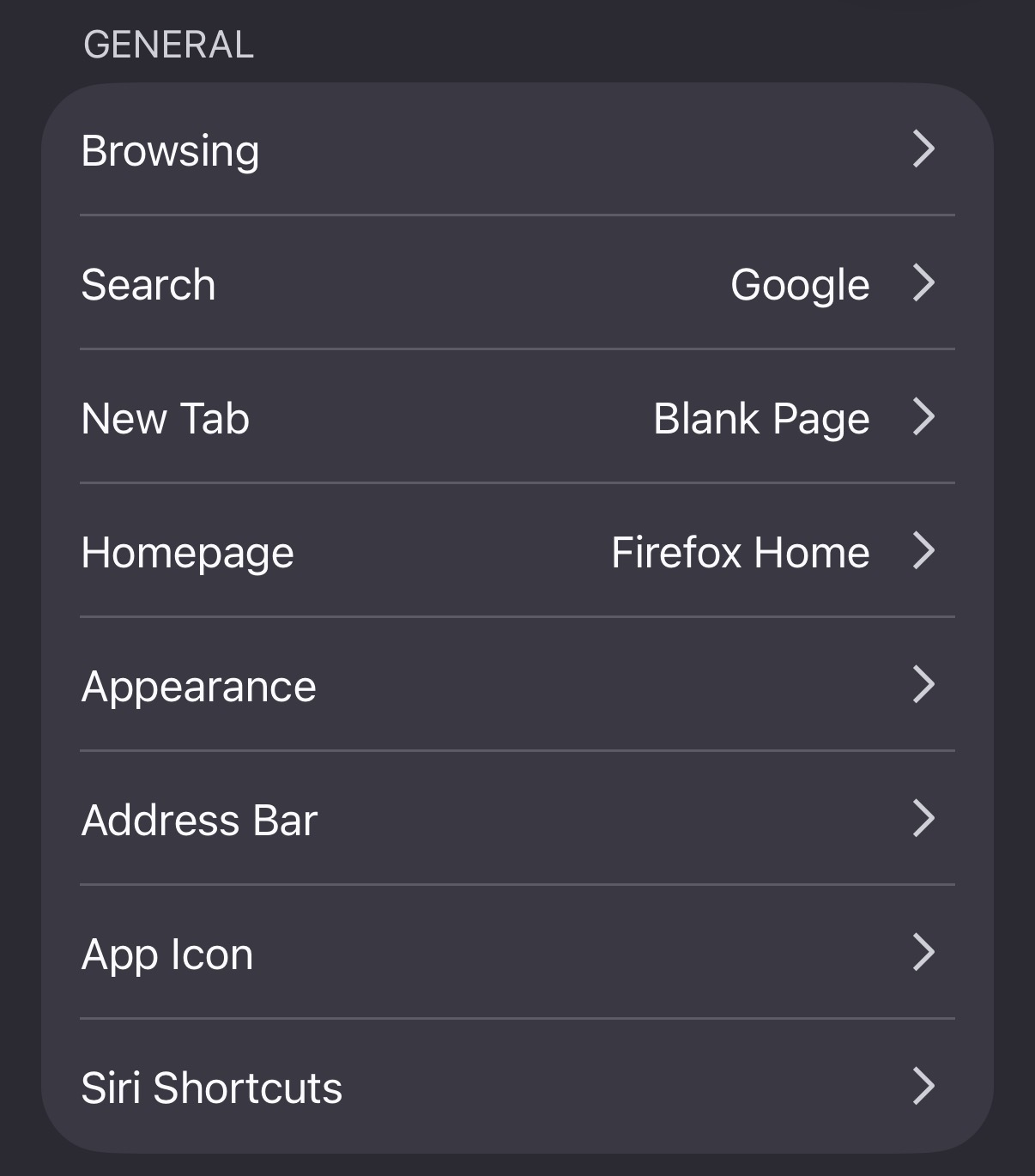
Huh, sure. Well when I installed the software they gave a whole little tutorial on page summaries and pointed at that icon so, I dunno what the mixup there is.
Hey Christopher,
I don't have that menu either on my phone, which indicate that the feature hasn't land on my phone.
Once your phone has it, you should be able to disable the feature by following the steps from the said article.