


images wont load

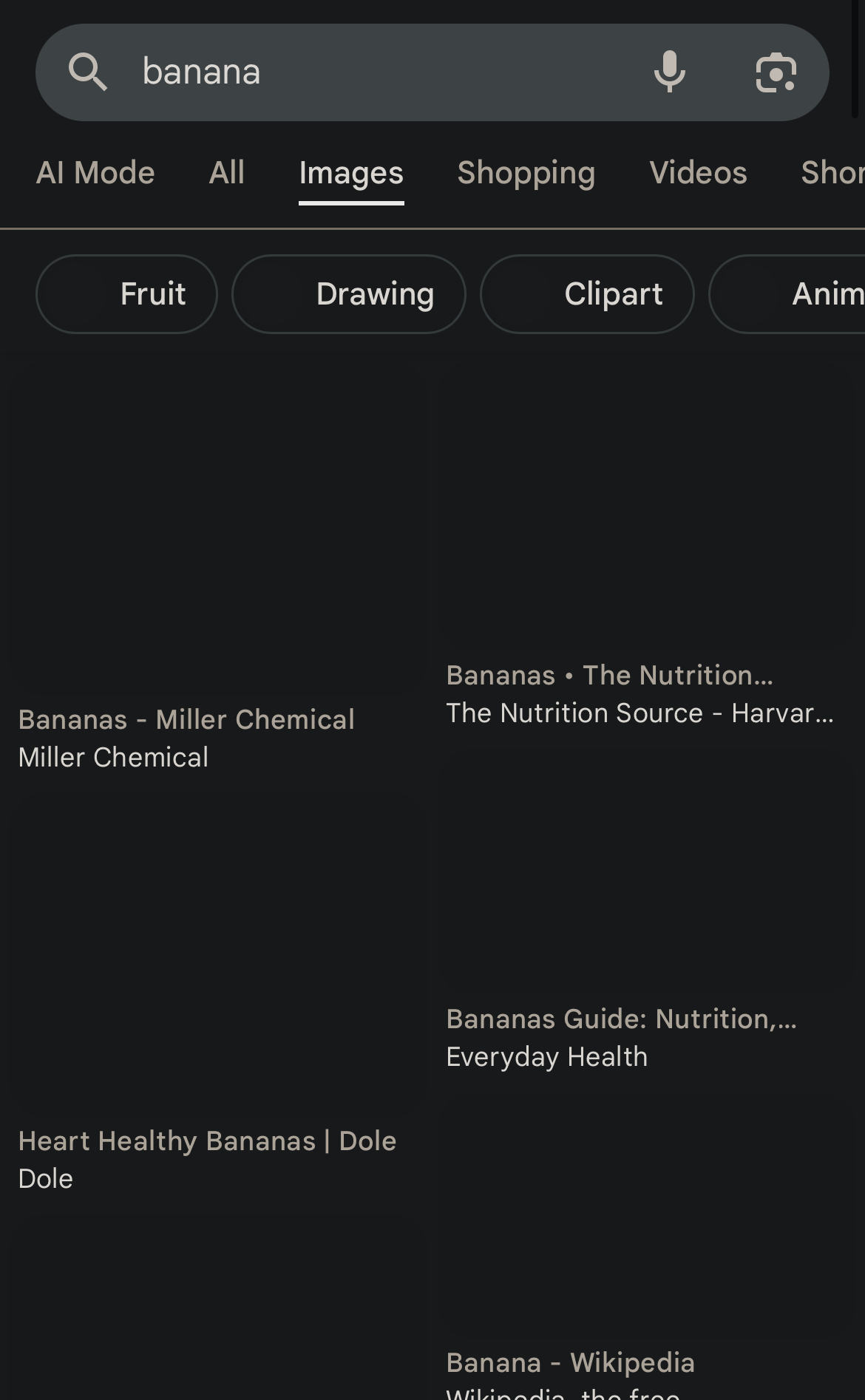
when i search anything, the images simply don’t appear, i can’t even see the image i provided, i’m unsure of what i had done to cause this. i do believe it is a user caused issue. i don’t believe it’s something wrong with my phone/wifi, as every other image loads, but i believe i accidentally did something to cause this.
Wszystkie odpowiedzi (1)

It sounds like this is most likely a settings or permissions issue in your browser or search app rather than a connection problem. Try these quick steps:
Clear cache & cookies in your browser/search app.
Check if “Images” are disabled — some browsers or extensions can block media.
If you use an ad-blocker or privacy extension, turn it off temporarily.
Make sure “Lite mode” or “Data saver” isn’t on — it can block images.
Try opening the same search in another browser or incognito mode. If it works there, it’s a setting or extension issue.
If the problem persists, reset browser settings to default.
Once these are reset, image results should load normally again.