Synching across several devices

Hello All -
Over the years I have saved many bookmarks across several different devices. Therefore the bookmarks vary between devices. Is there any way that I can tidy up my bookmarks, deleting many of them, on my main machine and then have all the other devices Synch to that list only?
I have tried deleting ALL the bookmarks on the "subsidiary" devices and then synched them but that didn't work. I think I'm asking whether one device can be made the "master" for all the others to Synch to that one and none of the others.
Hope that's reasonably clear.
Thanks,
Ian.
Wszystkie odpowiedzi (6)

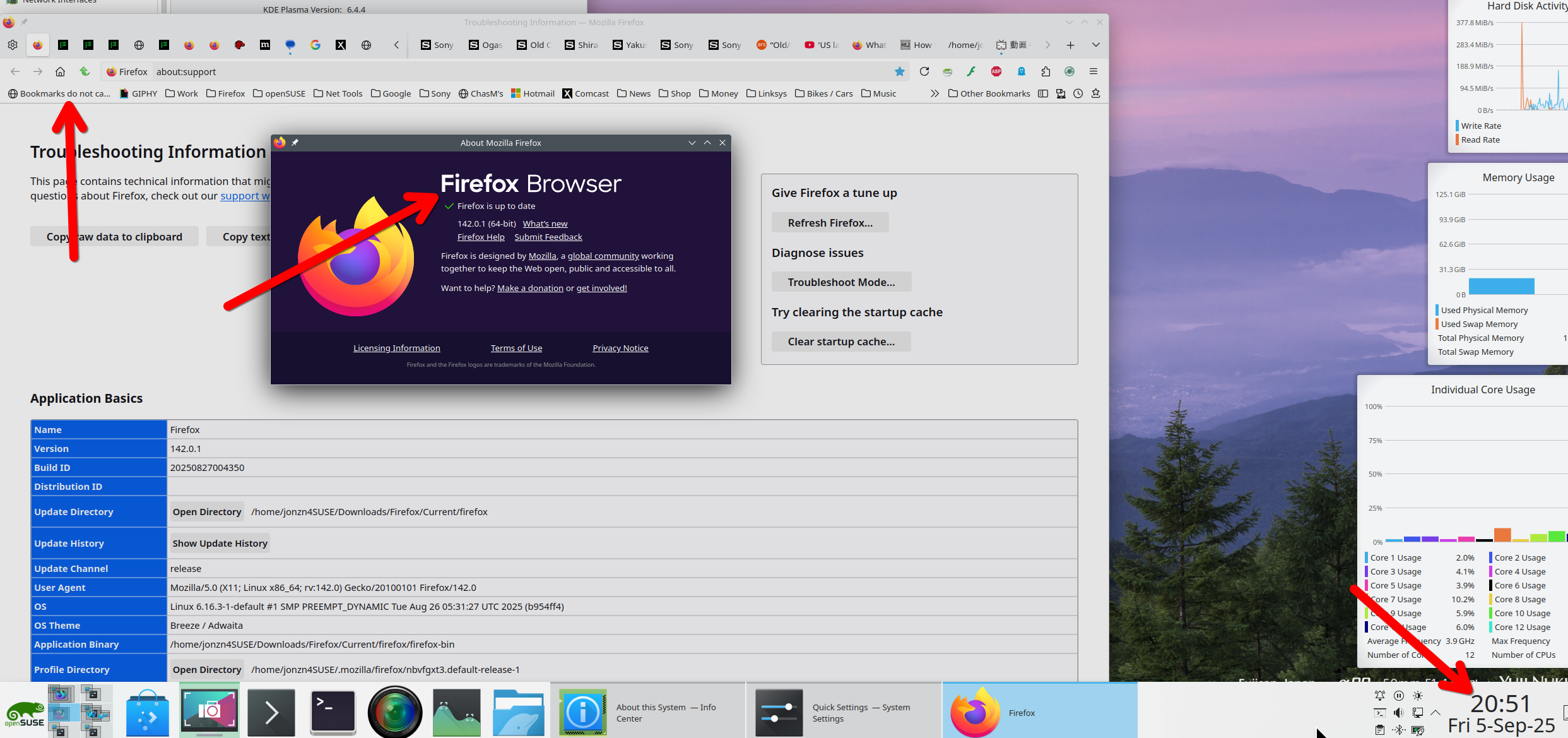
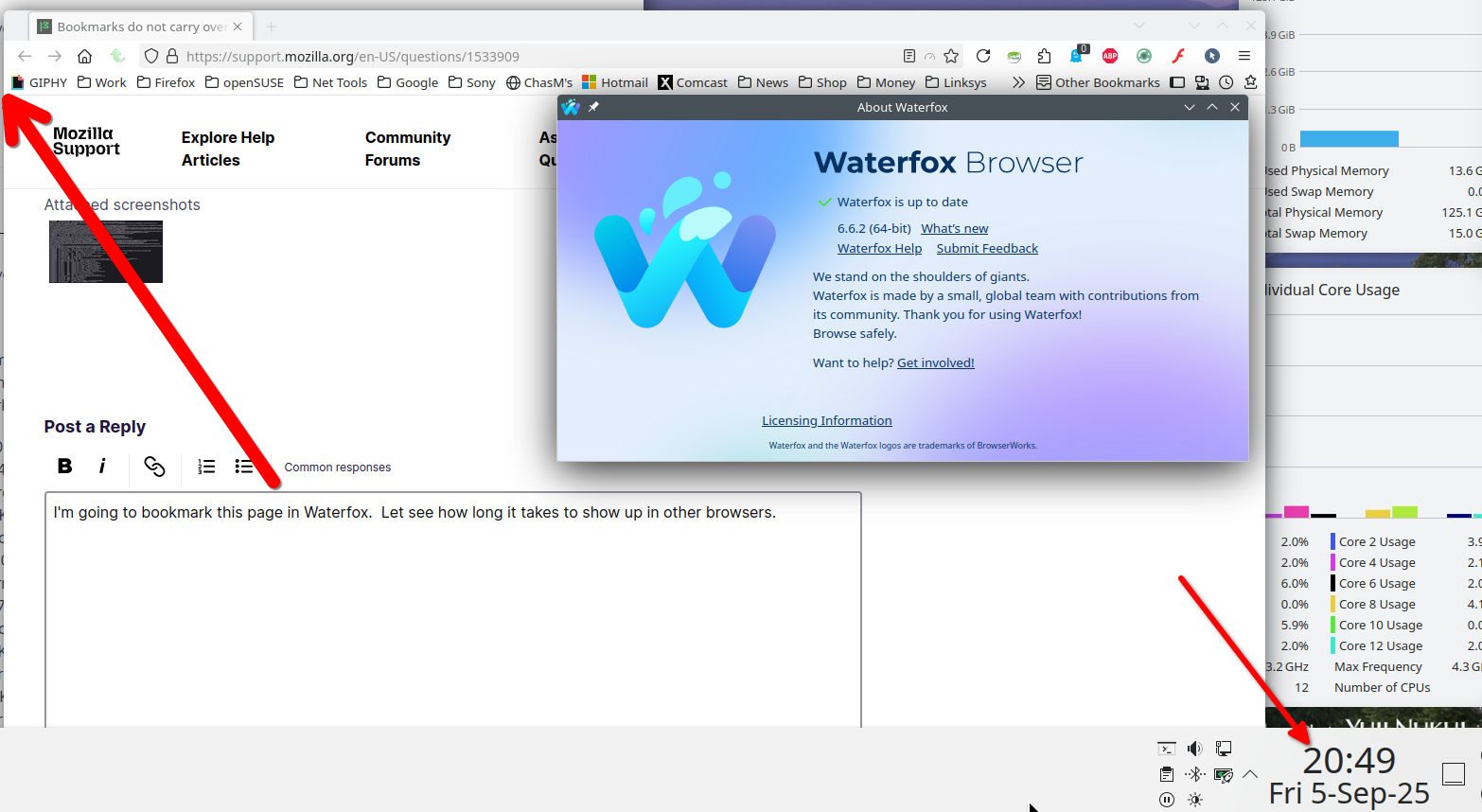
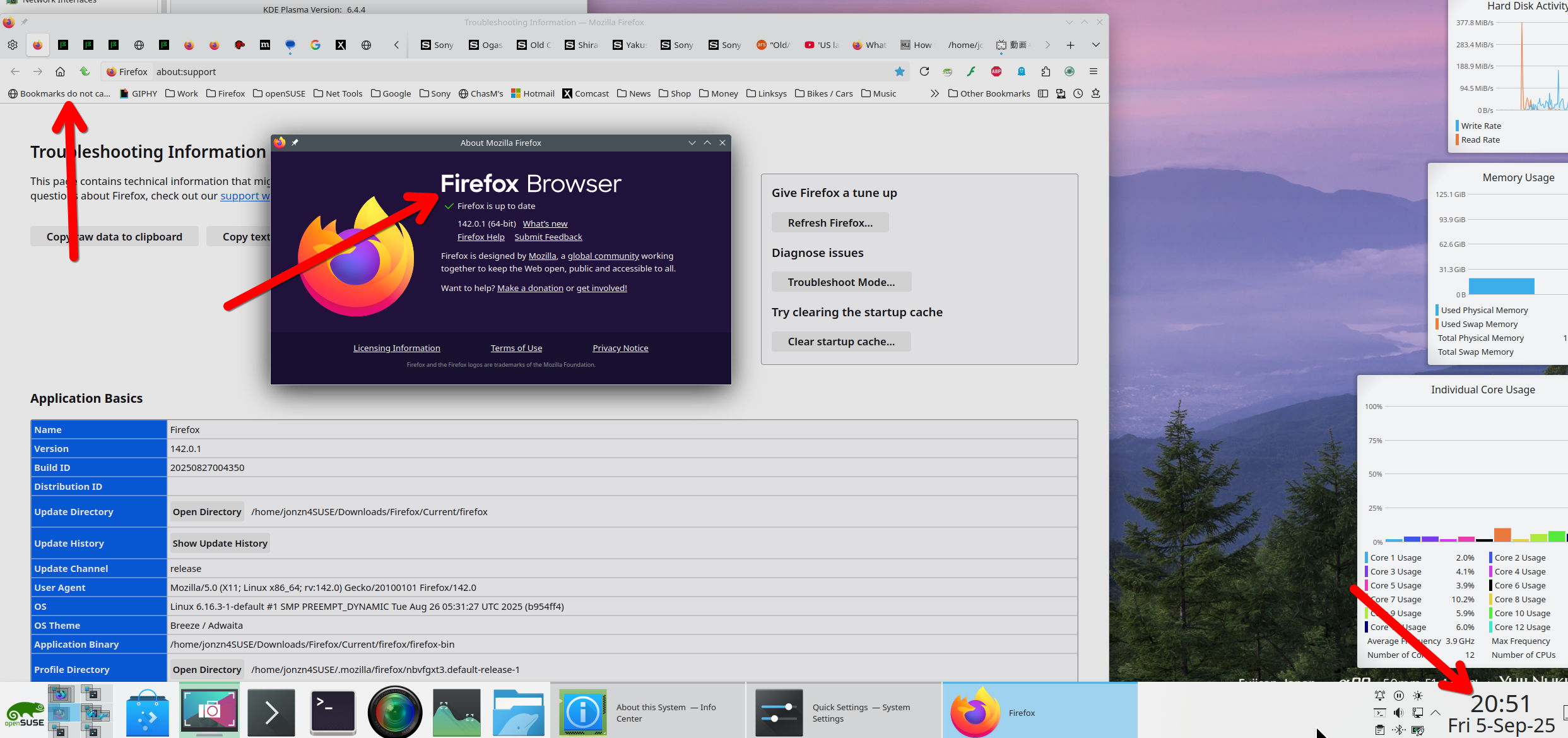
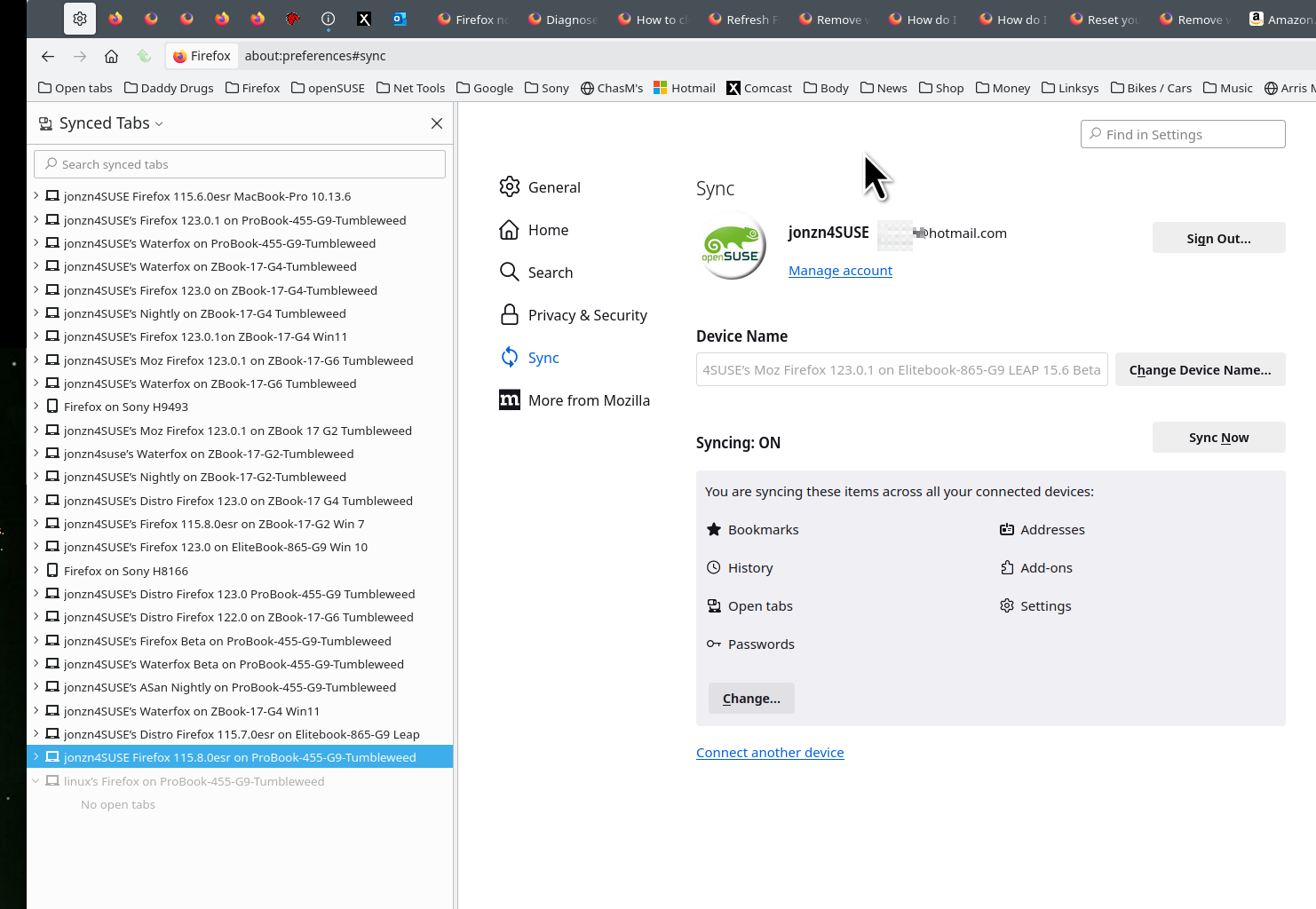
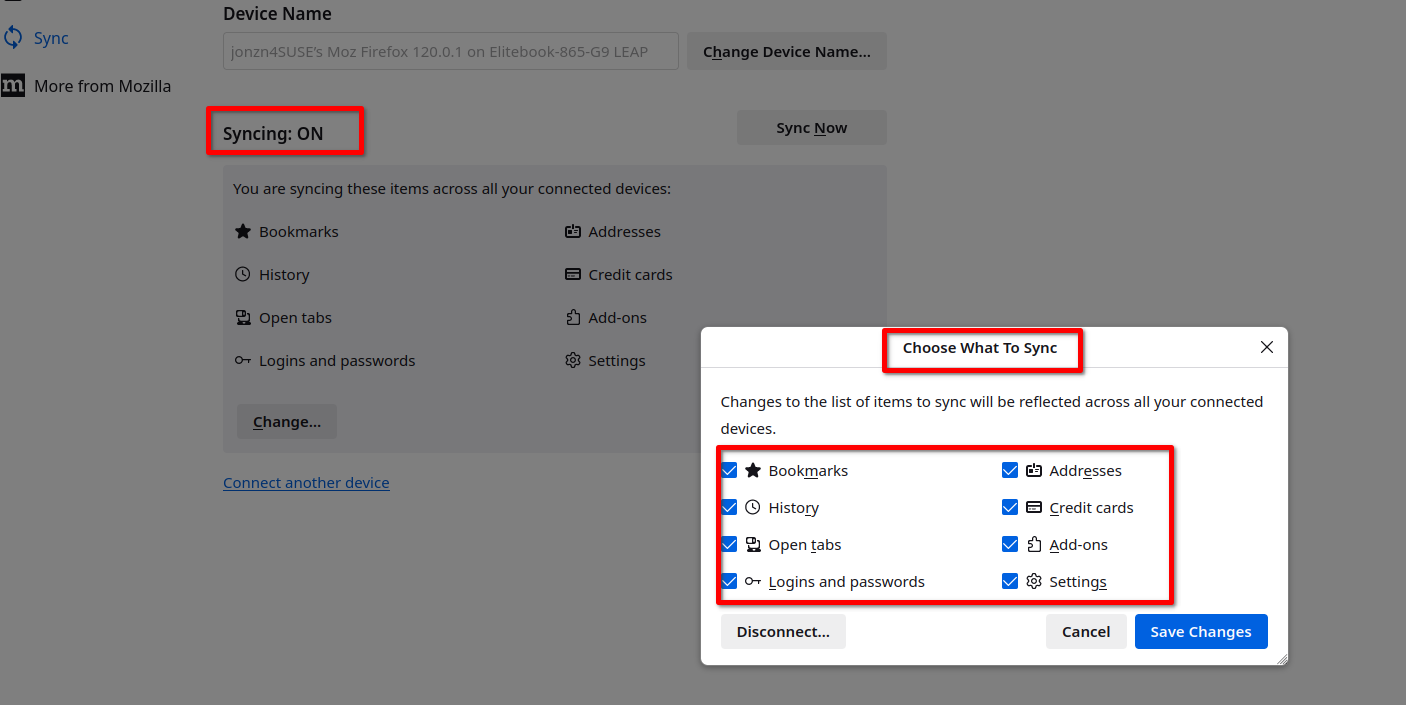
It should sync to other devices. As a test, bookmark this page on your toolbar, then wait for it to appear on the other device, then delete it from this device, and then wait for it to go away on the other. The screenshots are a test I did for another users. I was syncing between Waterfox and Firefox.
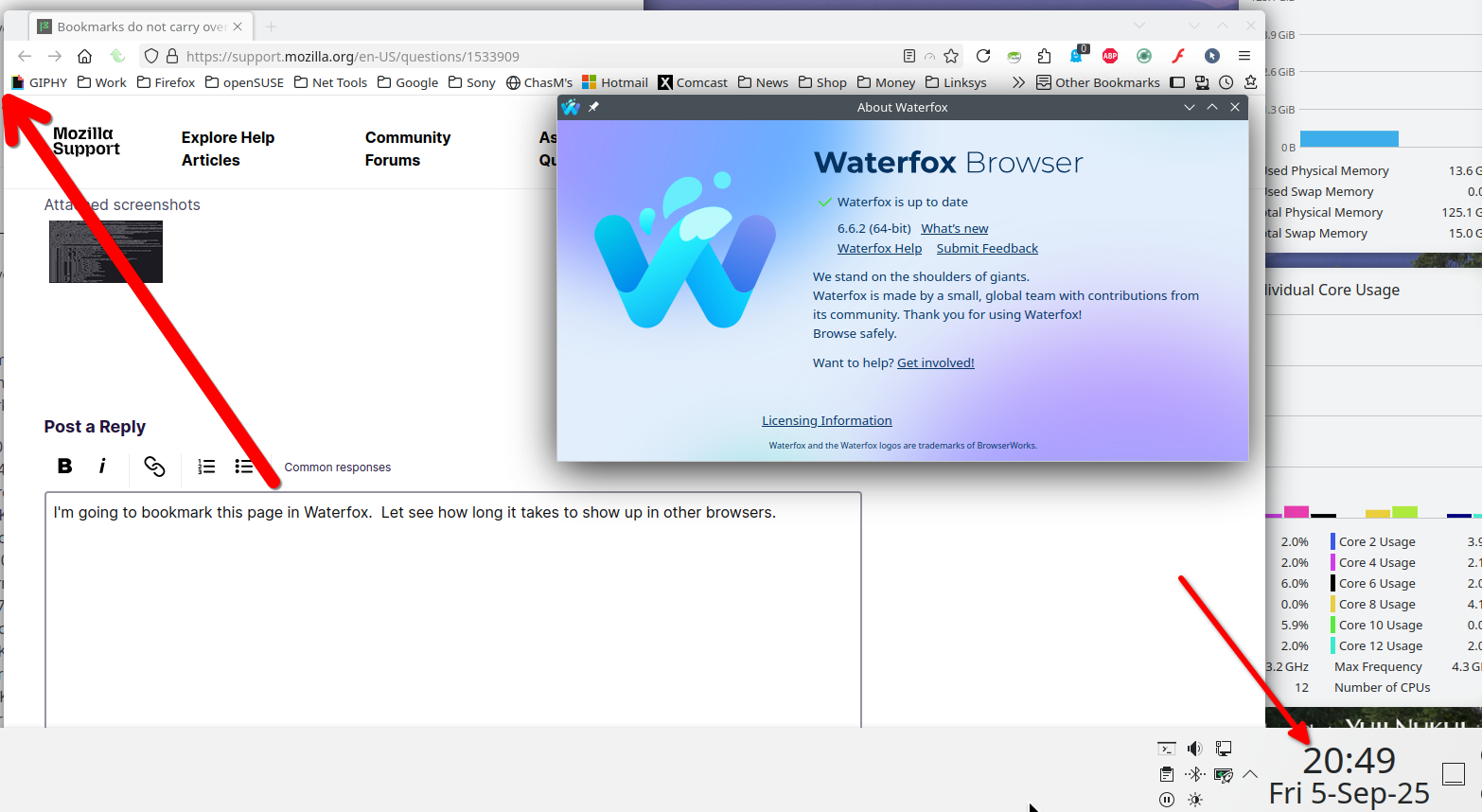
It is worth noting that we do not support Waterfox on this forum. Firefox Sync worked very well between copies of Firefox on different devices, such as between Firefox for desktop and Firefox on a mobile device.
jonzn4SUSE -
Thanks for your helpful reply. I find that I have to go the long way round, that is to say deleting bookmarks on the "main" computer before Synching it and then going to the "subsidiary" computer and Synching that as well. Is there a shorter way?
Also, what will happen when I try to update another computer? Synch the main one then do the same on the susidiary? How can I be sure that the Synch won't go from the subsidiary to the main and put back all the bookmarks I've deleted, which is what has happened before?
Thanks,
Ian.
That was just an example showing that sync works for me. If the sync options are check on all devices and you're using the same account, that should be all you need to do. I sync several version of Firefox and Waterfox on multiple devices with no issues. see old screenshot
How can I be sure that the Synch won't go from the subsidiary to the main and put back all the bookmarks I've deleted, which is what has happened before?
For another user I showed the example of creating a bookmark from this forum in Waterfox and then within a few minutes it appeared in Firefox. I then deleted in Firefox and then it went away in Waterfox. see screenshot