Windows 10 reached EOS (end of support) on October 14, 2025. If you are on Windows 10, see this article.

Przeszukaj pomoc

Unikaj oszustw związanych z pomocą.Nigdy nie będziemy prosić Cię o dzwonienie na numer telefonu, wysyłanie SMS-ów ani o udostępnianie danych osobowych. Zgłoś podejrzaną aktywność, korzystając z opcji „Zgłoś nadużycie”.

Więcej informacji
Wątek został zarchiwizowany. Jeśli potrzebujesz pomocy, zadaj nowe pytanie.
Solved Zarchiwizowany

Local CA being ignored

kingham1 odpowiedziano
kingham1

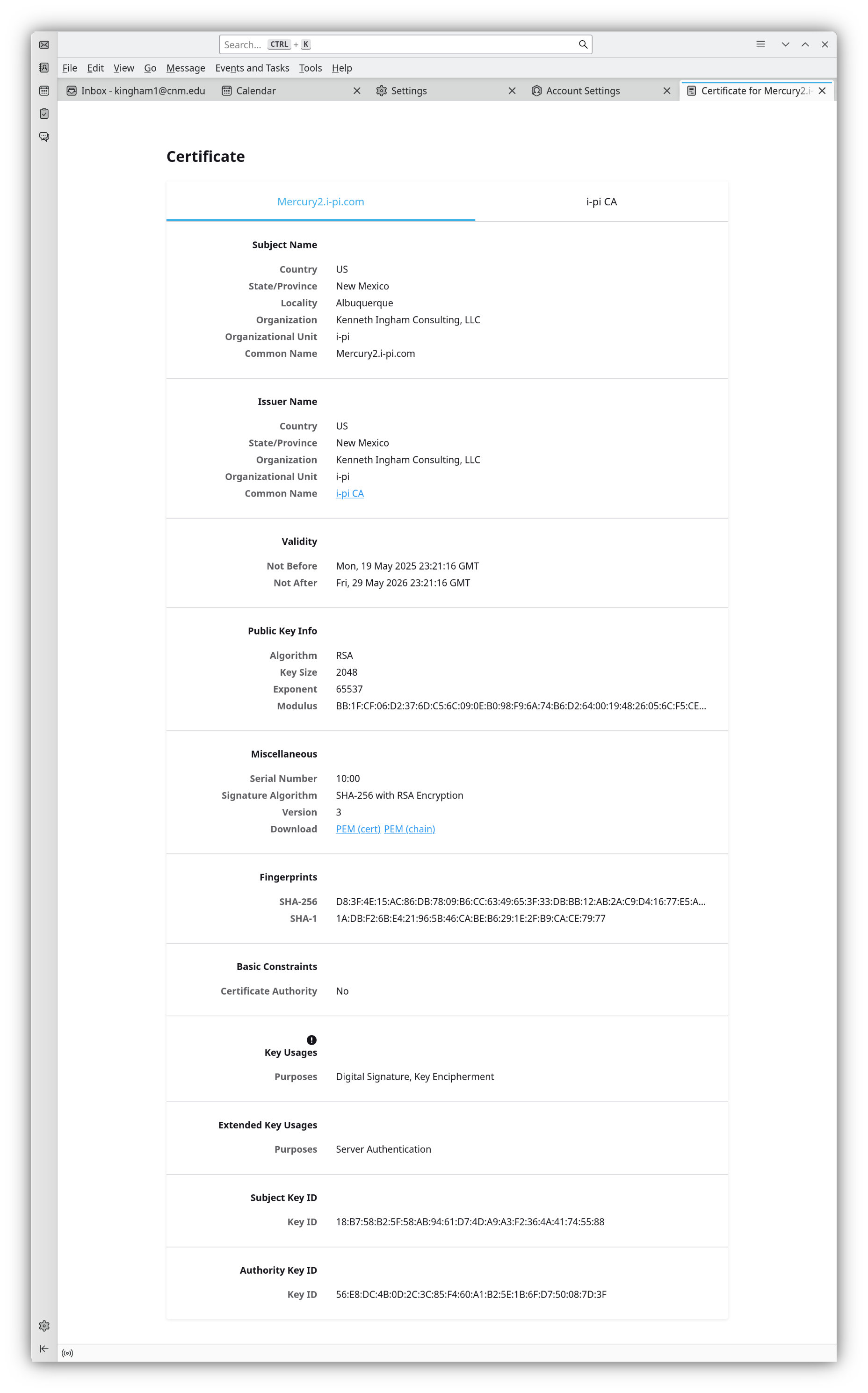
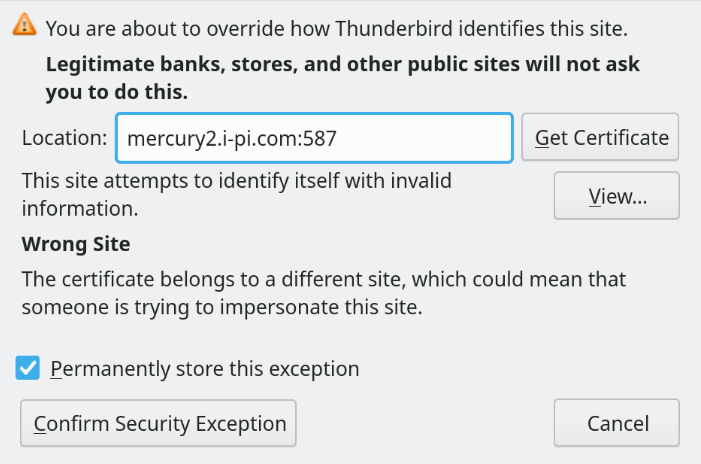
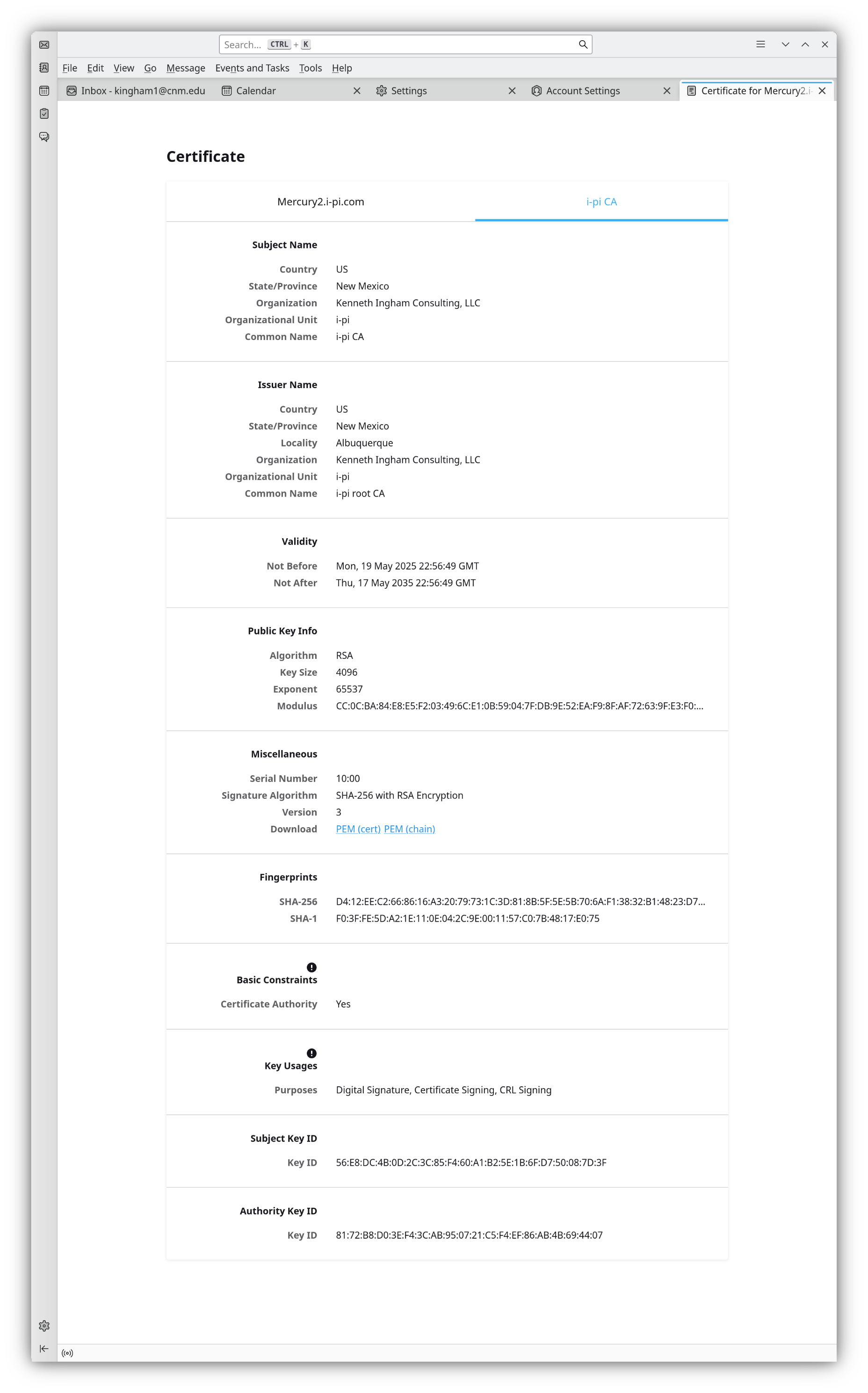
I have added my local CA to the Certificate Manager (CA.png). When I try to send, I get the "confirm security exception" message (CertError.png). Viewing the certificate gives the data in Server.png and CACert.png.

The server cert is properly signed: $ openssl verify -CAfile ca-chain.cert.pem Mercury2.i-pi.com587.cert.pem Mercury2.i-pi.com587.cert.pem: OK

Why am I getting the certificate error when the CA is loaded into Thunderbird?

OS: Ubuntu 24.04.2 LTS patched as of just now. Thunderbird: 128.10.2esr (64-bit) Thunderbird is installed by snap: $ sudo snap info thunderbird name: thunderbird summary: Mozilla Thunderbird email application publisher: Canonical✓ store-url: https://snapcraft.io/thunderbird contact: https://www.thunderbird.net/contact/ license: unset description: |

 Thunderbird is a free email application that’s easy to set up and customize
 - and it’s loaded with great features!

commands:

 - thunderbird

snap-id: k1Ml1O9GzSO2QftV0ZlWSbUfQ78nN460 tracking: latest/stable refresh-date: 3 days ago, at 10:48 MDT channels:

 latest/stable:    128.10.2esr-1 2025-05-23 (734) 220MB -
 latest/candidate: 128.11.0esr-1 2025-05-23 (735) 220MB -
 latest/beta:      139.0b4-2     2025-05-20 (731) 236MB -
 latest/edge:      ↑                                    

installed: 128.10.2esr-1 (734) 220MB -
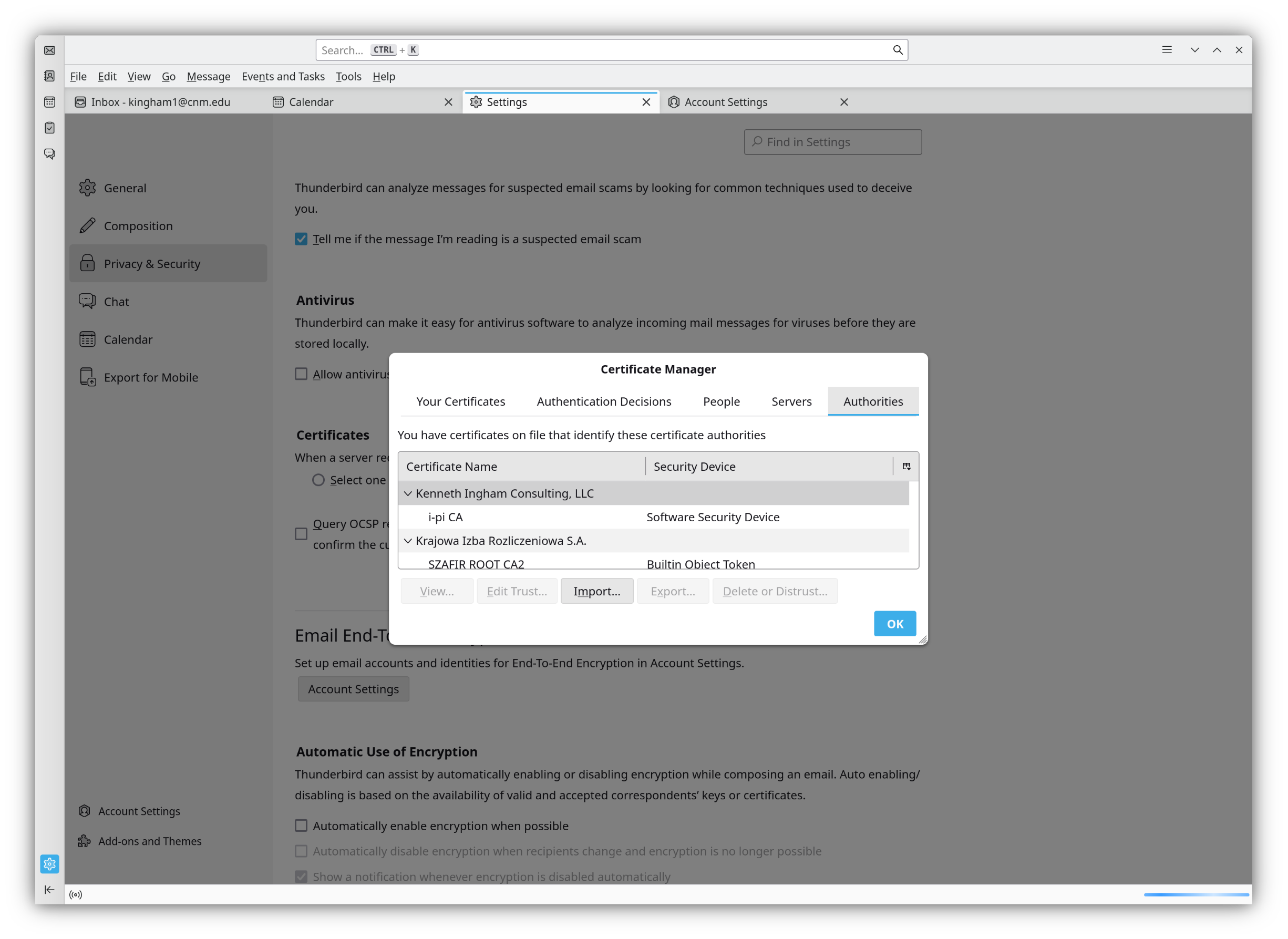
I have added my local CA to the Certificate Manager (CA.png). When I try to send, I get the "confirm security exception" message (CertError.png). Viewing the certificate gives the data in Server.png and CACert.png. The server cert is properly signed: $ openssl verify -CAfile ca-chain.cert.pem Mercury2.i-pi.com587.cert.pem Mercury2.i-pi.com587.cert.pem: OK Why am I getting the certificate error when the CA is loaded into Thunderbird? OS: Ubuntu 24.04.2 LTS patched as of just now. Thunderbird: 128.10.2esr (64-bit) Thunderbird is installed by snap: $ sudo snap info thunderbird name: thunderbird summary: Mozilla Thunderbird email application publisher: Canonical✓ store-url: https://snapcraft.io/thunderbird contact: https://www.thunderbird.net/contact/ license: unset description: | Thunderbird is a free email application that’s easy to set up and customize - and it’s loaded with great features! commands: - thunderbird snap-id: k1Ml1O9GzSO2QftV0ZlWSbUfQ78nN460 tracking: latest/stable refresh-date: 3 days ago, at 10:48 MDT channels: latest/stable: 128.10.2esr-1 2025-05-23 (734) 220MB - latest/candidate: 128.11.0esr-1 2025-05-23 (735) 220MB - latest/beta: 139.0b4-2 2025-05-20 (731) 236MB - latest/edge: ↑ installed: 128.10.2esr-1 (734) 220MB -
Załączone zrzuty ekranu

Wszystkie odpowiedzi (2)

Wybrane rozwiązanie

Modern web browsers (and email clients) and applications generally do not rely on the Common Name (CN) for hostname validation. Instead, they primarily use the Subject Alternative Name (SAN) extension. You may want to try to issue a new server cert with a SAN.

Solved the problem. Thank you.