


Wrong Site warning comes up when trying to load Thunderbird on a new computer

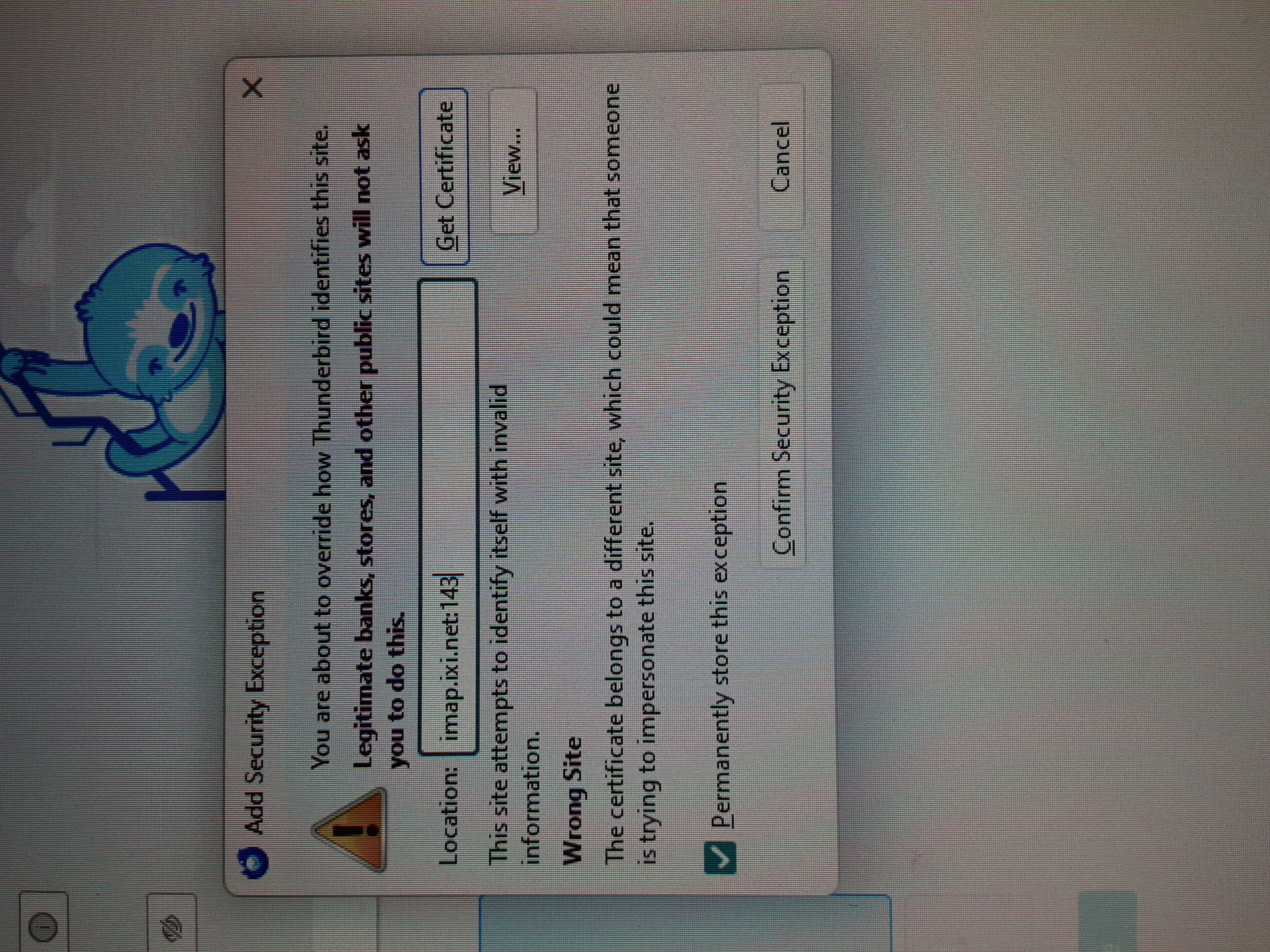
When I try to upload Thunderbird, I get a message block that says it is the wrong site for Sitestar, my email address provider, and that "The site attempts to identify itself with invalid information." It further says that it could mean that someone is trying to impersonate this site. I do not know what to do next? Thank you for any guidance you can offer. Amanda
Wszystkie odpowiedzi (1)
How to make a screenshot. https://support.mozilla.org/en-US/kb/how-do-i-create-screenshot-my-problem#w_create-a-screenshot-on-windows
That way future captures will not need my and anyone else trying to look at them to rotate their head to try and read them.
What shows when you click the view? Generally these sorts of errors result from antivirus products requiring you to trust a self signed encryption certificate so they can hack your encrypted communications. Other common events can be using SSL/TLS on email servers for a hosted domain, but using the certificate for the hosting company on the server not your own. So what the view reveals will play into your correct informed response.