how do i delete 155 emails from the same sender, or 40 emails from another sender etc. thank you

How do i delete 155 emails from the same sender? Or 52 emails from the same sender? Or how do i delete multiple emails from the same sender, but they are not junk and i do not want to inhibit my receiving emails from the sender? Thank you
Wszystkie odpowiedzi (4)
Not sure I understand. My approach would be to use Table View and sort by FROM, highlight selected messages, rightclick and select 'delete.'
imagine you have no idea where table view is---how would you find it? Once you found it, how would you get back to where you started? I did find table view. I did find sort. I did click on the first of 461 emails i wanted to delete and only one popped up and i was not able to select them all, nor delete them except one by one. There has to be a way to delete mass emails. Also, when you are coming to support moz://a, as a helper it would be great if not a single step was left out: once i have found the emails to delete....how do you delete them? could you try again???
I assume some basic skills, such as dragging the mouse to highlight the other messages prior to doing the delete.
Table View is the opposite of cards view.
The KB is your friend. https://support.mozilla.org/en-US/kb/thunderbird-115-supernova-faq#w_step-2-turn-on-cards-view and https://support.mozilla.org/en-US/kb/getting-started-thunderbird-main-window-supernova
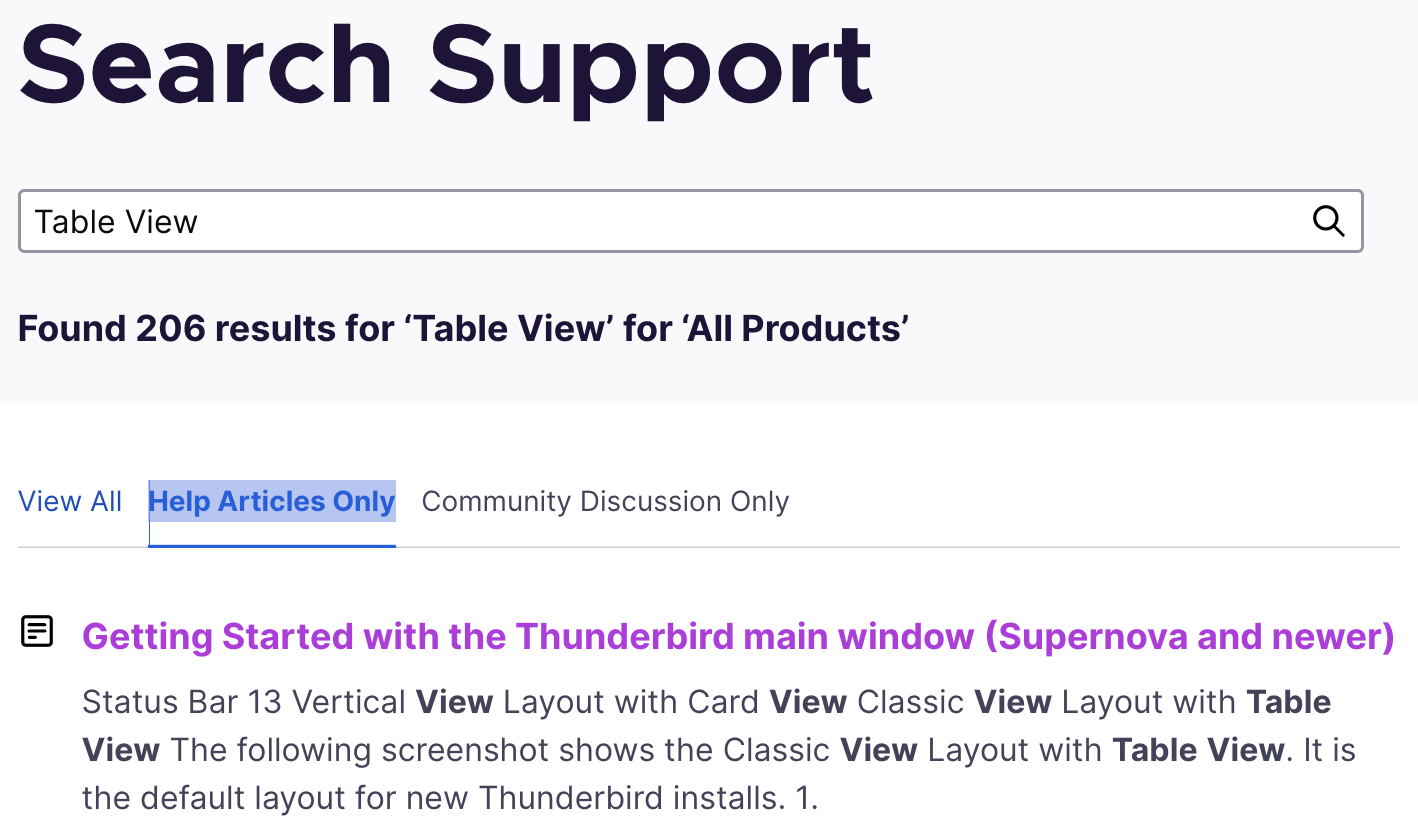
These can be found by visiting https://support.mozilla.org/en-US/questions/thunderbird#search, plug in "Table View", then click "Help Articles Only".