


Google Maps appears to be using my location but does not have permission

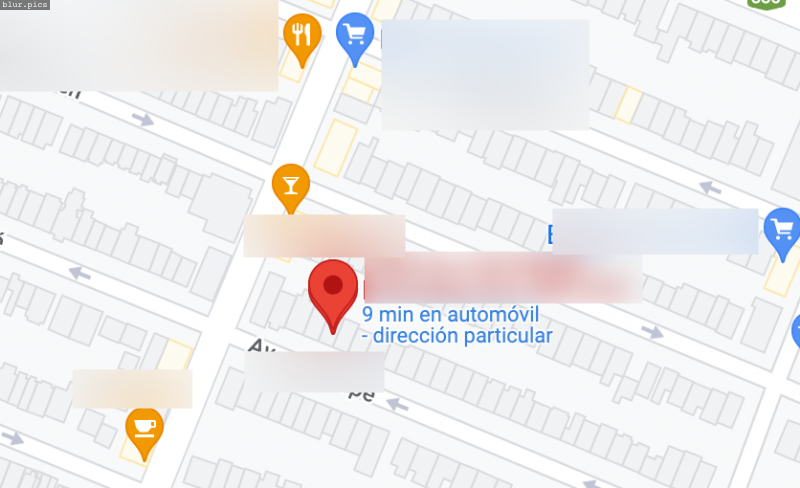
I searched an address and Google Maps gives an (accurate) estimated travel time to that address. Within Settings>Locations they are not listed as having permission to use location data and when they requested location data, I selected not to share.
Is there a way to specifically block a website from accessing location data? Is there a way to report suspisious activity from a website?
Thanks!
Wszystkie odpowiedzi (3)

You can block a site in Settings > Privacy & Security > Permissions > Location > Settings or, when on the page, use page info (ctl+i) > Permissions tab > Access Your Location.
When sites do not have express permission to use geolocation data (lat/lon) from your browser, they fall back on data about your IP address sourced from both public and proprietary databases. Sometimes your IP address can be linked to a very specific location, while in other cases it might not even be in your town.
You can use websites like these to see how your location is reported via a reverse DNS look up of your IP: