


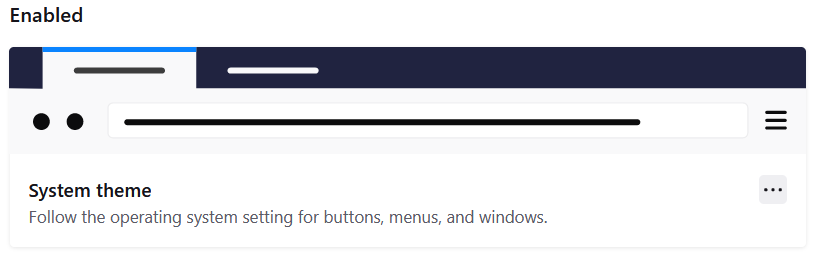
System theme
Hi Since being updated to Firefox 89 I have a problem with the System theme which supposed to change the color based on Windows 10 color scheme, but instead it looks like the Light theme. I did everything right in Windows's color settings so it must be a bug in the newly updated (Proton) Firefox. Best regards Georges Walther

Wszystkie odpowiedzi (4)

Same issue, hope they fix it soon
Same problem, uninstalled v89 straight away because of this. Title bar should be highlighted in the appropriate system color. Worked fine in all previous releases, will stay on v88 until this is fixed.

I have the same issue. On Colors in Settings, I have Choose your default Windows mode set to Dark and Choose your default app mode set to Light. I've also selected Automatically pick an accent color from my background.
I have Bing Wallpaper installed, and I prompted it to change the desktop background. When that happened, Windows updated the UI colors based on the new photo, but the colors of Firefox 89 were not changed.
The setting of Choose your default app mode affects the appearance of Firefox 89, but neither of the results is desirable.

I have been having the exact same problem. I have Enabled and Disabled the built-in System Theme that is suppose to be dark at top but everything remains Very White / Grey. And no updates are available when checked. Please help!