


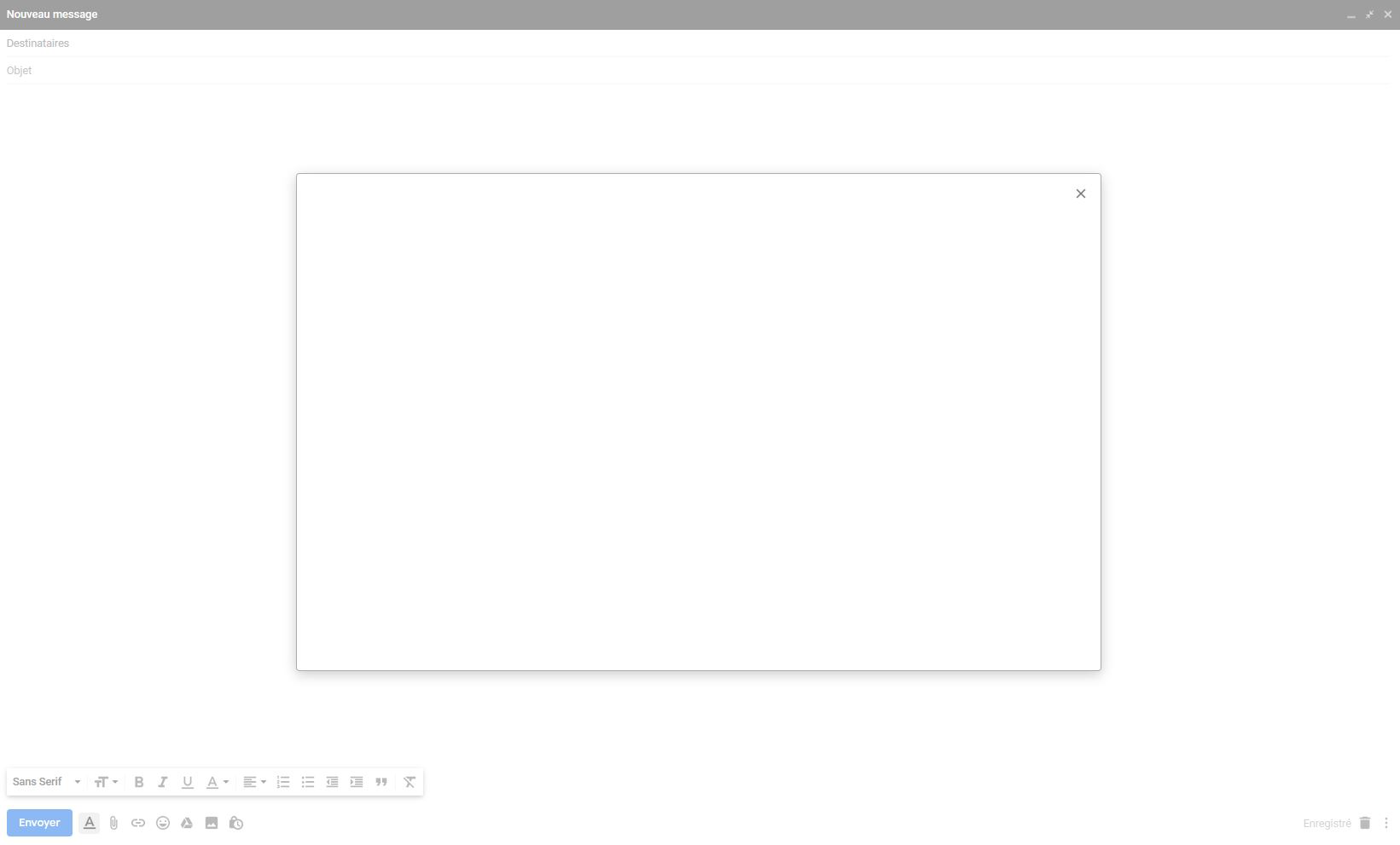
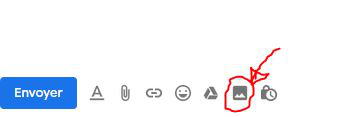
When I am in Gmail, writting an email, clicking the function "insert a picture" open an empty white window.. This is a bug, how to solve it?
If I close this window and a re-click on the button, nothing happen (no window opens). The other buttons "insert a file of googledrive ", "insert an emji", etc.. are working properly. The only one which seems to have a bug is "insert a picture"..
(So every time I need to insert a picture in an email, I need to open chrome to do it from this browser).
Wybrane rozwiązanie
Hi, it works for me. I get a window with the options 'Drag photos here or Choose photos to upload.'
Hold down the Shift key when you start Firefox to start in Safe Mode. More - Use Troubleshoot Mode in Firefox.
If it works in Safe Mode, disable any theme or extensions you have - 3-bar menu > Add-ons > Themes/Extensions and restart Firefox; then if it's OK, re-enable them one by one until you find the culprit. You may need to restart Firefox after enabling some extensions.
If your question is resolved by this or another answer, please help other users by marking the best reply as Solved. Thank you.
Przeczytaj tę odpowiedź w całym kontekście 👍 0Wszystkie odpowiedzi (4)

I just loaded gmail on my firefox and had no issue attaching a pdf flie. I think you have either a bad firefox or something is blocking the upload.
Hello Westend, thank you very much for your answer.
It's true, I have no problem to attach a file like you. This is working well. -> The problem appear only with the function "insert a picture"
What about you?

Wybrane rozwiązanie
Hi, it works for me. I get a window with the options 'Drag photos here or Choose photos to upload.'
Hold down the Shift key when you start Firefox to start in Safe Mode. More - Use Troubleshoot Mode in Firefox.
If it works in Safe Mode, disable any theme or extensions you have - 3-bar menu > Add-ons > Themes/Extensions and restart Firefox; then if it's OK, re-enable them one by one until you find the culprit. You may need to restart Firefox after enabling some extensions.
If your question is resolved by this or another answer, please help other users by marking the best reply as Solved. Thank you.
Thank you Scribe for your answer. It did solve my problem : - the problem comes from the extension "Adblocker for Gmail" When I desactivate it, the bug doesn't appear. Bests!