


I can not to play any friv game after update Adobe Flash Player

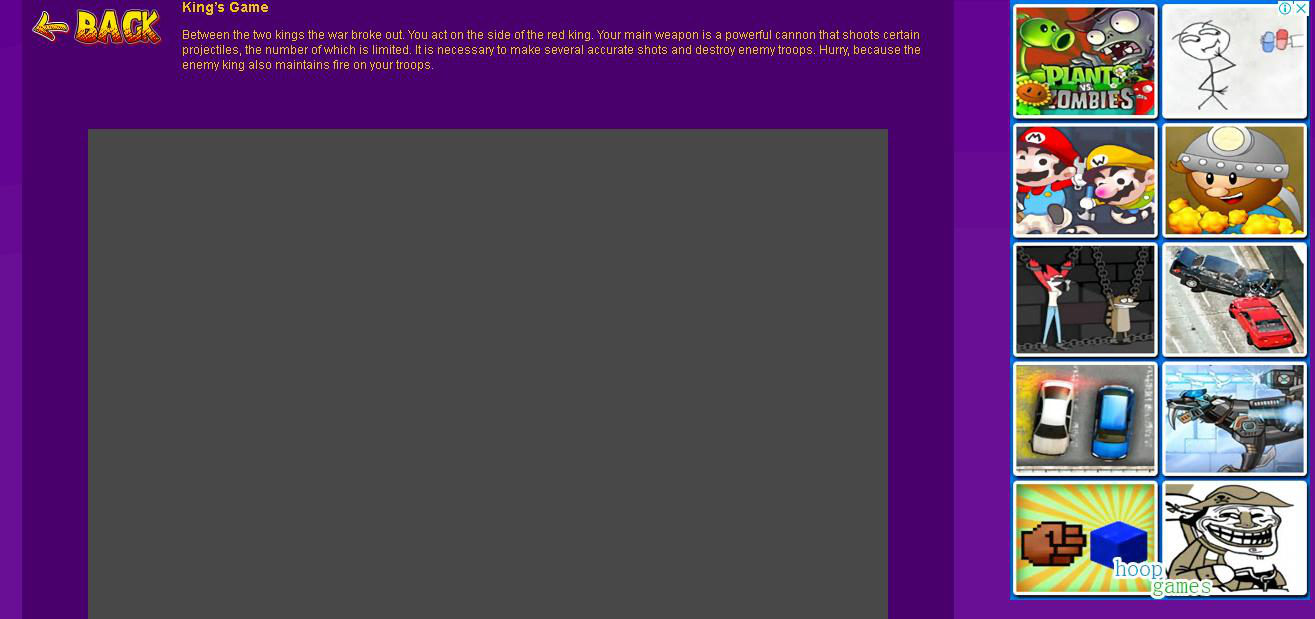
I've been using Firefox the last 5 years, and so far I have not had any problems. I have a 64-bit Windows 8 OS. I used to play Friv flash games at http://www.friv.com/, but it has not been updated for a long time, so I started playing at http://frivgames.racing/, http://kizigamesxl.org/ and http://friv2.racing/. Yesterday I updated Adobe Flash Player and now I can not to play any game! When I go to the page with the game, there is a gray background...
What's wrong?
Zmodyfikowany przez mamumber w dniu
Wybrane rozwiązanie
Hi, would not know the problem but can try removing Flash with this : https://helpx.adobe.com/flash-player/kb/uninstall-flash-player-windows.html Then Reinstall : https://get.adobe.com/flashplayer/otherversions/
See if that does anything as I went to both sites and are working.
Przeczytaj tę odpowiedź w całym kontekście 👍 0Wszystkie odpowiedzi (2)
Wybrane rozwiązanie
Hi, would not know the problem but can try removing Flash with this : https://helpx.adobe.com/flash-player/kb/uninstall-flash-player-windows.html Then Reinstall : https://get.adobe.com/flashplayer/otherversions/
See if that does anything as I went to both sites and are working.
Thanks, it helped.