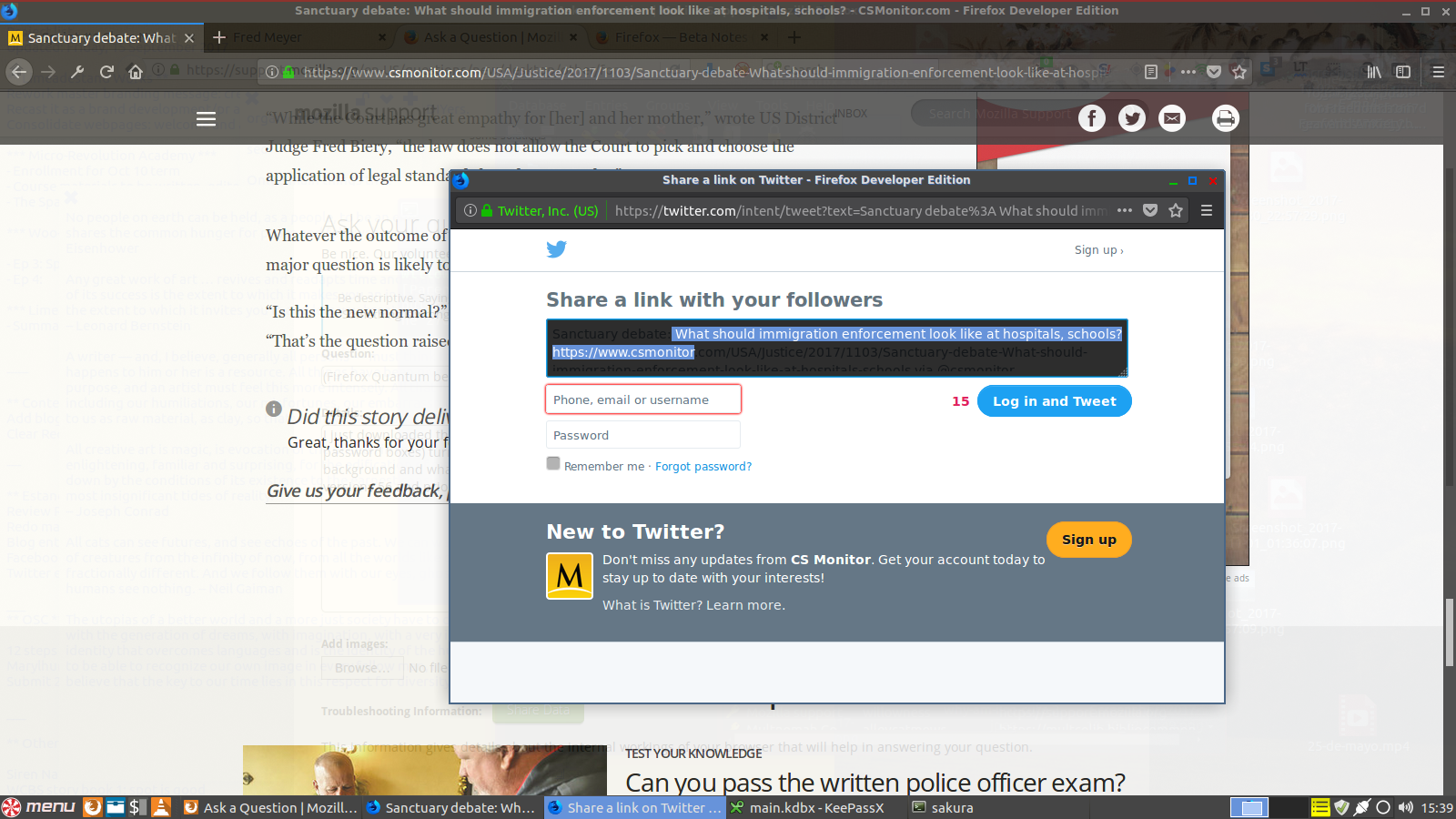
(Firefox Quantum beta) Textbox text disappears into background color

I just downloaded the Firefox Quantum 57.0beta and I noticed that some textboxes (e.g. search box inside a website, login and password boxes) turn black and whatever I type in also shows up as black text (or conversely, some websites with white textbox background and whatever I type in shows up as white text), making it difficult to see what I am entering unless I highlight it (see attached screencap). This did not happen with versions 56 and prior.
Zmodyfikowany przez willowness w dniu
Wszystkie odpowiedzi (3)
I wonder if that is a bug in the Developer Edition theme. Is there an option in Customize to switch to a light theme to see whether that makes any difference?
I switched the theme, the problem still persists.
For the record, I have experienced the same problem with the main 57.0beta (not the developer edition) as well, but I had to remove that version from my computer as it prevented me from using the Firefox 56.0 that was already installed on my computer.
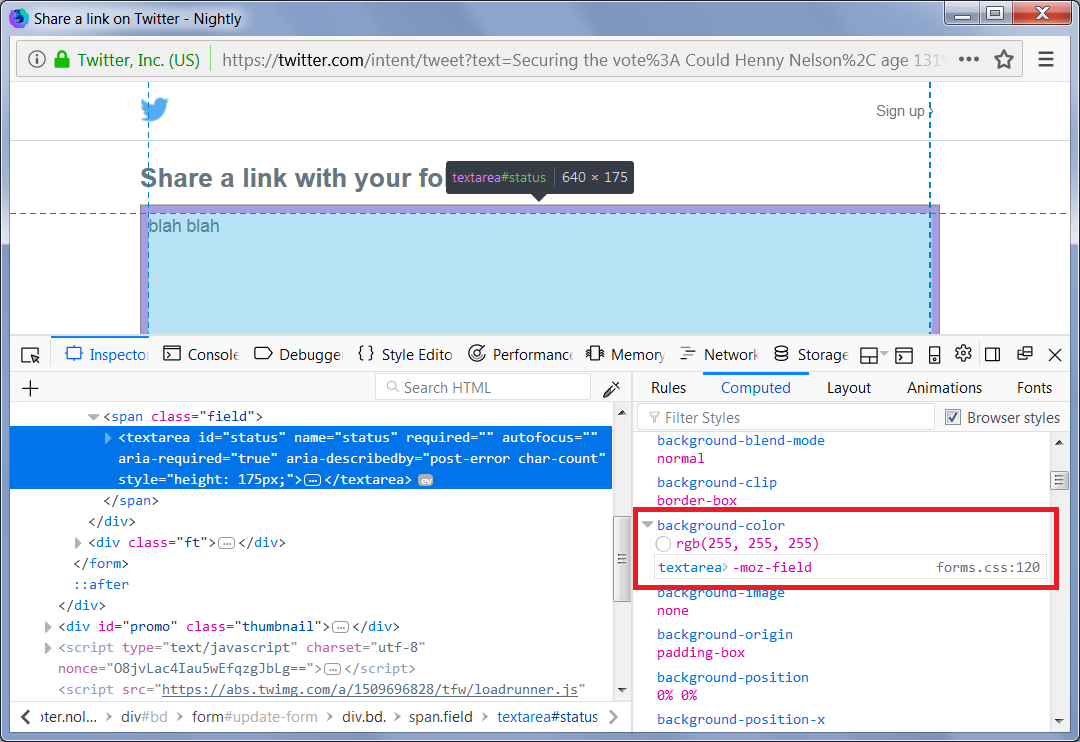
Can you find the source of the background color? The attached screenshot of the Inspector is from Nightly which may differ from Beta/Developer.