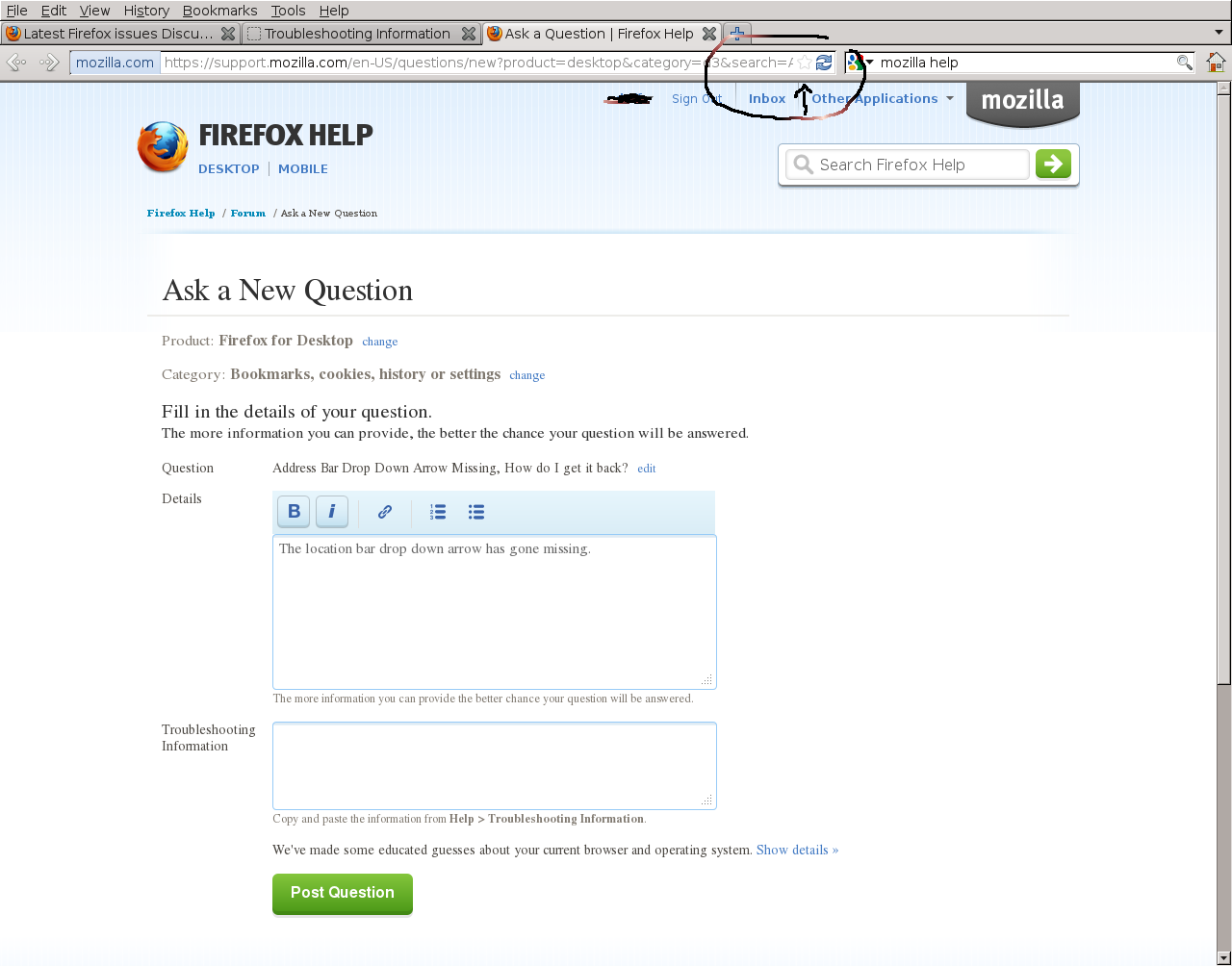
Address Bar Drop Down Arrow Missing, How do I get it back?

Missing the Location Bar Drop Down Arrow that is normally on the right hand side inside the location bar next to bookmarks and refresh.
Id like to get it back
Thanks!
Missing the Location Bar Drop Down Arrow that is normally on the right hand side inside the location bar next to bookmarks and refresh.
Id like to get it back
Thanks!
Endret av doff
All Replies (3)

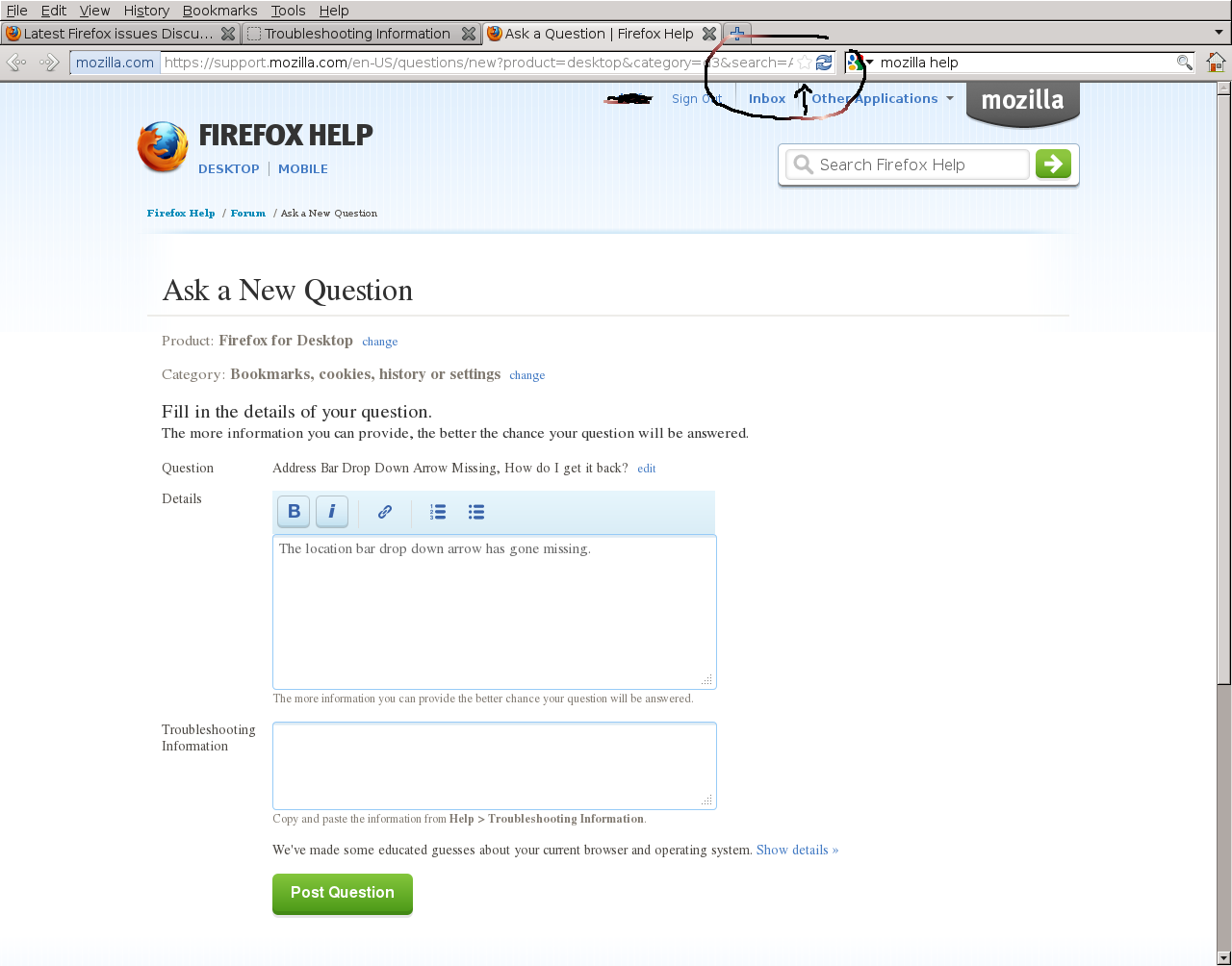
I tried those steps however none of them will add the little drop down arrow to the right of bookmarks within the location bar. I have attached a screenshot circling where the arrow is missing from to possible help give a better idea of what is missing.
No one out there that knows how to fix this one?
I uploaded an image to show where the arrow is that I'm trying to get back.