


Thunderbird for Android troubleshooting outbound mail

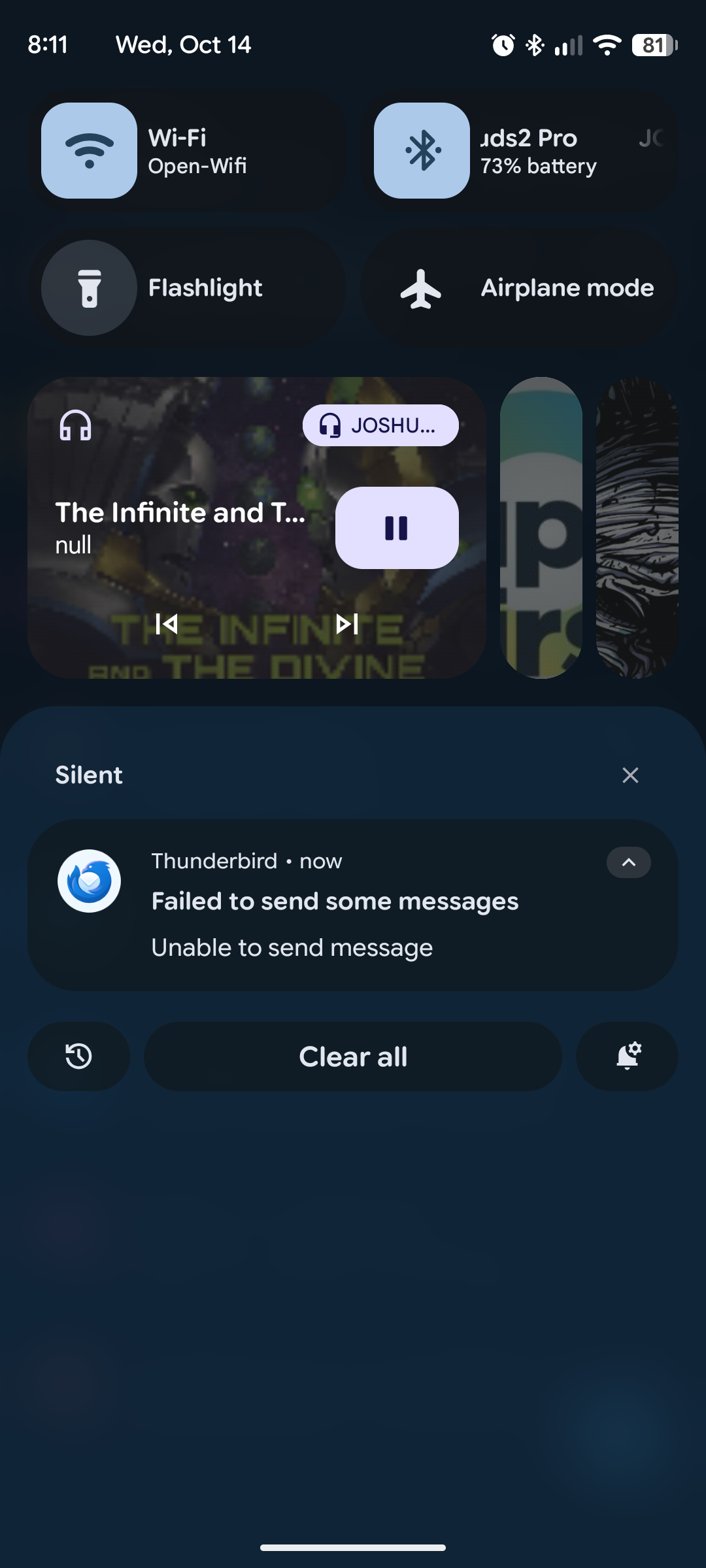
I'm having issues sending and outbound email and I'm not getting any error messages from the client. I have confirmed that the email server settings are correct. I am unfortunately unable to find a log or error console on the app to further trouble shoot all I get is a notification of "unable to send mail" with no error codes.
All Replies (1)

A user aided by AI has looked at this issues and summarised they're findings on the below github ticket. Note that developers have not yet responded or assesed the validity of the users summary.
https://github.com/thunderbird/thunderbird-android/issues/9558#issuecomment-5741878271
Extract
When a send fails while waiting for the server's reply to the final dot of DATA, Thunderbird cannot know whether the message was delivered. It deliberately marks the failure permanent so the message is never sent twice. That decision is reasonable. What is missing is everything after it: the user is never told the message may already have been delivered, is given no way to resolve it, and sees only "Unable to send message".
If you know the recipient hasn't received the email, you can try moving it to draft, or edit as new message and send it again.
Removing the email from the outbox will stop the silent failed to send notifications.