


Windows 10 reached EOS (end of support) on October 14, 2025. If you are on Windows 10, see this article.

Search Support

Avoid support scams. We will never ask you to call or text a phone number or share personal information. Please report suspicious activity using the “Report Abuse” option.

Learn More
Open

Extension Clippings stopped working - Vers 152.0.1 Will not open / FF icon missing from Desktop / ref: 2045930

Dr J replied
Dr J

Problem w/ Clippings again today. Prior: https://bugzilla.mozilla.org/show_bug.cgi?id=2045930

Windows 10 - Pro Lenovo T490 ( Lenovo LTD installed firmware update 6/19 & 17/26 (respectively - 1st time I've EVER seen this): 1.0.0.28 & 1.0.0.85

An icon is missing from my desktop which I normally use to open FF. I have noticed issues when NOT using this icon previously - like there is a different version or ID attached - I need to get this back. Data Loss (Clippings) / Again !! - I'm not sure who is at fault. When I display Settings - I notice a HUGE difference in that there is NO General tab (attached) as there was when I reported this (similar to me) issue last 2 weeks ago (see original problem report link).

When I use Recovery: I have a file displayed: Location C:\Users\pc\Desktop\Old Firefox Data\wu6w9pz8.default-release\sessionstore-backups Last modified 6/8/2026, 8:07 PM (3rd time in this doesn't show - right after copying the filename !~)

I believe I need to use this as my production / live version & need instructions on how to recover / restore this. I have NOT YET used Windows Recovery (but I will look at it) - Microsoft Visual C++ was installed - 2 restore points as of this morning. (I may be wrong).
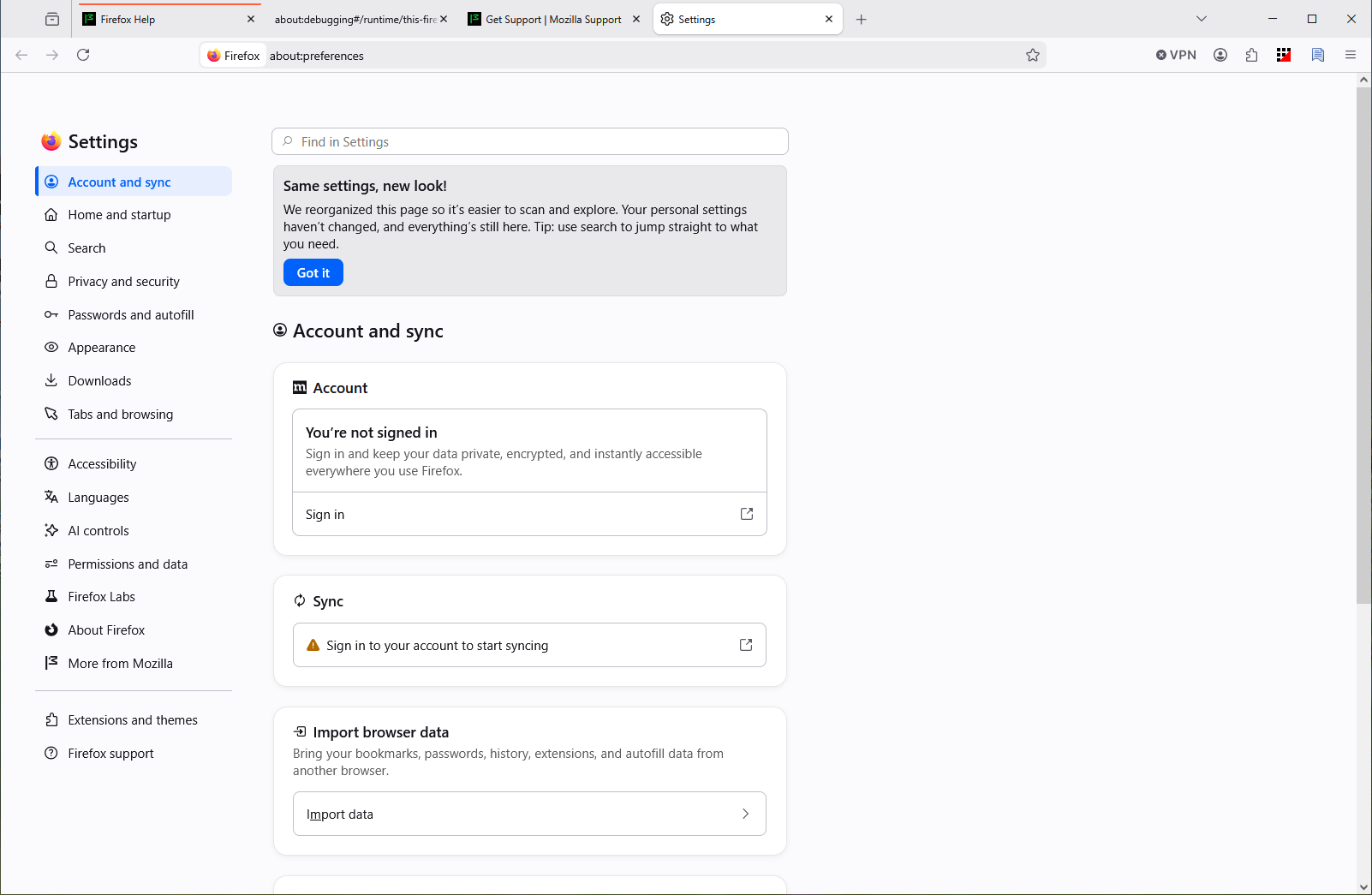
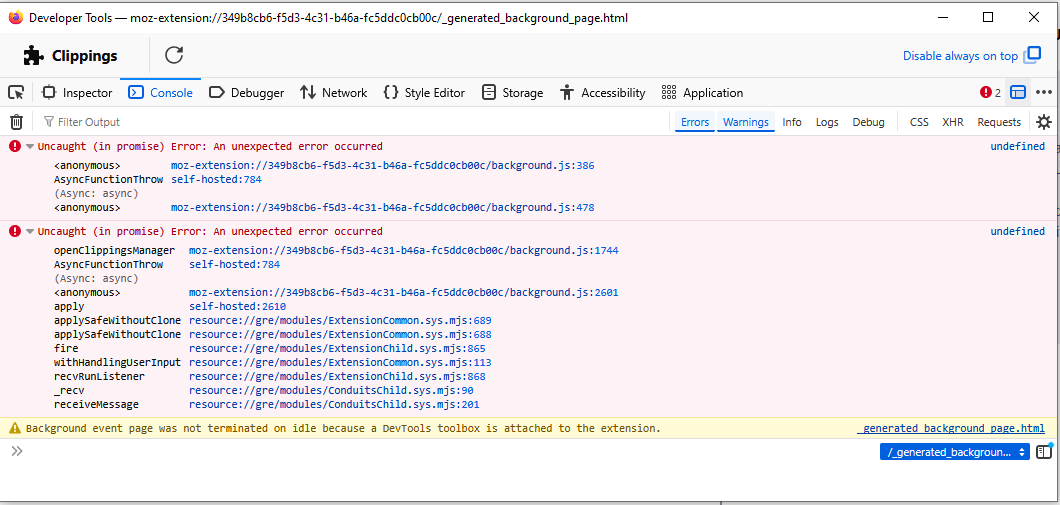
Problem w/ Clippings again today. Prior: https://bugzilla.mozilla.org/show_bug.cgi?id=2045930 Windows 10 - Pro Lenovo T490 ( Lenovo LTD installed firmware update 6/19 & 17/26 (respectively - 1st time I've EVER seen this): 1.0.0.28 & 1.0.0.85 An icon is missing from my desktop which I normally use to open FF. I have noticed issues when NOT using this icon previously - like there is a different version or ID attached - I need to get this back. Data Loss (Clippings) / Again !! - I'm not sure who is at fault. When I display Settings - I notice a HUGE difference in that there is NO General tab (attached) as there was when I reported this (similar to me) issue last 2 weeks ago (see original problem report link). When I use Recovery: I have a file displayed: Location C:\Users\pc\Desktop\Old Firefox Data\wu6w9pz8.default-release\sessionstore-backups Last modified 6/8/2026, 8:07 PM (3rd time in this doesn't show - right after copying the filename !~) I believe I need to use this as my production / live version & need instructions on how to recover / restore this. I have NOT YET used Windows Recovery (but I will look at it) - Microsoft Visual C++ was installed - 2 restore points as of this morning. (I may be wrong).
Attached screenshots

All Replies (1)

I intended to report this as a Bug / Open accordingly.

Still et spørsmål

You must log in to your account to reply to posts. Please start a new question, if you do not have an account yet.