


How do I add the Translate icon to my Toolbar - W10 - please?

How do I add the Translate icon to my Toolbar - W10 - please?
If I open the following page in Chrome it automatically translated from German to English. https://www.camperprotect.de/p/fahrer-und-beifahrertuerverriegelung-einbruchschutz-2006-2019
I cannot find how to translate it in Firefox. I do not have the Translate icon that is suggested.
Many thanks
Brian
All Replies (8)
Hello
Firefox Translations https://support.mozilla.org/en-US/kb/website-translation#w_translate-the-full-page
Alternatively, you can select Translate page from the Firefox menu
Thank you for the advice.
The suggestions in the web page you advised are: "When you visit a webpage in a supported language, the translation panel will open automatically. If the panel does not open, click the translation icon in the toolbar. Translation icon - toolbar Alternatively, you can select Translate page from the Firefox IG main menu menu.You can also right-click anywhere on the page and select Translate page from the context menu."
a) The translation panel does not automatically open b) I do not have the translation icon showing on my toolbar. c) There is no Translate page in the Firefox IG main menu. d) There is no Translate option in the drop down menu when I right click on the page.
I have the very latest version of Firefox installed on my W10 PC.
What else do you advise please?
Hi.. do you have the option to translate enabled ? :)
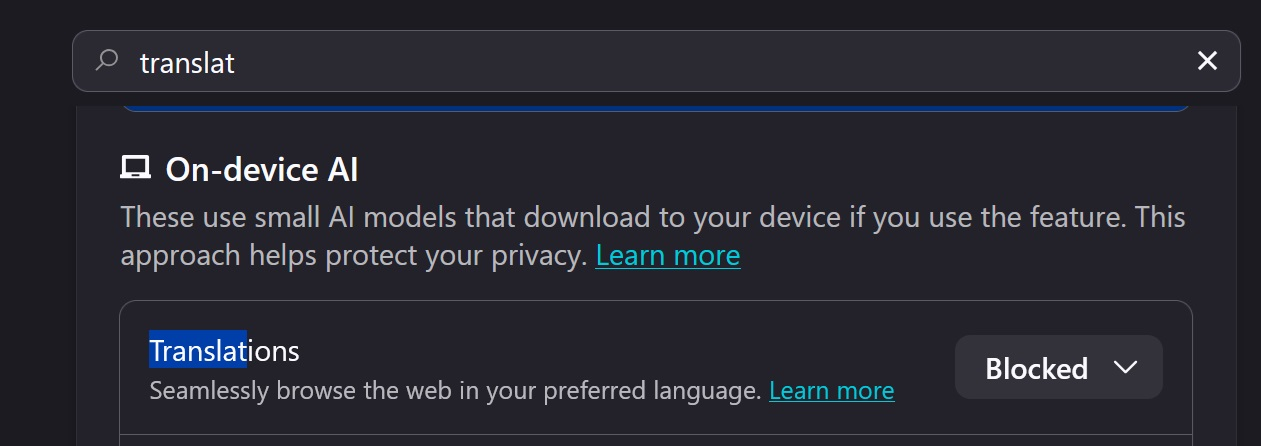
Since Firefox 148.0 https://www.firefox.com/en-US/firefox/148.0/releasenotes Have you checked AI controls
Translations is available only on devices support SSE4.1
For illustration https://connect.mozilla.org/t5/firefox-labs/firefox-doesn-t-offer-to-translate-sites-to-persian-language-via/m-p/107232/highlight/true#M4798 Type about:telemetry#environment-data-tab into your address bar cpu.extensions ?
Firefox 152.0 https://www.firefox.com/en-US/firefox/152.0/releasenotes
For illustration below
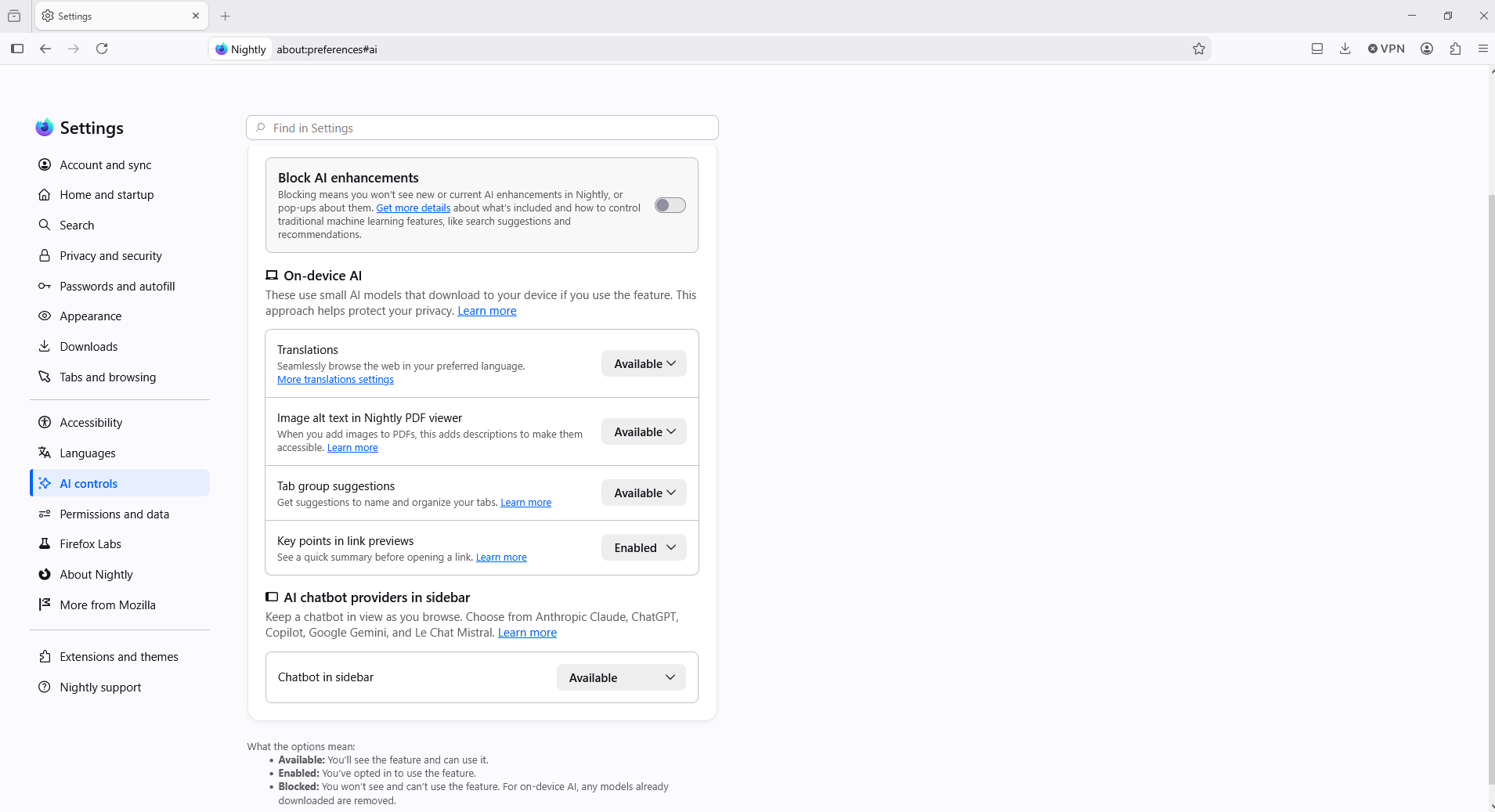
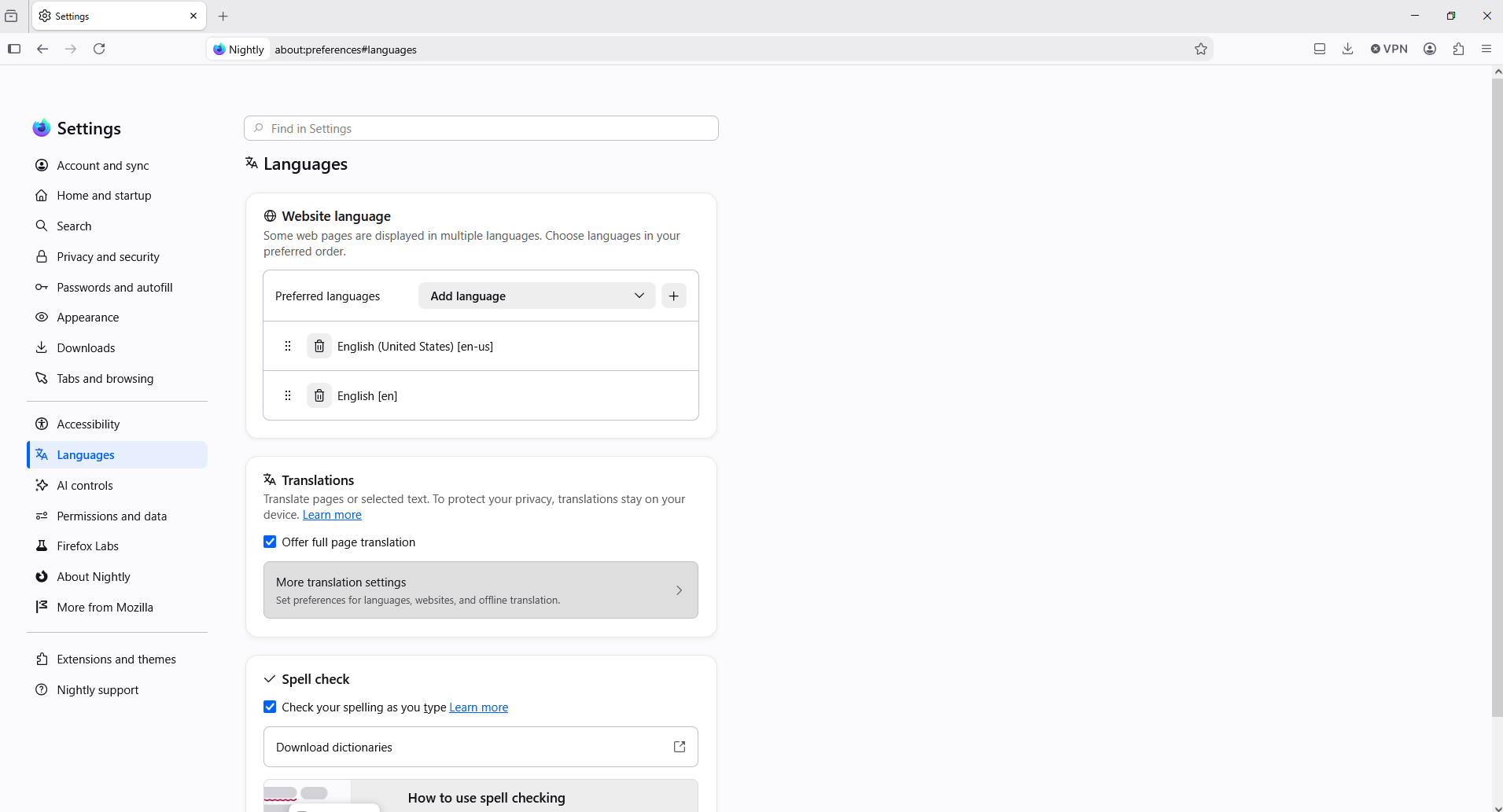
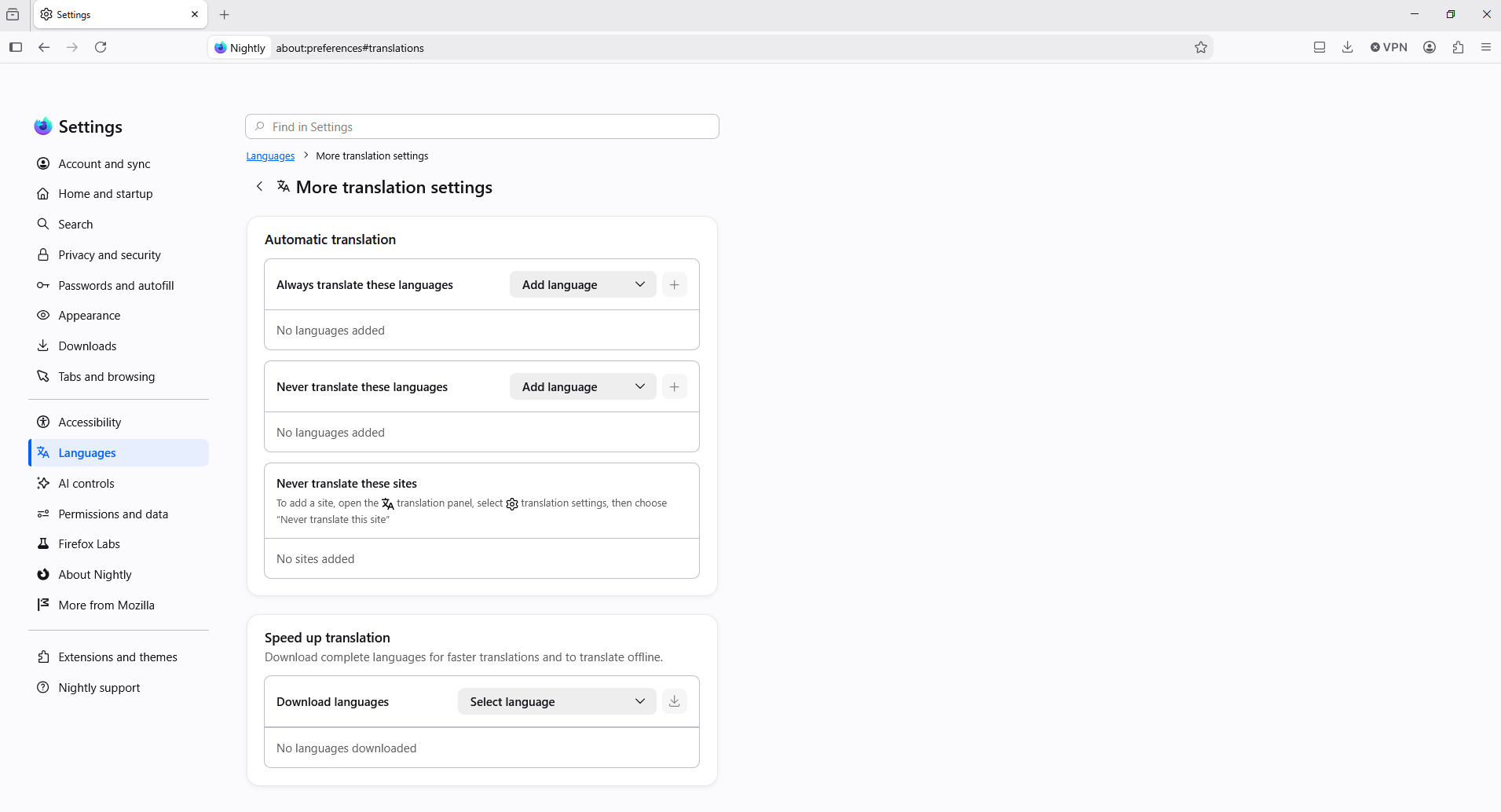
Endret av Agent virtuel
Hi.. do you have the option to translate enabled ? :)
Yes - it is enabled.
And about Type about:telemetry#environment-data-tab into your address bar cpu.extensions
Have you tested https://support.mozilla.org/en-US/kb/website-translation#w_translate-selected-text Highlight the text. Right click and select Translate selection to <your language>.
A question https://support.mozilla.org/en-US/questions/1569529
Type about:translations into your address bar
About, Available languages' models https://mozilla.github.io/translations/firefox-models
Endret av Agent virtuel