


Problem when create new account

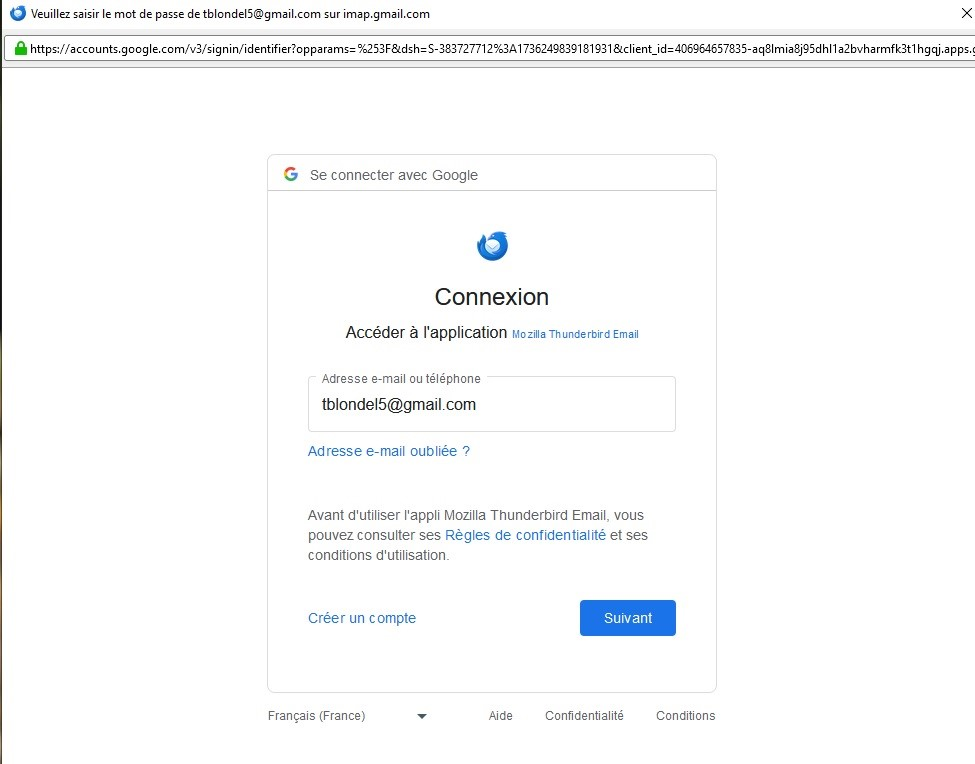
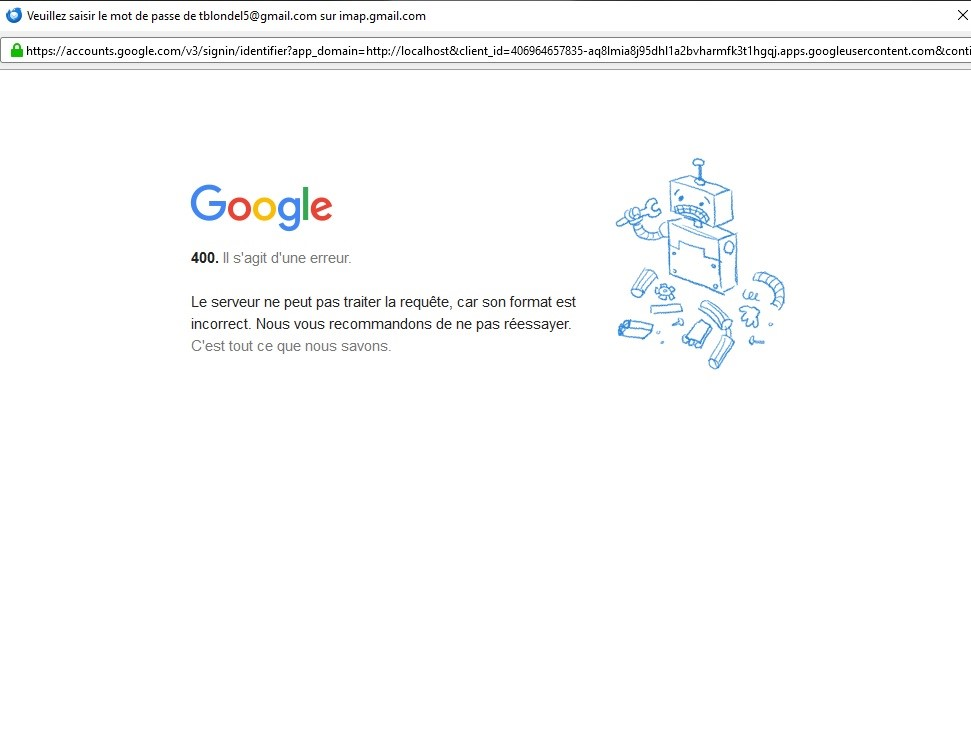
I want to create a Gmail account under Thunderbird and it asks me to connect via a Google account then Error 400: why? (see attached files in french)
All Replies (4)
Have you set up your Gmail account to accept Third Party Apps?
Yes and it stills stuck w/400 error!
There seems to be lots of different answers to this problem. You could try going to Hamburger icon (top right)/Settings/Search for Cookies. Turn Cookies on (if off) and retry. https://support.mozilla.org/en-US/questions/1441976

I had this problem also. The solution was to enable cookies in Thunderbird:
 Click ≡ > Settings.
 Select Privacy & Security.
 Under Web Content section, tick Accept cookies from sites.
You may need to set an exception:
 Click Exceptions… button.
 Add an exception for https://accounts.google.com
 Click Allow.
 Click Save Changes.
Exit and restart Thunderbird and then adding GMail works.
I got the solution from this helpful article (the section on OAuth): https://support.mozilla.org/en-US/kb/thunderbird-and-gmail